Special offers and discounts for hotel rooms
Offers are the easiest way to fill quiet periods. Create one in a minute and it is applied automatically.
Open Rooms and prices → Special offers. An offer is a percentage discount that is valid for a period of time, for all the rooms or for one room type.
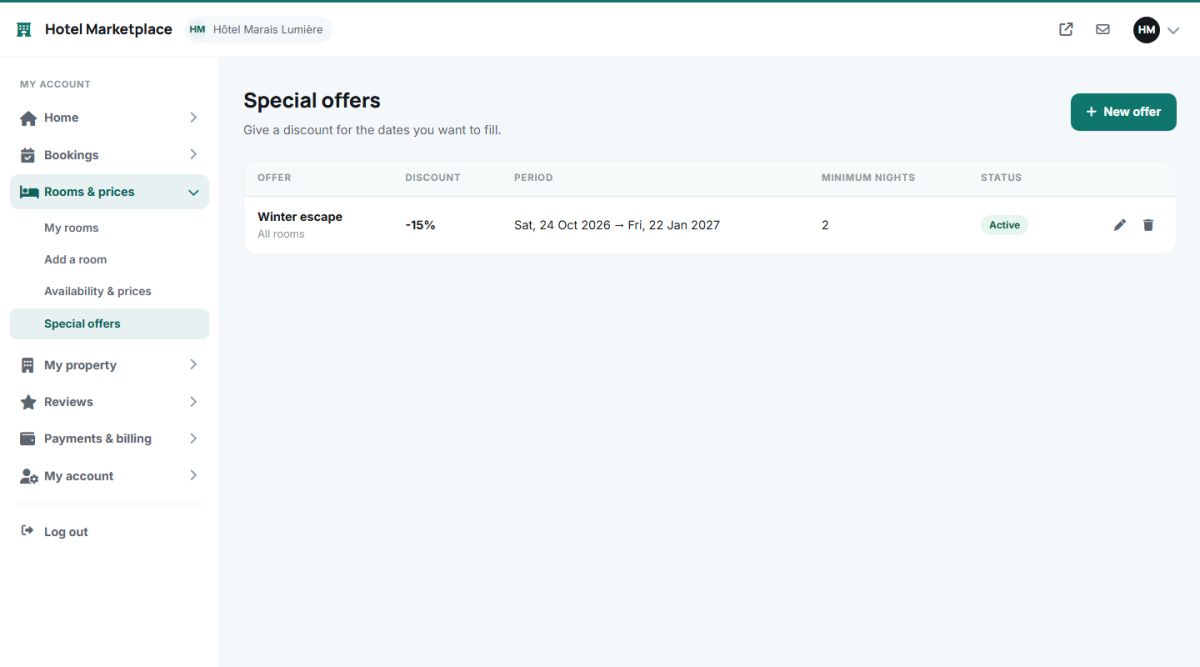
Create an offer
Press New offer and fill in the form:
| Field | Explanation |
|---|---|
| Offer name | For example "Spring escape". It is shown to guests. |
| Applies to | All rooms, or one room type. |
| Discount (%) | The percentage taken off the price of every night. |
| Minimum nights | The offer applies only to stays of at least this length. Use it for offers like "Stay 3 nights, save 10%". |
| Valid from, Valid to | The period. The offer applies to the nights that fall inside it. |
| Description | A short text. The blue AI strip can write it for you from a few notes (AI descriptions). |
| Offer is active | Untick to pause the offer without deleting it. |
Where guests see the offer
- On the search result card: an offer badge, the original price crossed out and the line You save.
- On the hotel page: a green banner in the overview and the discounted price on every room.
- In the checkout summary: a separate line with the discount.
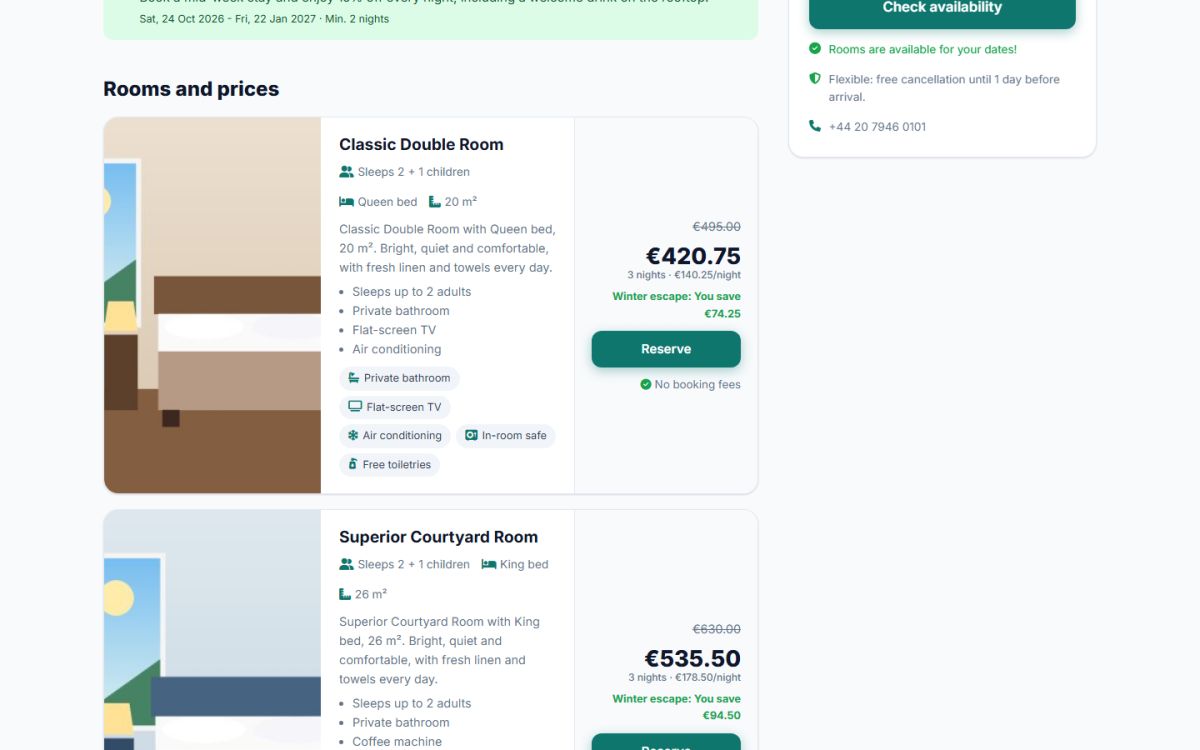
How discounts combine
The discount is calculated on the nightly price, after special prices of the calendar. If several offers could apply to the same night, the one with the highest percentage is used for that night. The discount is applied to the price of the room only (children fees are not discounted), and it does not change the prices stored in the room.
Offers are the best tool for the quiet weeks. Combine a minimum stay of 2 or 3 nights with a discount to fill the gaps between bookings.
Last updated