Statistics, admin users, permissions and backups
Know your traffic, control who can do what and keep safe copies of your data.
Statistics
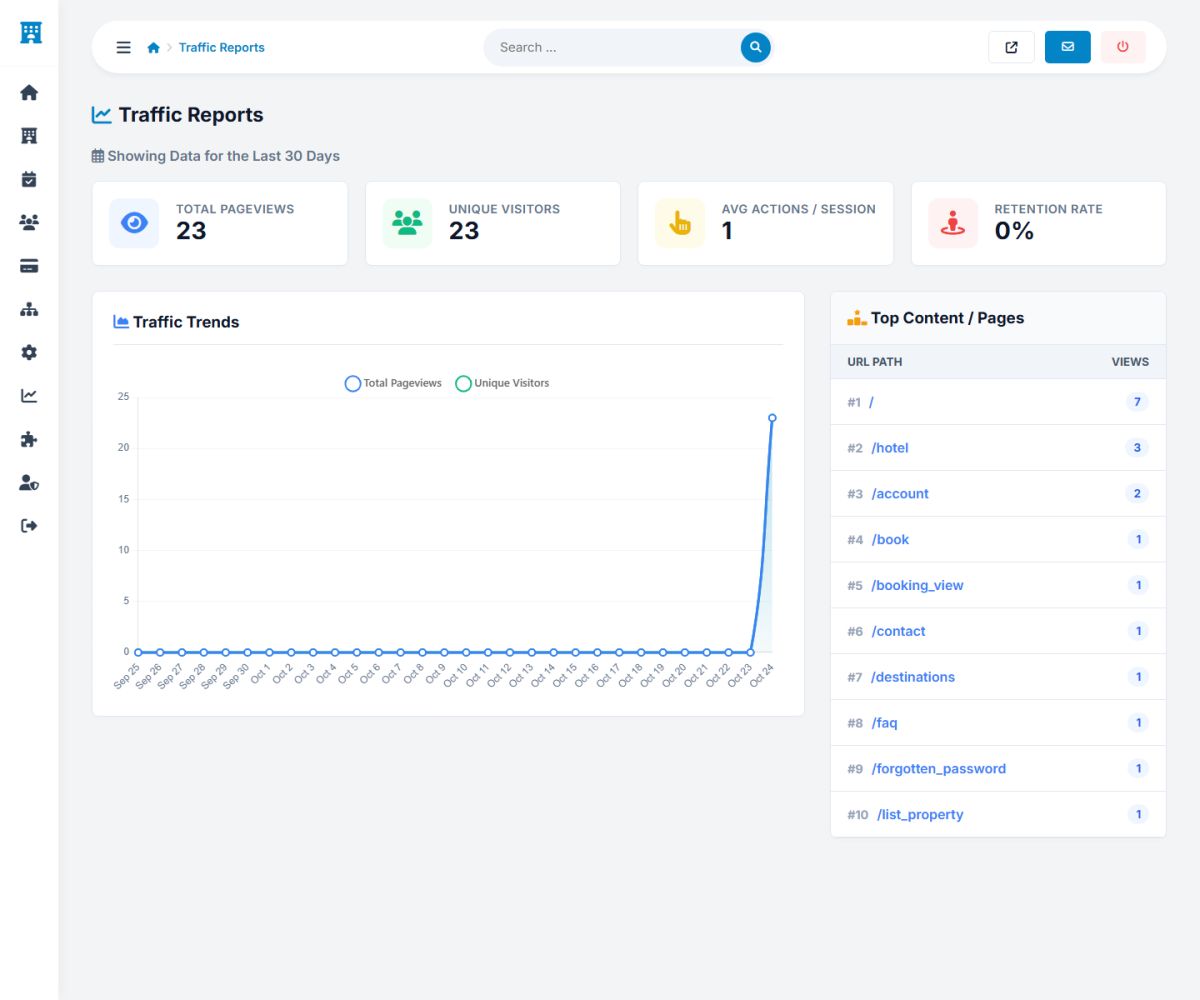
The built-in statistics of the Statistics section need no external tool. They record the visits of the website and show them in four reports.
| Report | What it shows |
|---|---|
| Traffic reports | Page views, unique visitors, actions per session, retention, a trend chart for the last 30 days and the most visited pages. |
| Referrals and sources | Where visitors come from: search engines, social networks, other websites, direct visits. |
| Audience and technology | Devices, browsers and operating systems of your visitors. |
| Live activity | What visitors are doing right now. |
In addition each hotel owner sees the views of the own property on the dashboard, and the commission report shows the money (Packages, commissions and payouts).
Admin users, groups and permissions
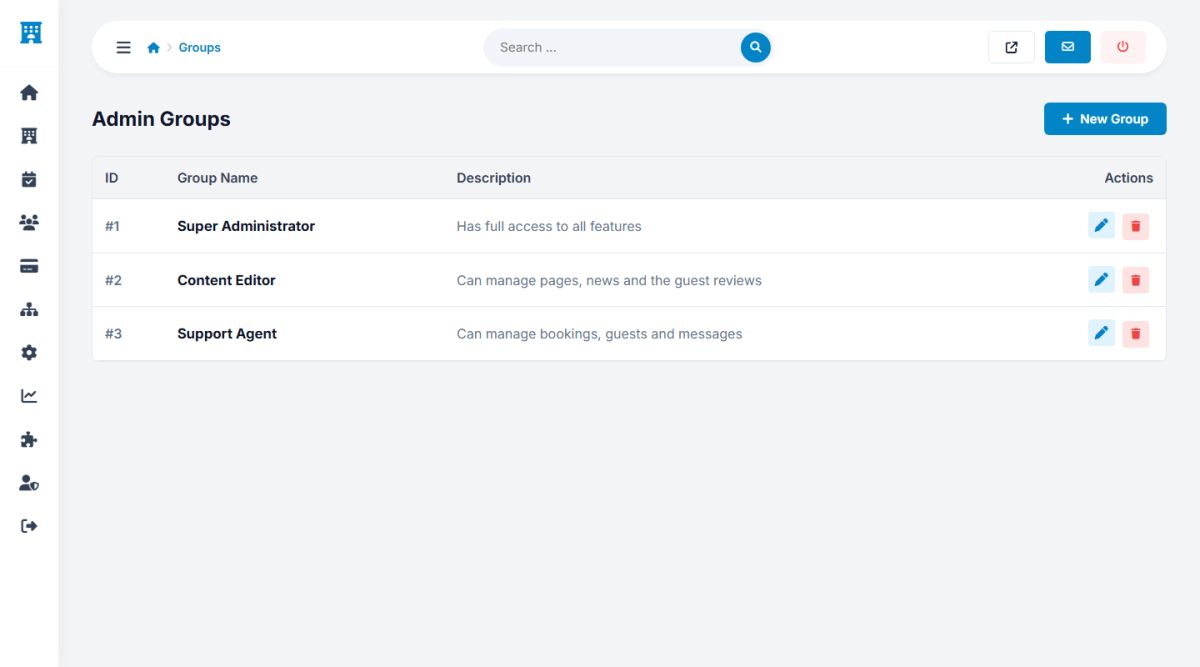
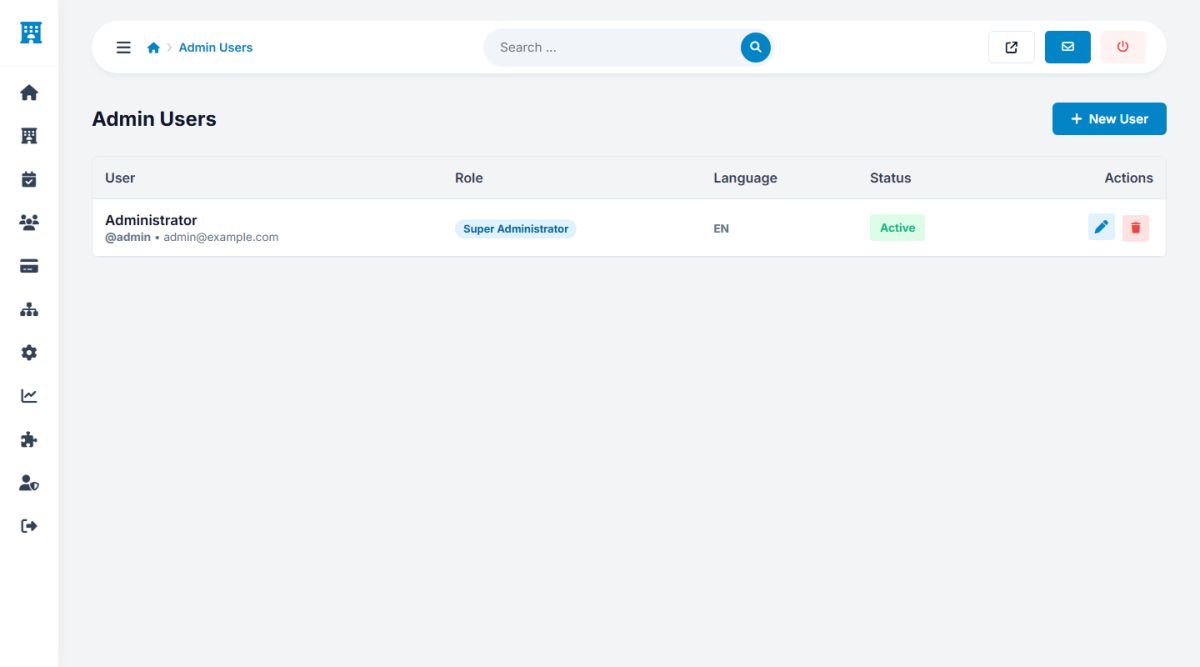
You can give your team access to the admin panel without sharing the main password. Open User groups.
- Admin users: add a user with a login, e-mail, password, language and group.
- Groups: a group is a set of permissions. Three groups are installed: Super Administrator (full access), Content Editor (pages, news and reviews) and Support Agent (bookings, guests and messages).
- Permissions: a matrix of tick boxes decides which pages every group can open. Examples: manage properties, manage bookings, manage payments, manage settings, view statistics.
A user sees only the menu pages that the group allows, and cannot open the others even by typing the address. Give the permission manage payments only to people you trust with money.
Create one account per person. The login logs in Home → Login logs then tell you who did what and from which address.
Backups
Open Settings → Backups and press Generate new backup to save a snapshot of the database: pages, settings, properties, rooms, bookings, guests and users. The backups are listed with their size and date, and can be downloaded or deleted.
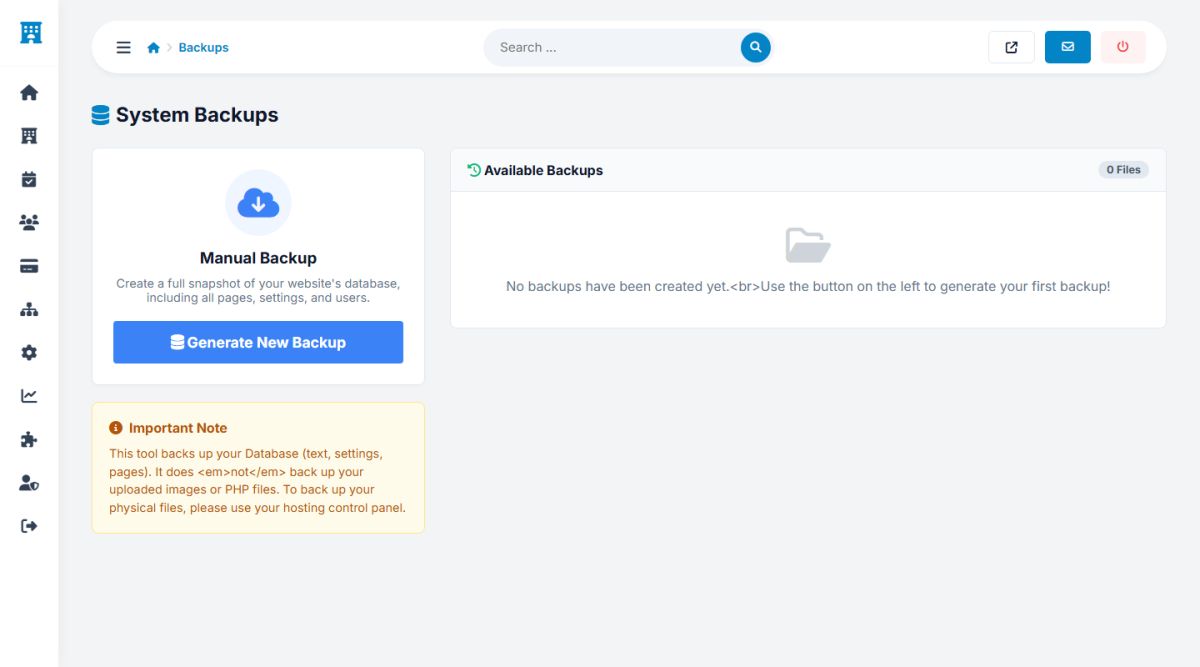
The tool backs up the database only, not the uploaded photos or the PHP files. Make a full copy of the hosting account too (your host's backup or an FTP copy), and download a database backup before every update or big change. Keep copies outside the server.
The folder /backups is protected against direct access from the web, but remember that a backup contains personal data of your guests: store and share it carefully.
Last updated