General settings, appearance and maintenance mode
The settings page is split into sections that you can jump to from the left menu.
Open Settings → Configuration options. The page is one long form with sections; the menu on the left jumps to each section. Press Save all settings at the end.
General settings
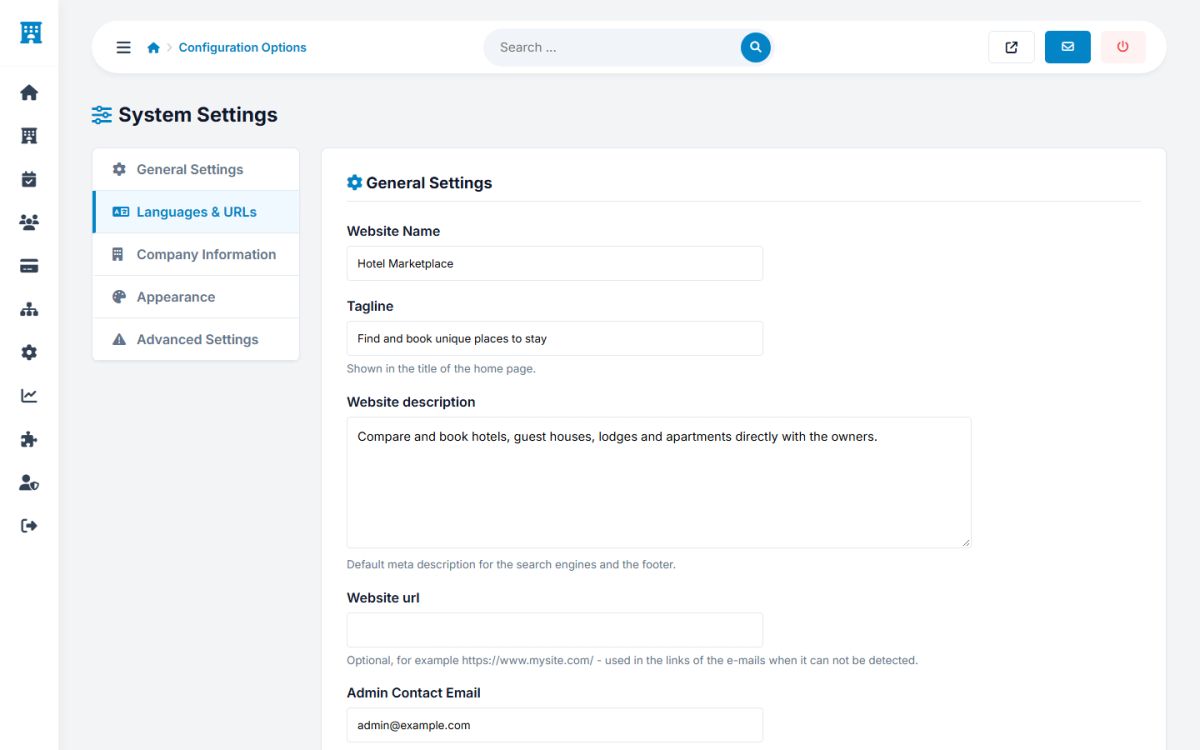
| Setting | Explanation |
|---|---|
| Website name | Used in the header (when there is no logo), titles of the pages and e-mails. |
| Tagline | The short phrase after the name in the title of the home page, for example "Find and book unique places to stay". |
| Website description | The default meta description for search engines and the text of the footer. |
| Website URL | The full address with https://. It is used in e-mails and in links that must be absolute, such as the iCal links and the payment returns. Leave it empty to detect it automatically. |
| Administrator e-mail | Receives notifications of new properties, bookings and contact messages. |
| Time zone | For dates, check-in calculations and the cron job. |
| Date format | A PHP date format, for example D, d M Y gives "Fri, 13 Nov 2026". |
| Results per page | Properties per page in the search results. |
Languages and URLs
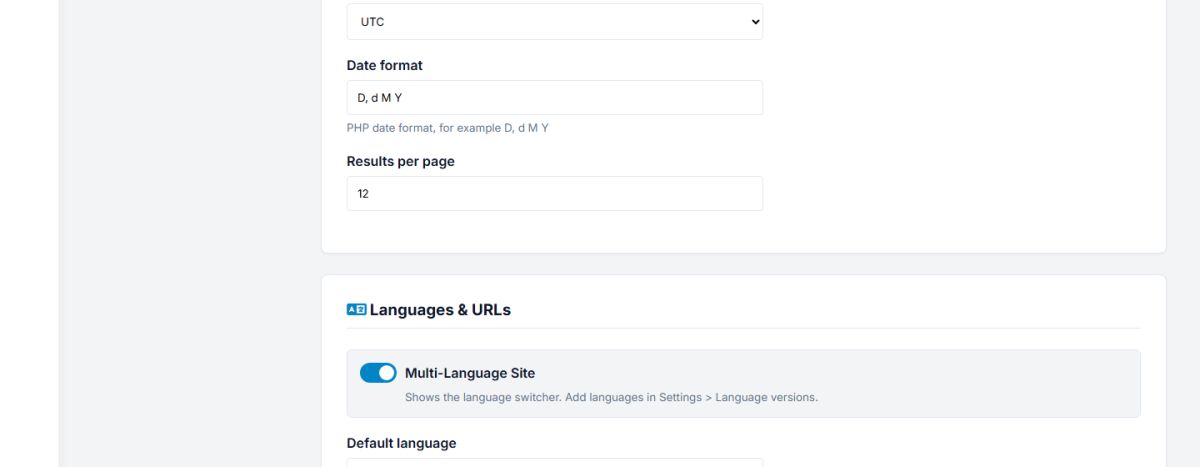
- Multi-language site: shows the language dropdown (Languages and SEO URLs).
- Default language: the language of visitors who did not choose one.
- Enable SEO URLs: readable addresses (needs
mod_rewrite). - Show a Home link in the main menu.
Company information
Company name, address, phone and public e-mail. They are shown in the footer and on the contact page.
Appearance
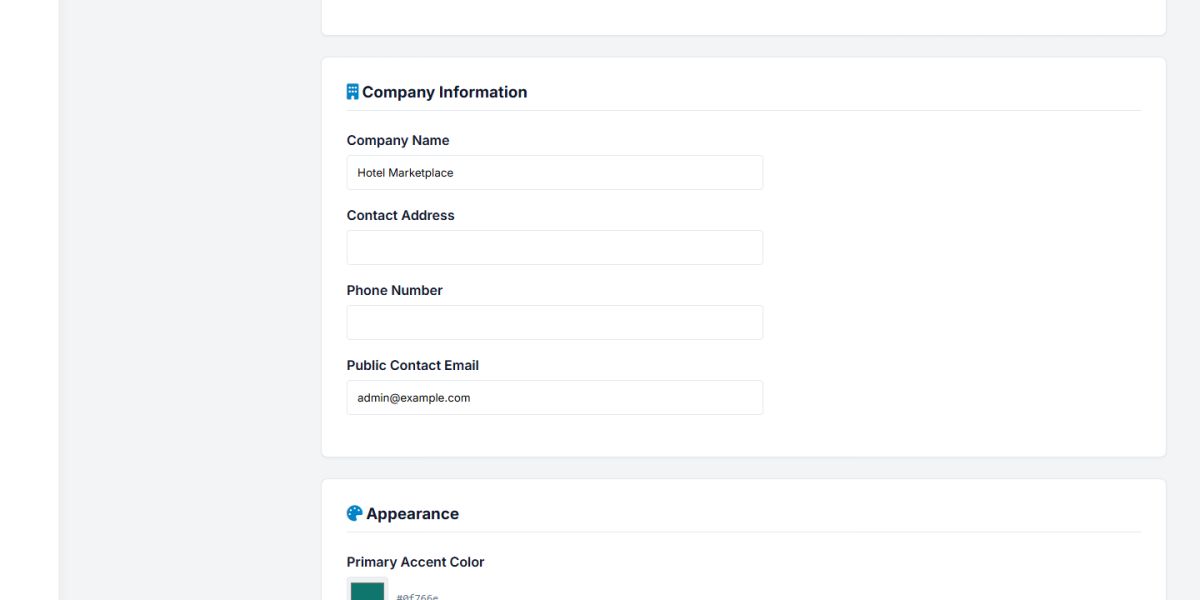
The primary color (buttons, links, highlights), the secondary color, the background of the footer, the font (a fast system font or one of many Google fonts) and the roundness of the buttons and cards. The changes apply to the whole website at once. See also Customization.
Advanced: maintenance mode
Switch on Maintenance mode to show visitors a friendly "We will be back soon" page while you work. Logged-in administrators still see the normal website, so you can check your changes. Do not forget to switch it off.
Use maintenance mode for updates and big changes only. Visitors and search engines receive the code 503 "temporarily unavailable", which tells Google to come back later and not to drop your pages.
Last updated