Home page, logo, templates and advertisement zones
Everything that makes the site look like your brand.
The home page
Open Website → Home page. The page controls the hero (the large picture at the top) and explains where the rest of the home page comes from.
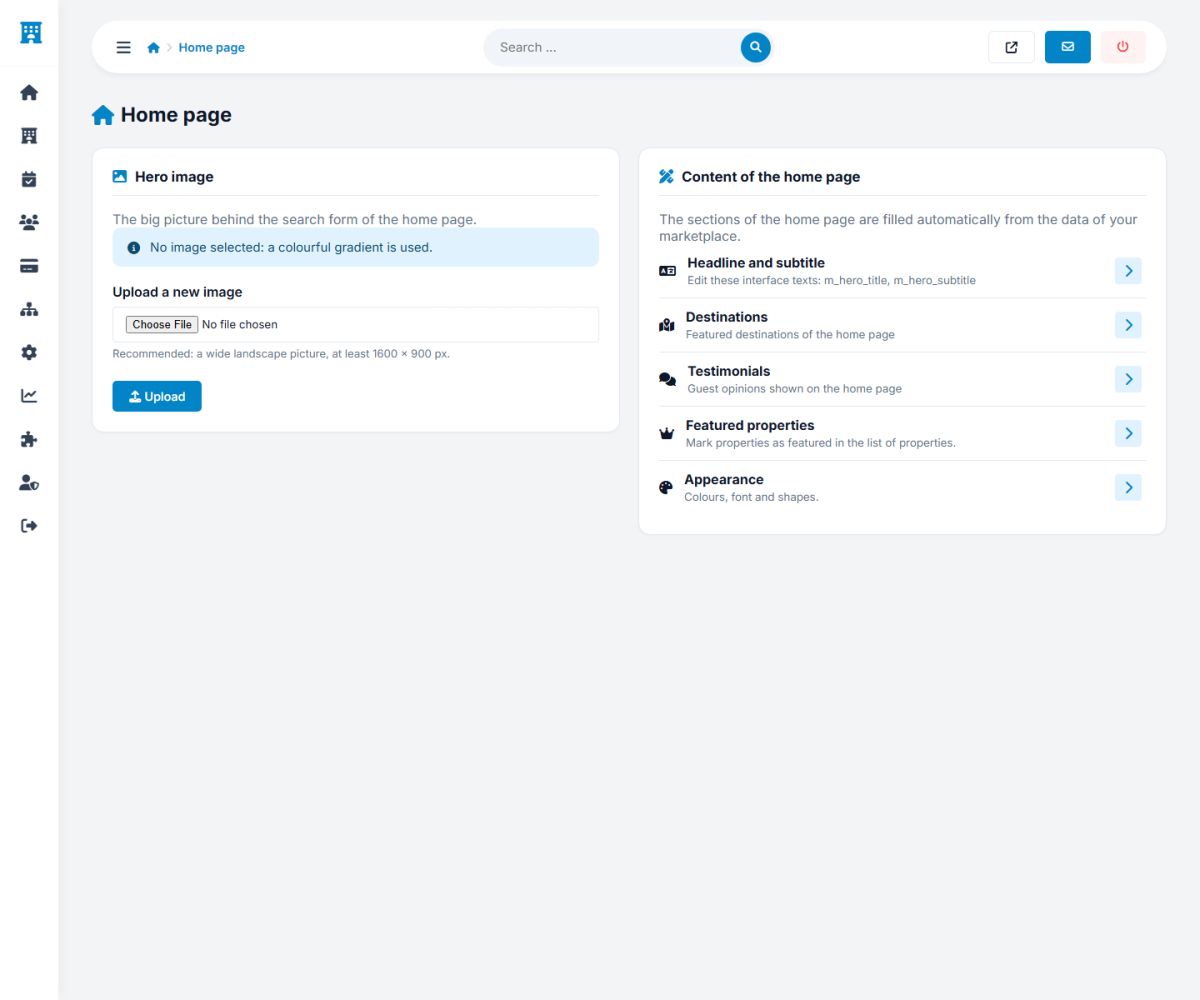
- Hero image: upload a wide photo, at least 1600 × 800 pixels. Without an image the home page uses an elegant colored gradient based on your primary color.
- Headline and subtitle: the big text above the search form is an interface text (
m_hero_titleandm_hero_subtitle). Change it in Website → Interface texts. Write a word between asterisks, like*love*, to show it in the accent color and in italics. - Featured properties: the properties with the crown in Properties → Properties, and the ones that bought a featured listing (Manage properties).
- Popular destinations: managed under Properties → Destinations.
- Testimonials: Users → Testimonials.
- Latest news: the newest articles of Website → News.
- Appearance: colors, font and roundness (General settings).
Counters (properties, rooms, reviews), property types, how it works and the call to action for hotel owners are built automatically from your data.
Logo and favicon
Open Website → Logo and favicon.
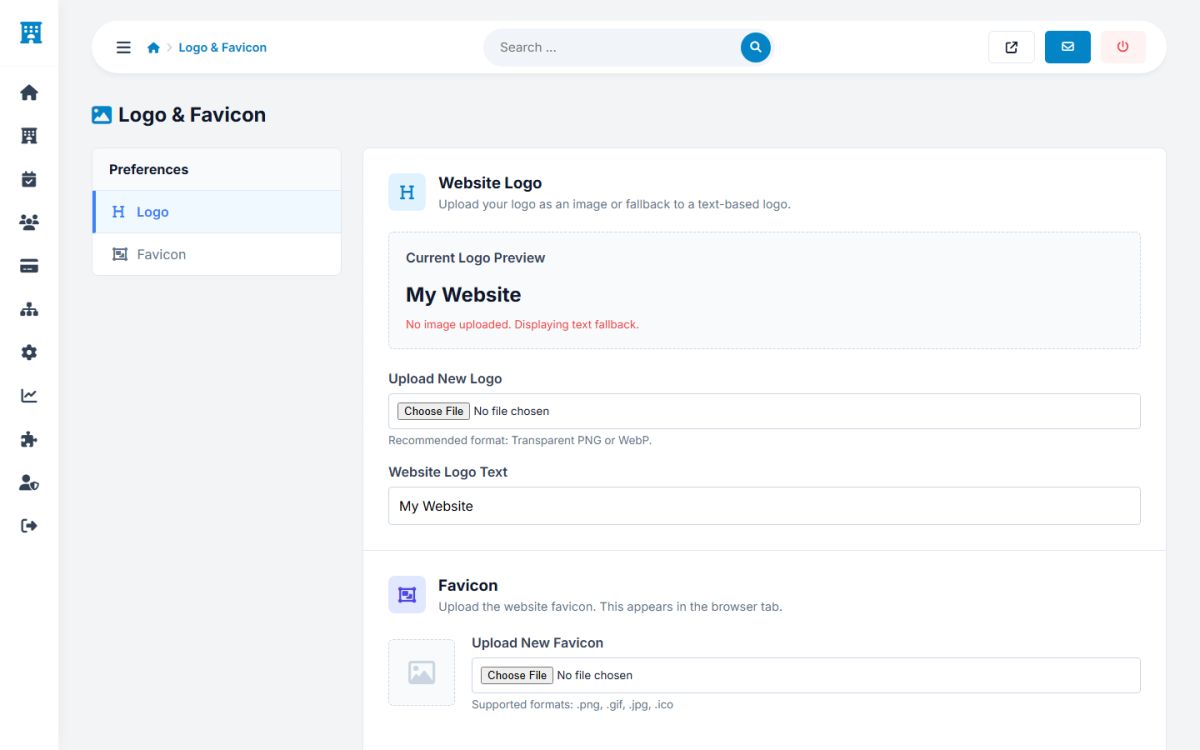
- Logo: upload a PNG with a transparent background (about 400 pixels wide). It is shown in the header and in the footer. If you do not upload a logo, the site shows the Website logo text with a small icon.
- Favicon: the small icon in the browser tab. PNG, GIF, JPG or ICO.
Templates
Website → Templates shows the installed templates. The active template has a green badge. The button Edit HTML opens template.html in the browser, to change the header, the footer and the menus without an FTP program.
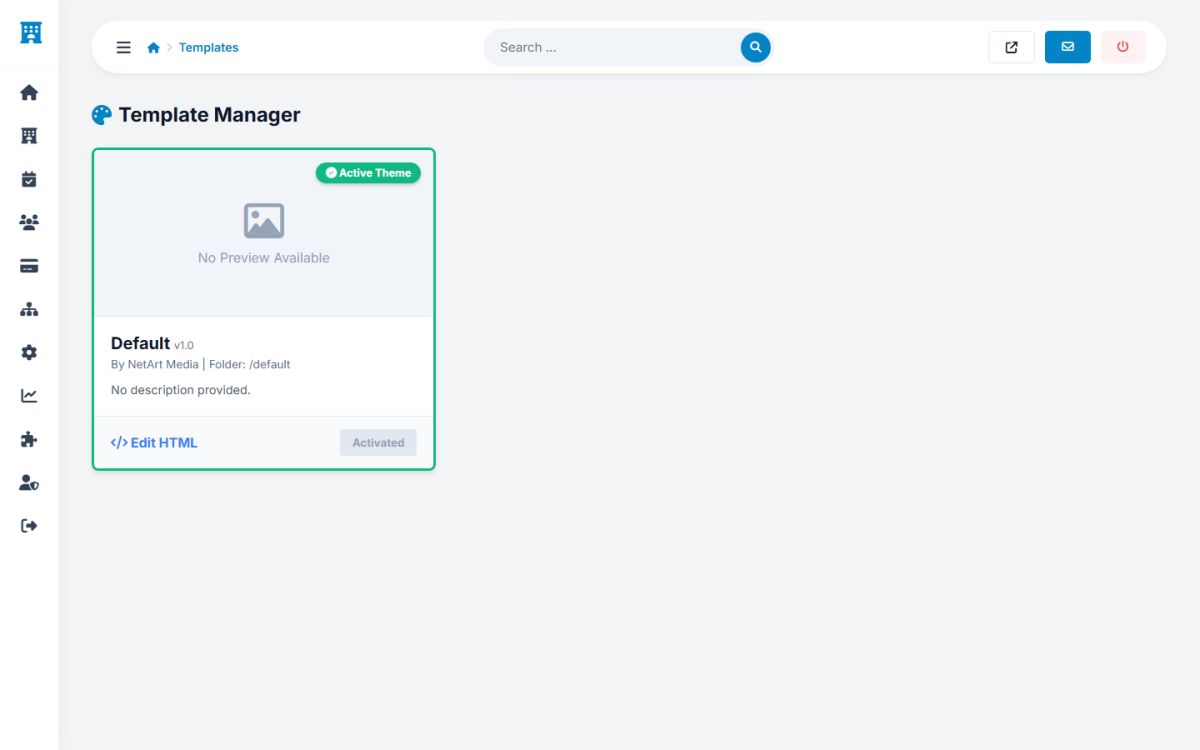
The editor writes directly to the live template. Keep a copy of the original code, and check the website right after saving. The file must be writable by the web server.
Advertisement zones
In Website → Advertisements you can place banners or ad network code in four zones of the website:
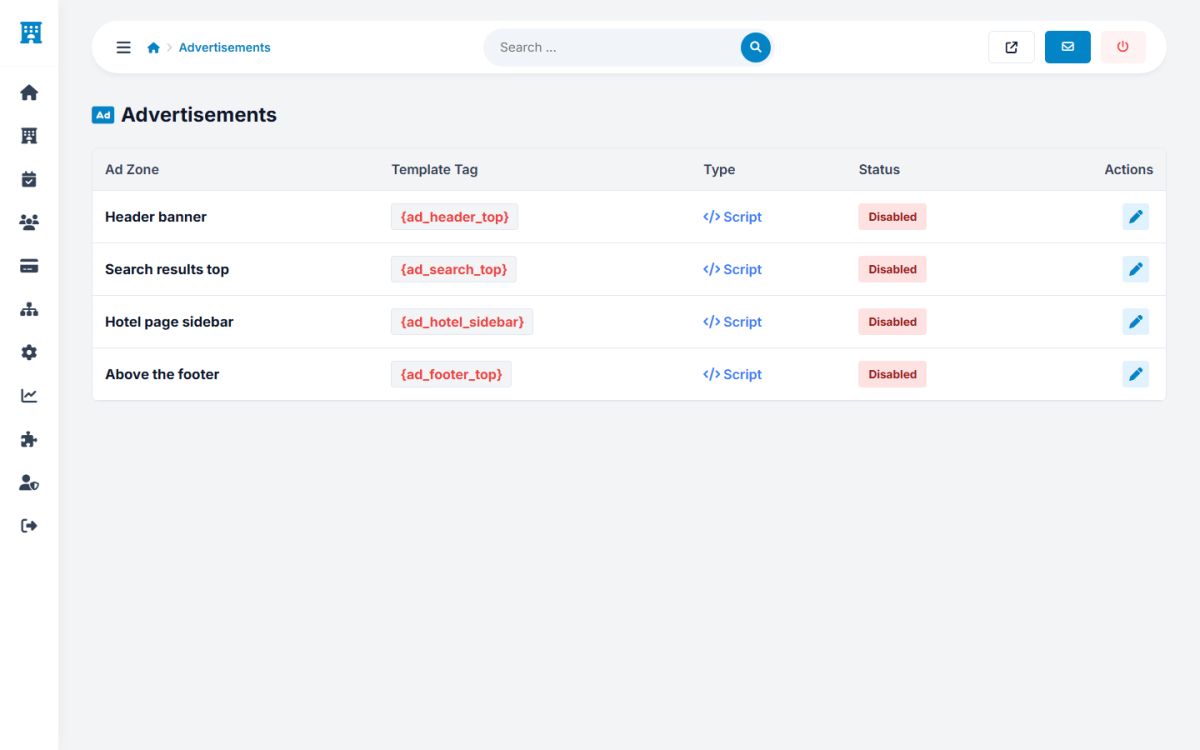
| Zone | Where it appears |
|---|---|
| Header banner | At the top of the inner pages (it is not shown on the home page, which has its own large hero). |
| Search results top | Above the list of properties. |
| Hotel page sidebar | Under the booking box of the hotel pages. |
| Above the footer | At the end of the content of every page. |
Click the pencil of a zone and choose the type: Code (paste for example Google AdSense or an HTML banner) or Image (upload a banner and enter the address it links to). Tick Active to show it. A disabled zone shows nothing and takes no space.
Ads can be a second source of income next to commissions and packages, but keep the booking pages clean: put them on the results and the hotel sidebar, not in the checkout.
Last updated