Backup, restore and moving to a new server
Download a full XML backup of all PHPPoll polls and votes, restore it on any server, delete all votes and learn what to copy besides the backup file.
The page Backup & tools protects your polls and makes it easy to move the script.
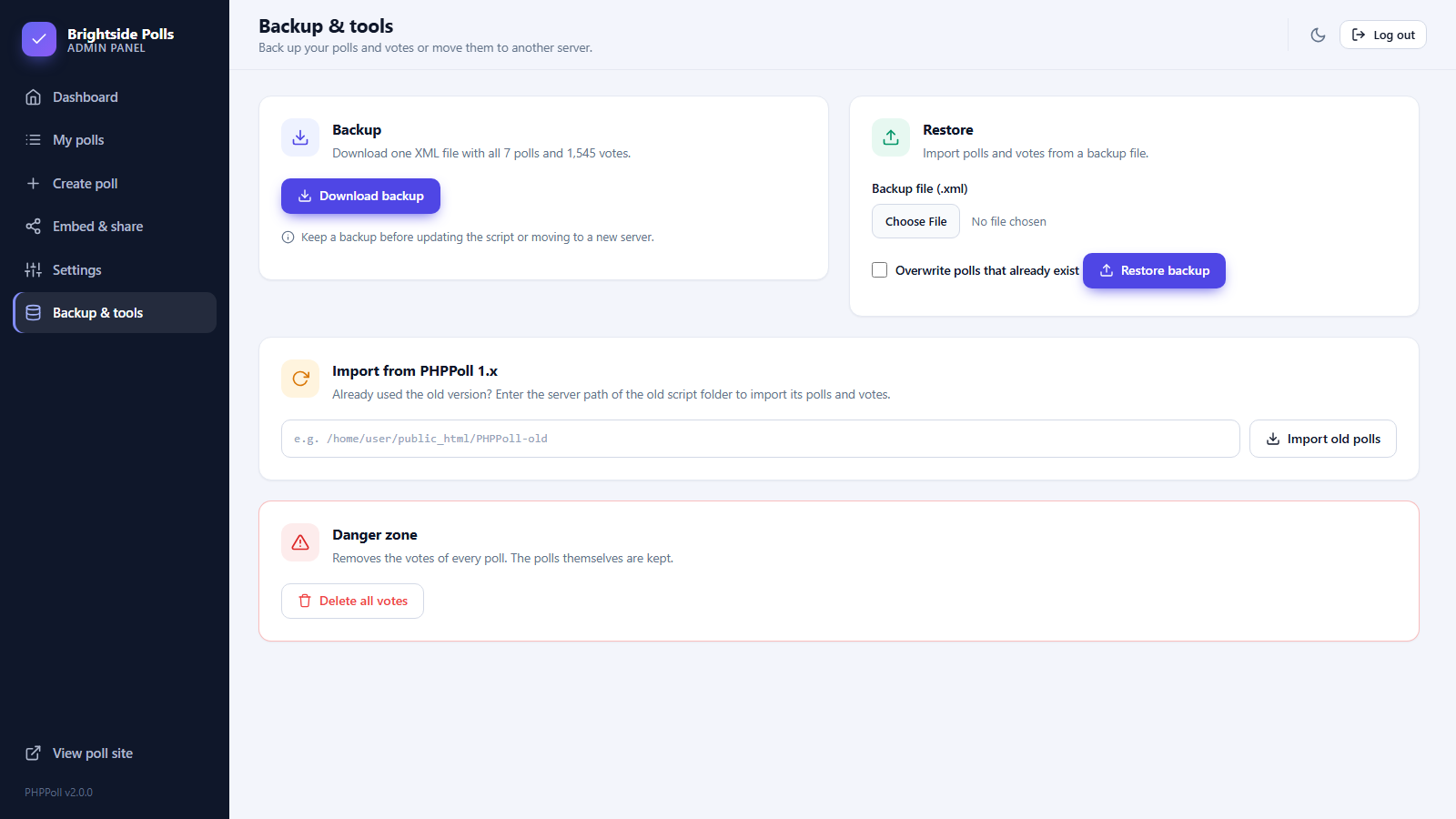
Download a backup
- Open Backup & tools.
- Click Download backup.
- Store the file
phppoll-backup-YYYY-MM-DD.xmlsafely.
The file contains all polls with their settings and all votes. It is readable XML.
Restore a backup
- Install PHPPoll on the new server and create an account. See How to install the PHP poll script.
- Open Backup & tools, choose the XML file in the Restore card.
- Tick Overwrite polls that already exist only if you want to replace polls with the same ID.
- Click Restore backup. A message shows how many polls were imported and how many were skipped.
What is not in the backup
- Uploaded images (
uploads/folder) – copy this folder yourself when you move servers. - Settings and account – you set these up again on the new installation, or copy
data/settings.xmltoo. - Your own changes to the script files.
Back up by copying files
Because everything is plain files, you can also back up by copying the data/ and uploads/ folders with FTP. That is the most complete copy.
Delete all votes
The Danger zone removes the votes of every poll but keeps the polls. Use it to start fresh after testing. To remove votes of a single poll use Reset all votes on its results page. See The results page.
Download a backup before updating the script, deleting polls or changing servers. A scheduled FTP/cron copy of the data/ folder is a good habit for busy sites.
Moving from the previous version? See Upgrade from PHPPoll 1.x.
Last updated