Single and multiple choice polls
Create single choice and multiple choice polls with PHPPoll. Set options, an Other answer, minimum and maximum choices, shuffled order and result sorting.
The classic poll: a question and a list of answers. A single choice poll lets visitors pick exactly one answer, a multiple choice poll lets them pick several.
Create a single choice poll
- Click Create poll and select Single choice.
- Enter the question, for example Which feature should we build next?
- Fill in at least two answer options. Use Paste list to add many quickly.
- Click Create poll.
Create a multiple choice poll
Select Multiple choice instead. Two extra fields appear under the options:
| Field | Meaning |
|---|---|
| Maximum choices | How many options one visitor may select. 0 means no limit. 1 turns it into a single answer. |
| Minimum choices | How many options must be selected (default 1). |
The voting form shows a hint such as "Choose up to 3 options", and the script blocks extra ticks.
Useful option settings
- Allow "Other" answer: adds a last option with a text field. You can rename the label, for example "Something else". Typed answers are collected in the results page.
- Shuffle the options: shows the options in a random order to each visitor, which removes the bias towards the first option.
Results of choice polls
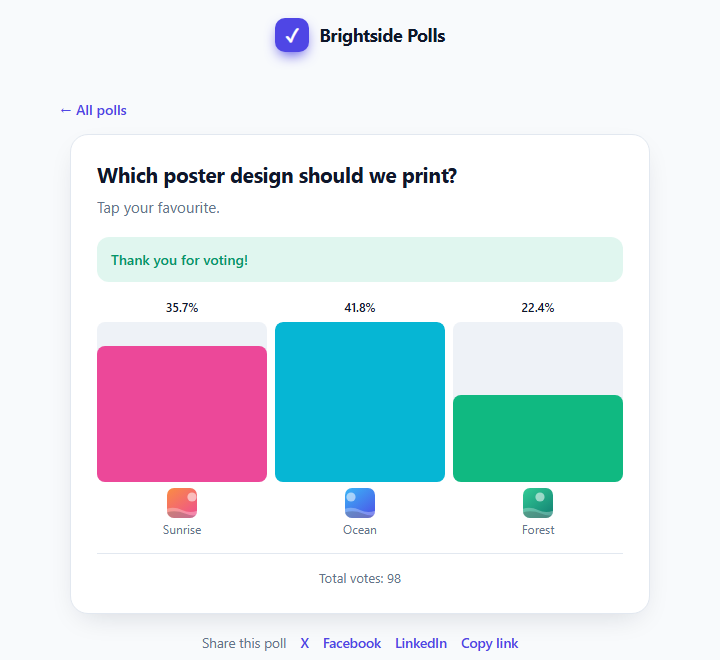
In a single choice poll the percentages add up to 100%. In a multiple choice poll each percentage is the share of voters who selected that option, so the sum can be higher than 100%. In the Appearance tab you can sort results by most votes first and choose a chart style. See Poll appearance settings and Chart types for poll results.
Keep option texts short. They are used as chart labels and in the CSV export. See Export poll votes to CSV.
Last updated