Settings
All PHPPoll settings explained: site name, logo, language, time zone, default theme, public site, pretty URLs, notifications, account and system check.
Open Settings in the sidebar. Settings are grouped into five tabs. Changes are saved with the Save changes button at the bottom.
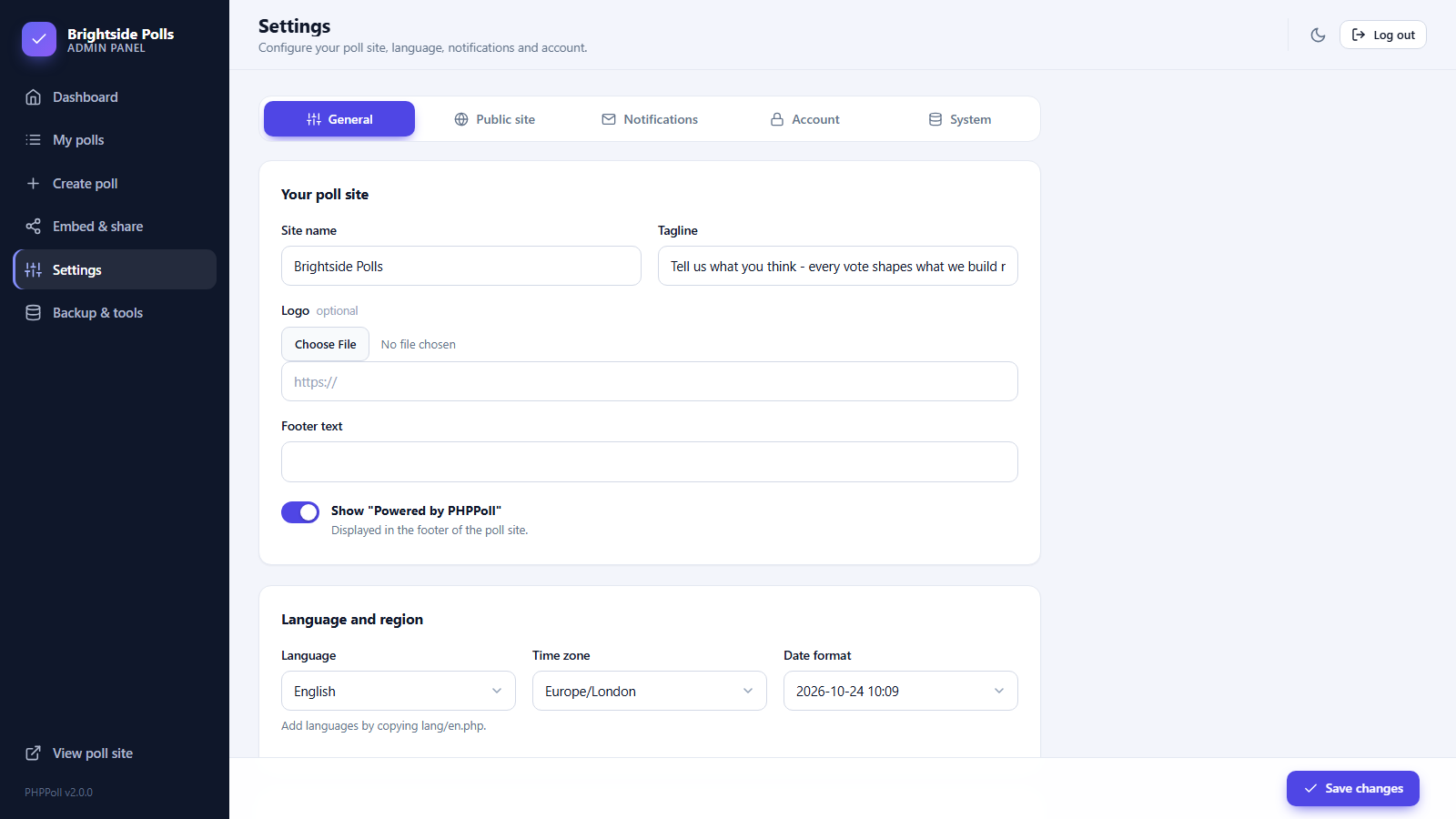
General
| Setting | Description |
|---|---|
| Site name, Tagline | Shown in the header of the poll website and the admin panel. |
| Logo | Upload an image or paste a URL. It replaces the site name in the poll website header. |
| Footer text | A line of text below the poll website. |
| Show "Powered by PHPPoll" | Switch the credit line in the footer on or off. |
| Language | Language of the admin panel and the public texts. See Translate PHPPoll into your language. |
| Time zone, Date format | Used for dates, schedules and "votes today". Pick your own time zone. |
| Default poll style | Theme and accent color for polls set to "Site default". See Poll appearance settings. |
Public site
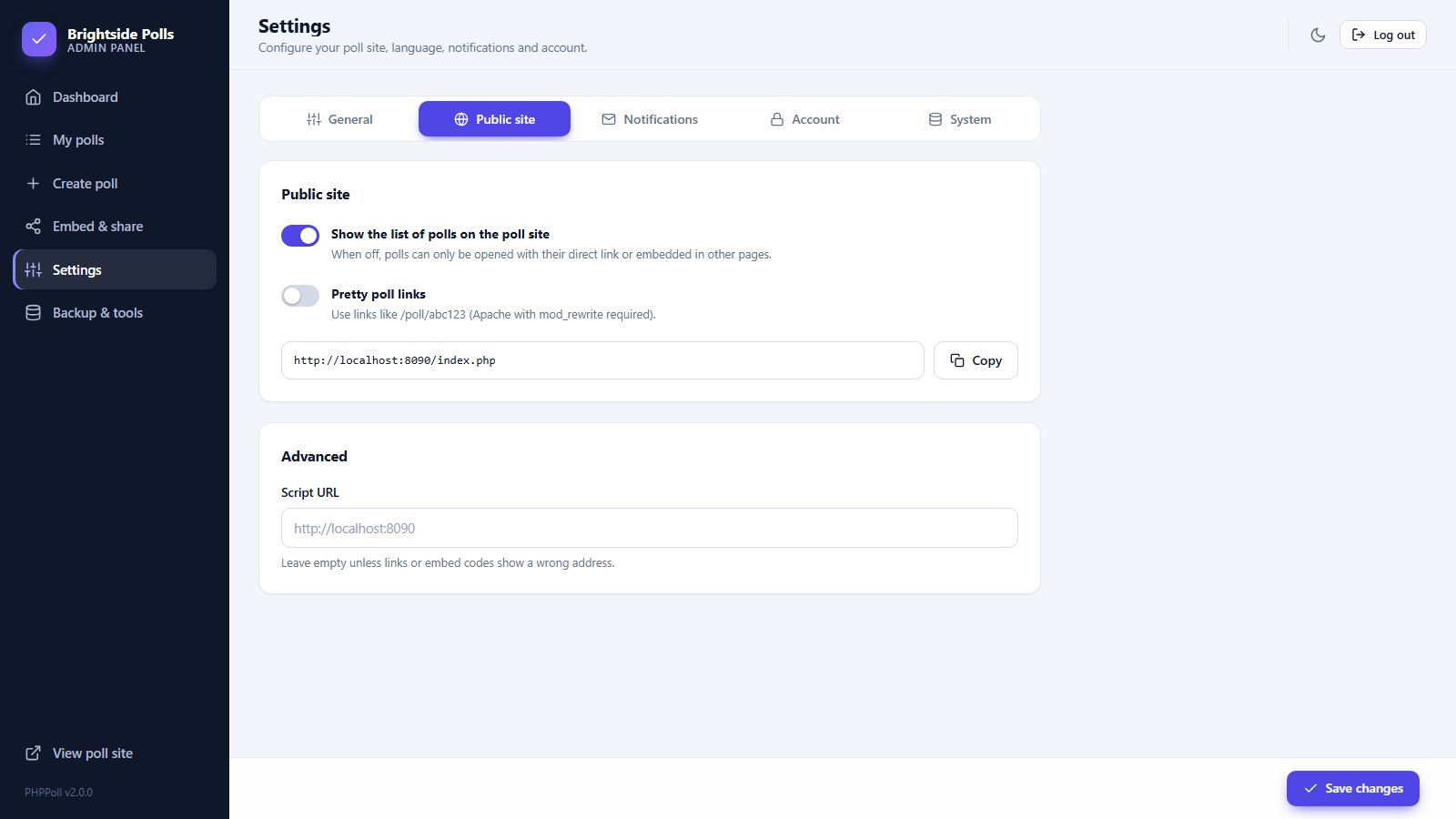
| Setting | Description |
|---|---|
| Show the list of polls | When off, the home page of the poll site shows no list. Polls are reachable only by direct link or embed. See The standalone poll website. |
| Pretty poll links | Use /poll/abc123 instead of index.php?p=abc123. Needs Apache mod_rewrite and the included .htaccess. |
| Script URL | Leave empty. Set it only if links or embed codes show a wrong address, for example behind a proxy. Without a trailing slash. |
Notifications
Admin email address, the global switch for vote notifications and a button to send a test email. See Email notifications for new votes.
Account
Change your username and password. See Admin panel login and account.
System
A health check of the server: PHP version, SimpleXML, mbstring, writable data and uploads folders, mail function and the detected script URL. A security tip reminds you to protect the data folder. See Security and privacy.
Advanced server options such as moving the data folder are set in config.php. See Customize the poll script.
Last updated