Mobile, dark mode and themes
PHPPoll polls and the admin panel are fully responsive. Learn about light, dark and automatic themes, accent colors and how polls look on phones and tablets.
More than half of all web visitors use a phone. Every PHPPoll poll, result chart and admin screen adapts to the screen size, so voting is comfortable everywhere.
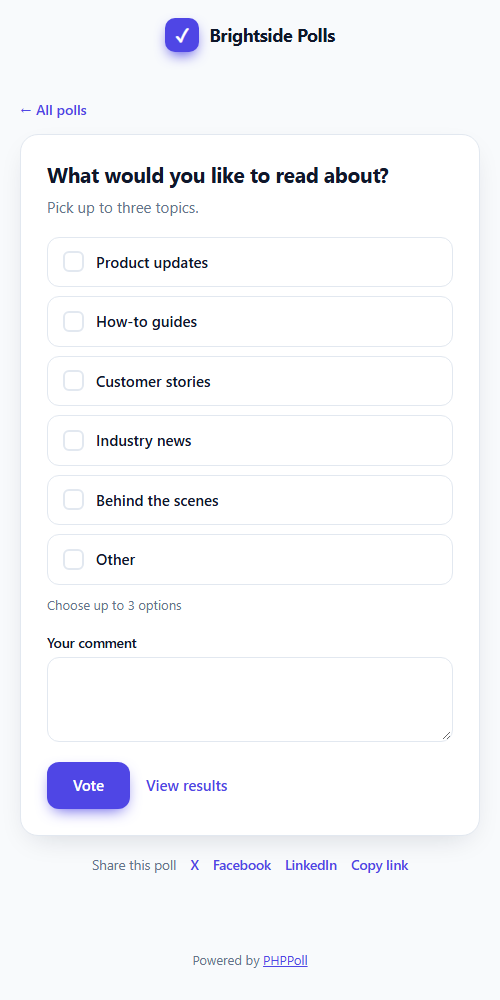
Responsive by default
- Large touch-friendly option buttons.
- Image polls reflow from several columns to one.
- The NPS scale and rating stars shrink to fit narrow screens.
- Embedded polls resize themselves inside your page, so there are no scrollbars.
Light, dark and automatic themes
Each poll has a theme setting in Appearance:
| Theme | Result |
|---|---|
| Site default | Uses the default theme from Settings → General. |
| Light | White card, dark text. |
| Dark | Dark card, light text – ideal for dark websites. |
| Automatic | Follows the visitor's system setting (light or dark). |
Your brand colors
Choose an accent color that is used for buttons, selected options and charts, and a corner radius from sharp (0) to very round (28 pixels). The live preview in the editor shows the result immediately. See Poll appearance settings.
Override the theme for one embed
When you embed a poll, you can force a theme and color for that one place without changing the poll:
<div data-phppoll="POLL_ID" data-theme="dark" data-accent="#e11d48"></div>
More in Embed a poll with JavaScript and Embed a poll with an iframe.
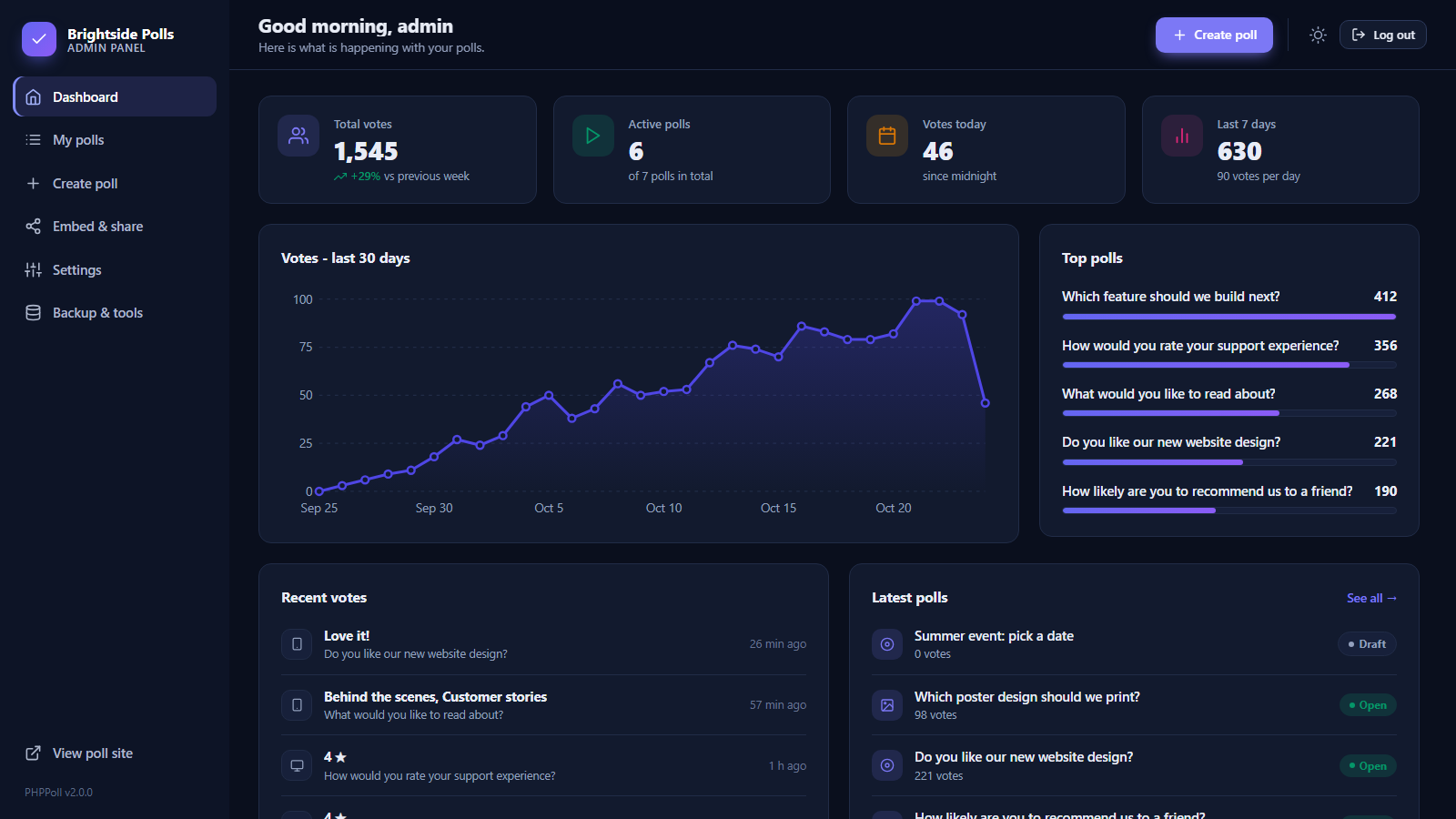
Dark mode in the admin panel
The admin panel has its own light and dark mode. Click the moon or sun icon in the top bar. The choice is remembered, and the first visit follows your system setting.
Last updated