Backups, Maintenance and Updates
A little routine keeps a portal healthy. This page covers backups, maintenance mode, scheduled tasks and a short security checklist.
Database backup
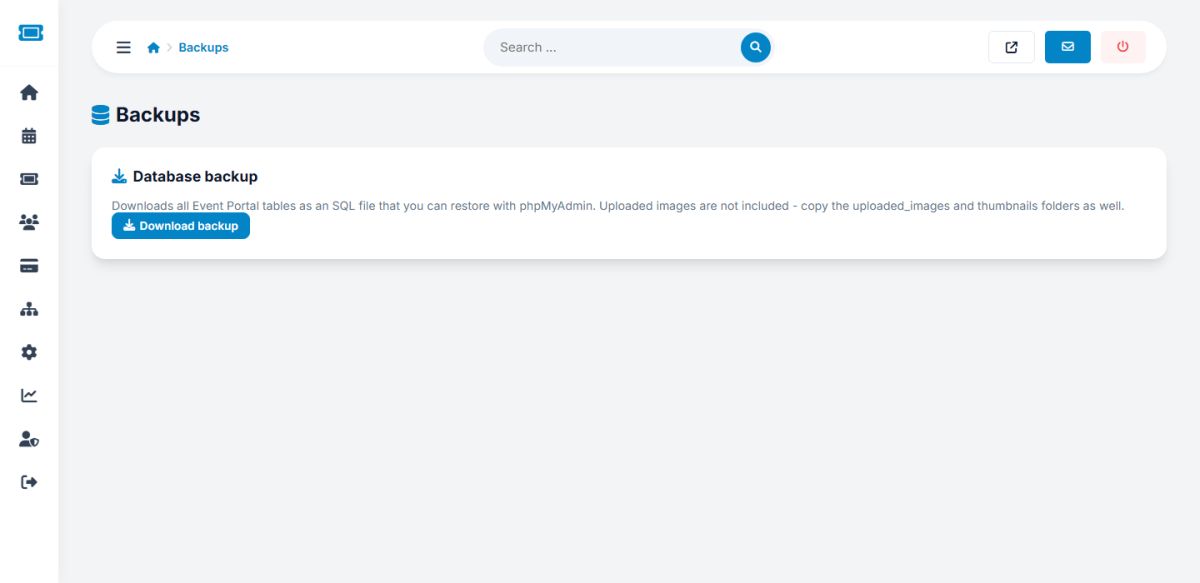
Open Settings → Backups and press Download backup. You receive one SQL file with all tables: events, orders, users, settings, pages and everything else. Restore it with phpMyAdmin or the MySQL console by importing the file into an empty database.
The backup does not include files. Also copy the folders uploaded_images, thumbnails and languages, and your config.php.
Make a backup before every update, and weekly on a busy site. Store copies away from the server.
Maintenance mode
In General settings tick Maintenance mode. Visitors see a friendly message with a 503 status, which tells search engines the pause is temporary. You can still browse the site while logged in to the administration panel.
Scheduled tasks
Run cron.php every hour for alerts, follower e-mails, reminders and clean-up of unpaid orders. See The configuration file.
Updating the script
- Make a database backup and a copy of the files.
- Upload the new files over the old ones, but keep your
config.php,languages,uploaded_images,thumbnails,categoriesandlocationsfolders. - Re-apply changes you made to the template files, then check the main pages.
Security checklist
- Delete
install.phpand set$DEBUG_MODE = false; - Use https and a strong administrator password; give staff their own accounts
- Keep PHP and MySQL updated by your host
- Delete the demo accounts (password
demo1234) - Check the Login logs from time to time
Last updated