Saved Events and Followed Organizers
Two small features bring attendees back to your site: a personal list of saved events and a list of organizers they follow.
Saving events
Every event card and event page has a heart button. A click saves the event, a second click removes it. Visitors who are not logged in are asked to log in first. A short message confirms each action.
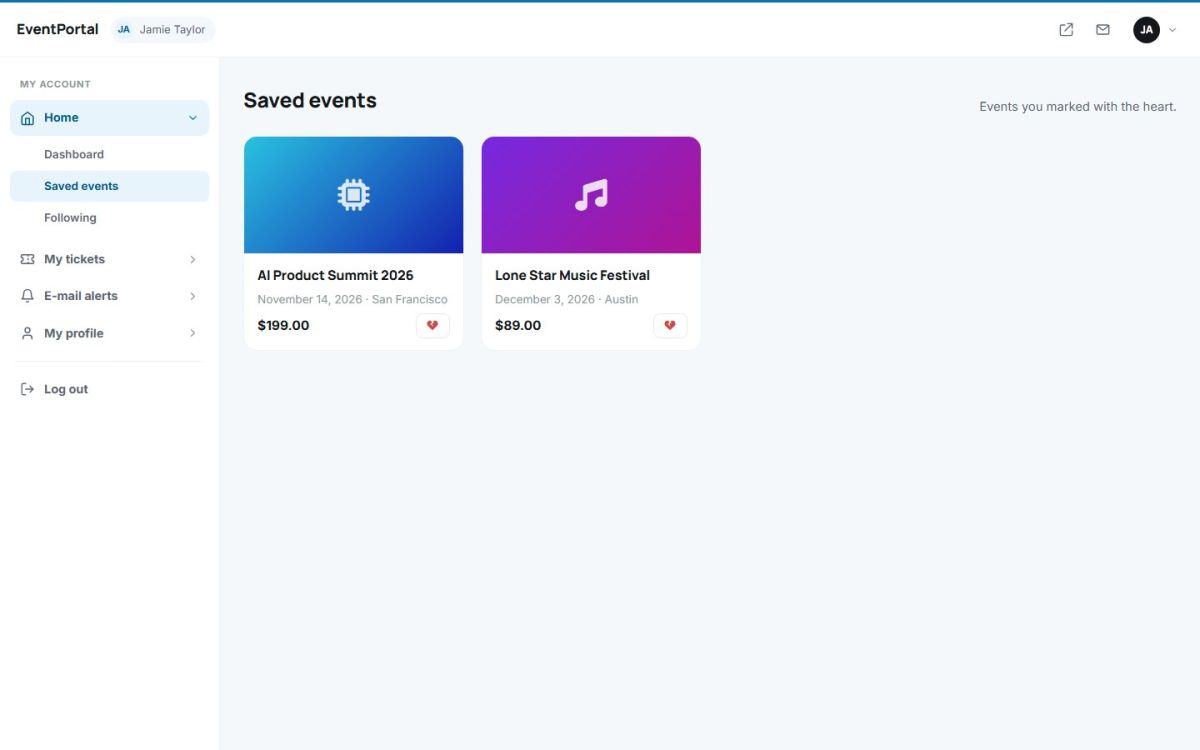
The list is in the attendee panel under Home → Saved events. Past events are marked, and the broken heart button removes an event from the list.
Following organizers
On an organizer profile logged in attendees can press Follow. Followed organizers are listed under Home → Following with their number of upcoming events, and can be unfollowed with one click.
When a followed organizer publishes a new event, followers receive an e-mail. The e-mails are sent by the scheduled task described in The configuration file.
Turning the feature off
The administrator can disable favourites in General settings (Allow saving favourite events). The heart buttons then disappear from the site.
Last updated