Managing Events and Reviews
The Events menu gives you full control over every listing on the portal.
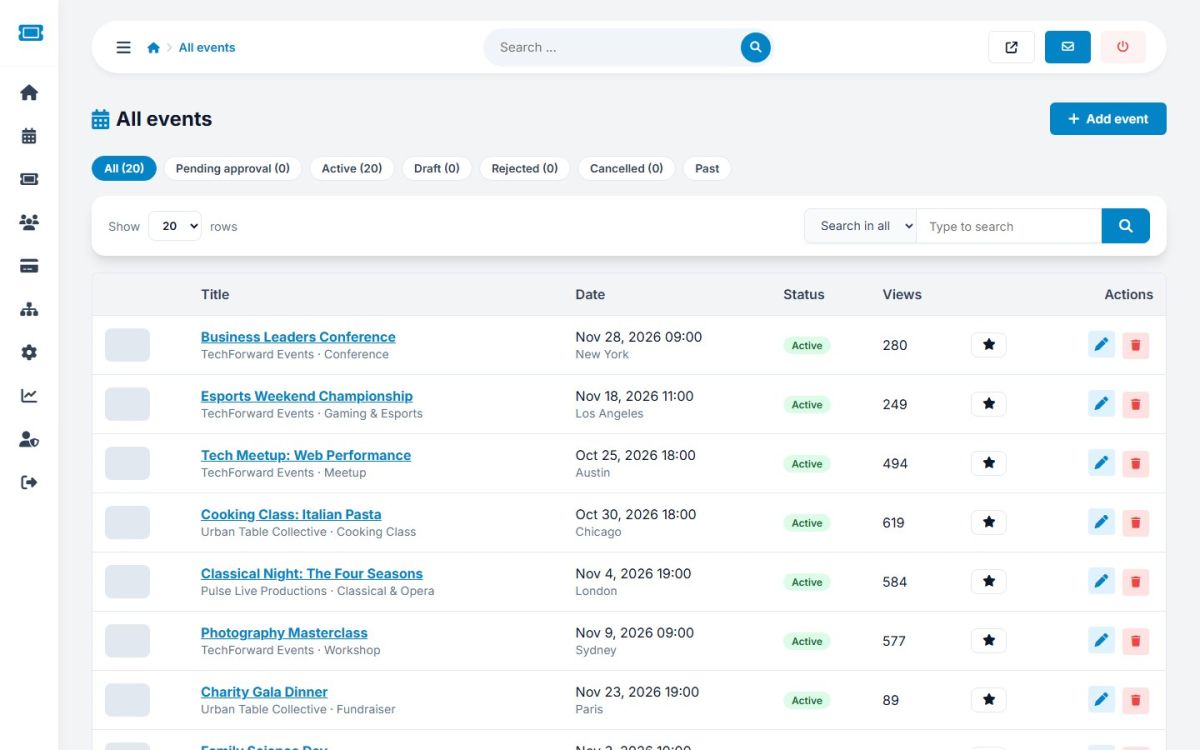
The event list
Events → All events lists every event. The pills at the top filter by status: All, Pending approval, Active, Draft, Rejected, Cancelled and Past, each with its count. Search by title, organizer or city. Each row shows the cover, title, organizer and category, date, status and views.
Row actions
| Button | Action |
|---|---|
| Green check | Approve: publishes the event and sets the listing expiry if empty. |
| Red ban | Reject (pending events). The organizer can edit and resubmit. |
| Star | Feature toggles featured placement for the default number of days. |
| Pencil | Edit any event. |
| Trash | Delete the event, its ticket types, reviews, favourites, questions and images. Past orders are kept for your records. |
Click the title to open the event on the public website.
Adding and editing events
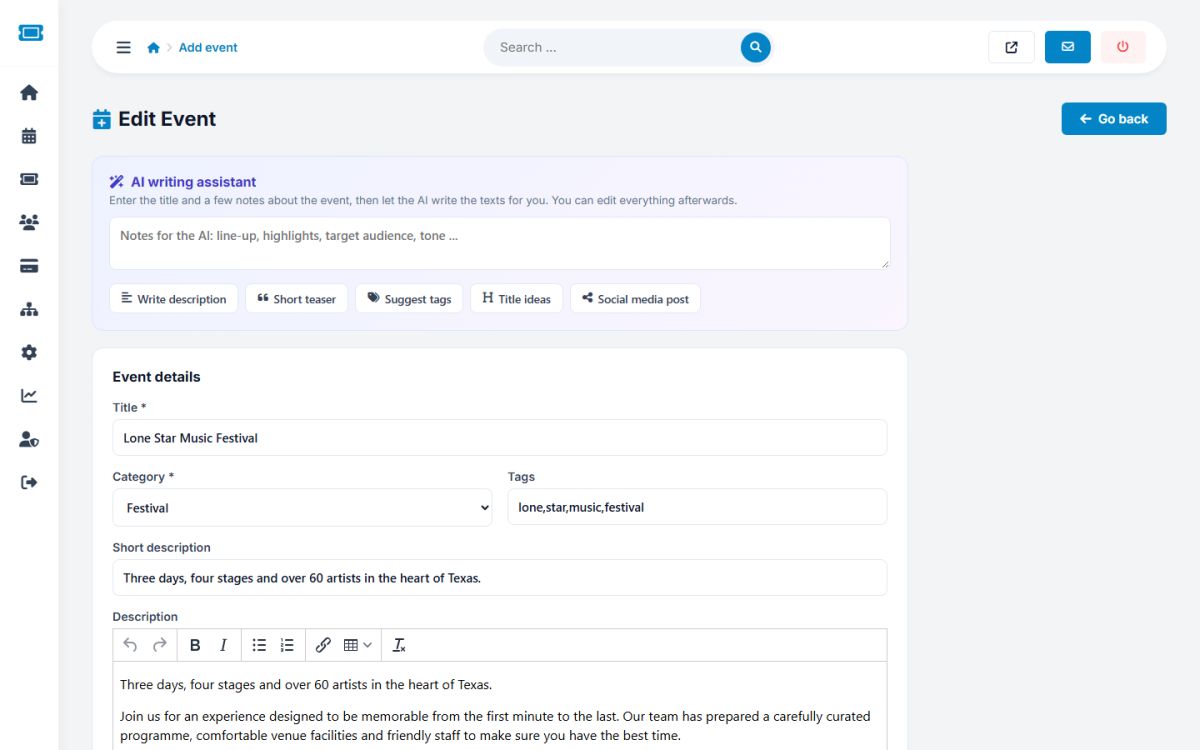
Use Events → Add event to create a listing for any organizer. The form is the same as the organizer's (see How to create an event), including the AI assistant, plus Administrator options: the organizer, the status, when the listing expires, featured and featured until.
Reviews
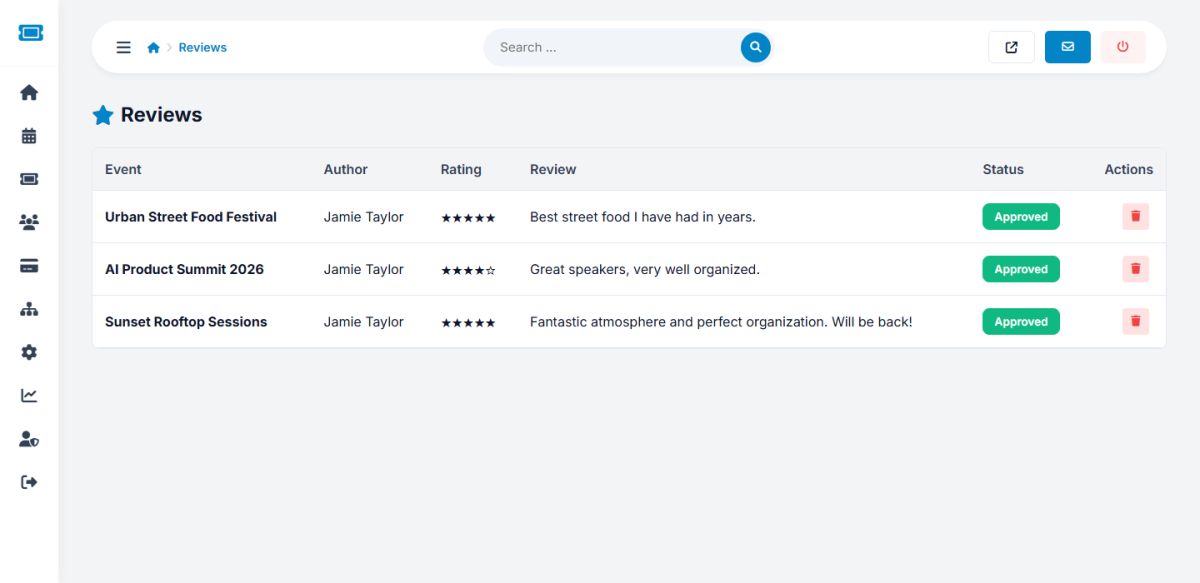
Events → Reviews shows every attendee review with event, author, stars and text. The status button hides or shows a review, and the trash button removes it. Reviews can be switched off completely in General settings.
Categories and locations
The lists used by the event form are edited in Events → Categories and Locations. See Categories and locations.
To review new events faster, open the Pending approval pill. The dashboard also lists the newest ones.
Last updated