Registration, Login and Password Reset
Event Portal has two kinds of public accounts: attendees who buy tickets and organizers who publish events. Both use the same simple forms.
Registering
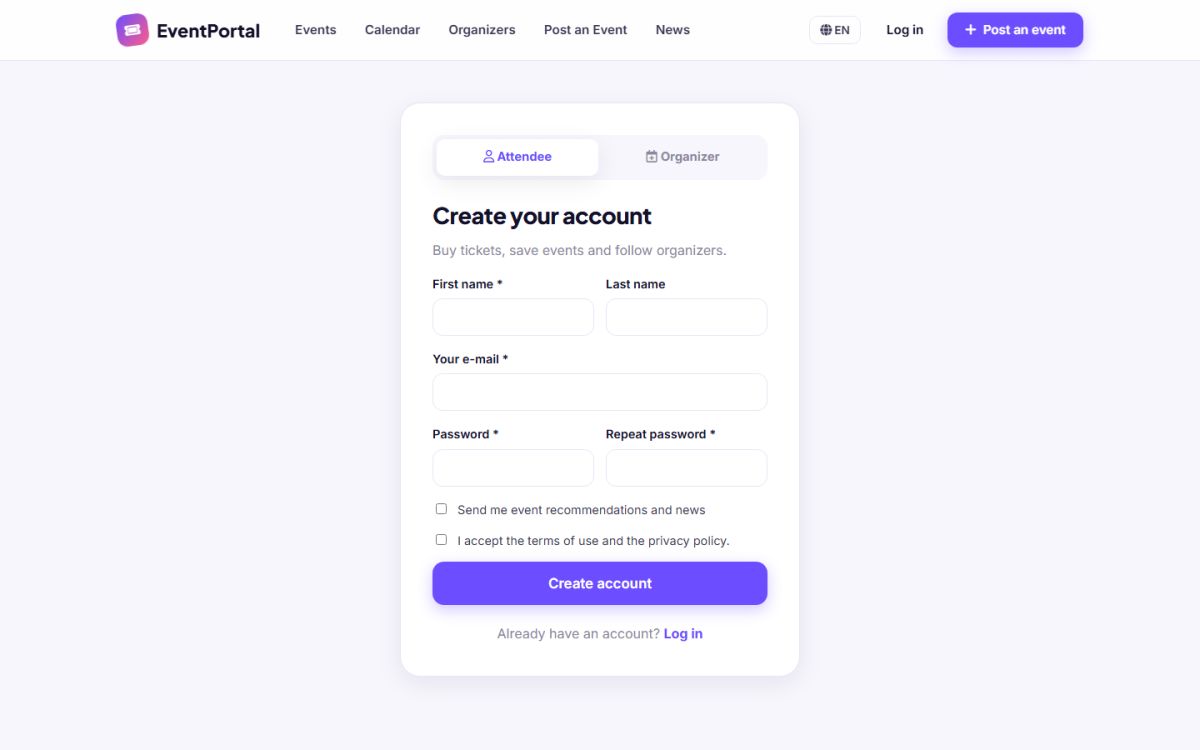
The registration page has two tabs. Attendee asks for first name, last name, e-mail and password. Organizer asks for company name, contact person, phone, e-mail and password. Both require acceptance of the terms, and offer an option to receive news by e-mail. The Post an event button in the header opens the organizer registration directly.
E-mail activation
If Require e-mail activation is switched on in General settings, new accounts are inactive until the user clicks the link in the activation e-mail. Without it, accounts work immediately. Registration of each account type can also be closed separately.
Logging in
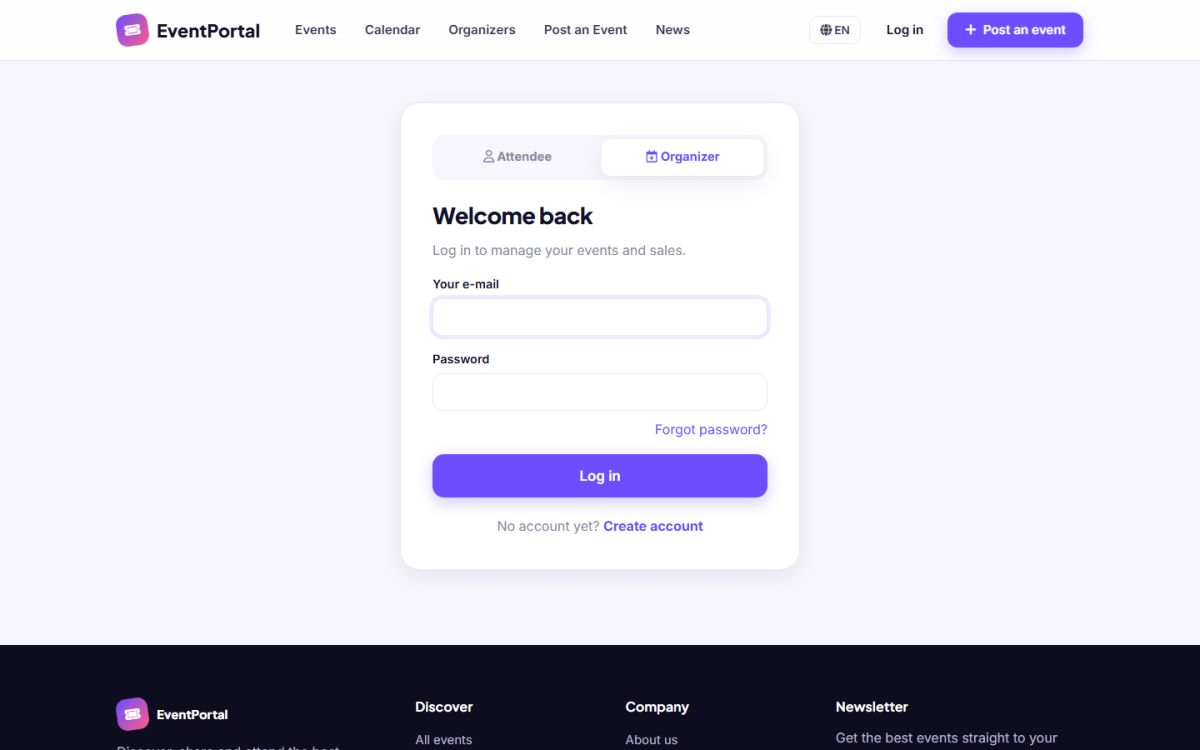
Use the Log in button and select the correct tab for your account type. After login attendees go to /users_admin/ and organizers to /advertisers_admin/. If you were sent to the login page by a link, you return to that page afterwards.
Forgotten password
- Click Forgot password? on the login page.
- Enter your e-mail. The answer is always the same, so nobody can discover which e-mails are registered.
- Open the e-mail and click the link. It is valid for two hours.
- Choose a new password (at least 6 characters).
Security
- Passwords are stored as one-way hashes
- After 8 failed attempts within 10 minutes the login is paused
- Every form is protected against forged requests
- Logged in sessions expire after 12 hours of inactivity
E-mails are only delivered reliably when you configure SMTP. See General settings and e-mail.
Last updated