Listing Packages and Discount Coupons
Packages are the plans organizers choose when they publish an event. Coupons let you give discounts on tickets or on those packages.
Listing packages
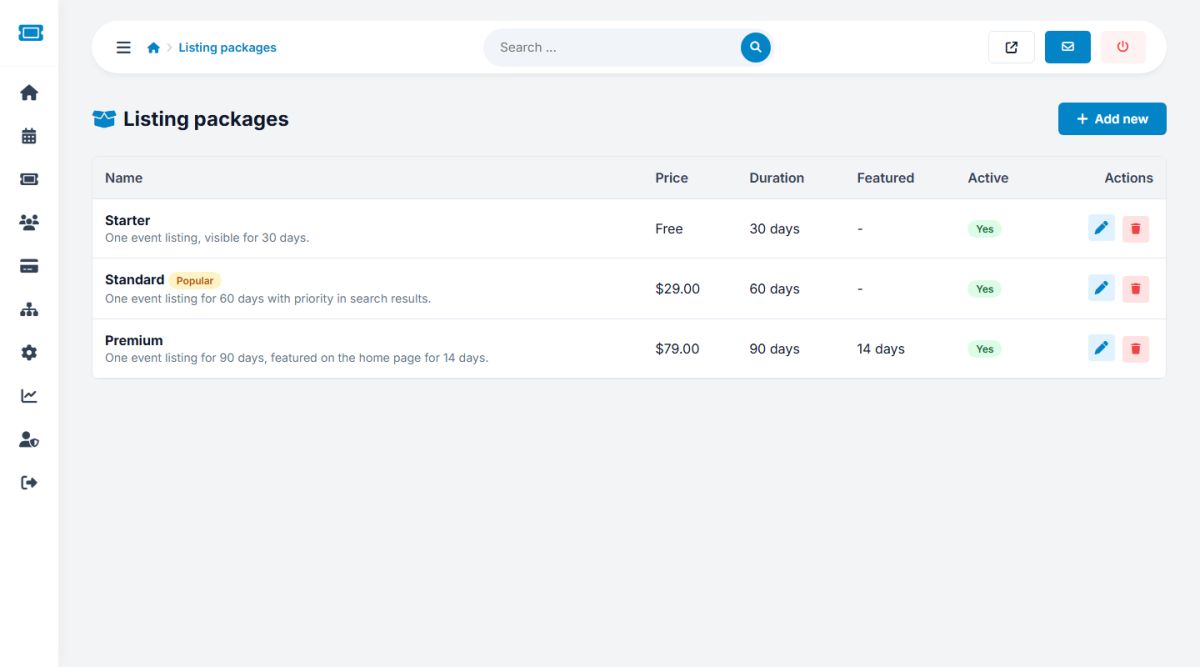
Open Payments → Listing packages and press Add new.
| Field | Meaning |
|---|---|
| Name, Description | Shown on the pricing page and in the publish step. |
| Price | Zero creates a free plan. |
| Listing duration (days) | How long the event stays listed after publishing. |
| Featured days included | Days on the home page featured slider, included in the price. |
| Sort order | Lowest number first. |
| Mark as most popular | Highlights the plan with a ribbon. |
| Active | Inactive packages are hidden. |
The packages are displayed on the menu page Post an Event and in the organizer's publish step. They are only used when Charge organizers for listing events is on in Payment settings. When it is off, the pricing page tells visitors that listing is free.
Start with a free Starter plan to attract organizers, then add a paid Standard and a Premium plan that includes featured days. Mark the middle plan as most popular.
Coupons
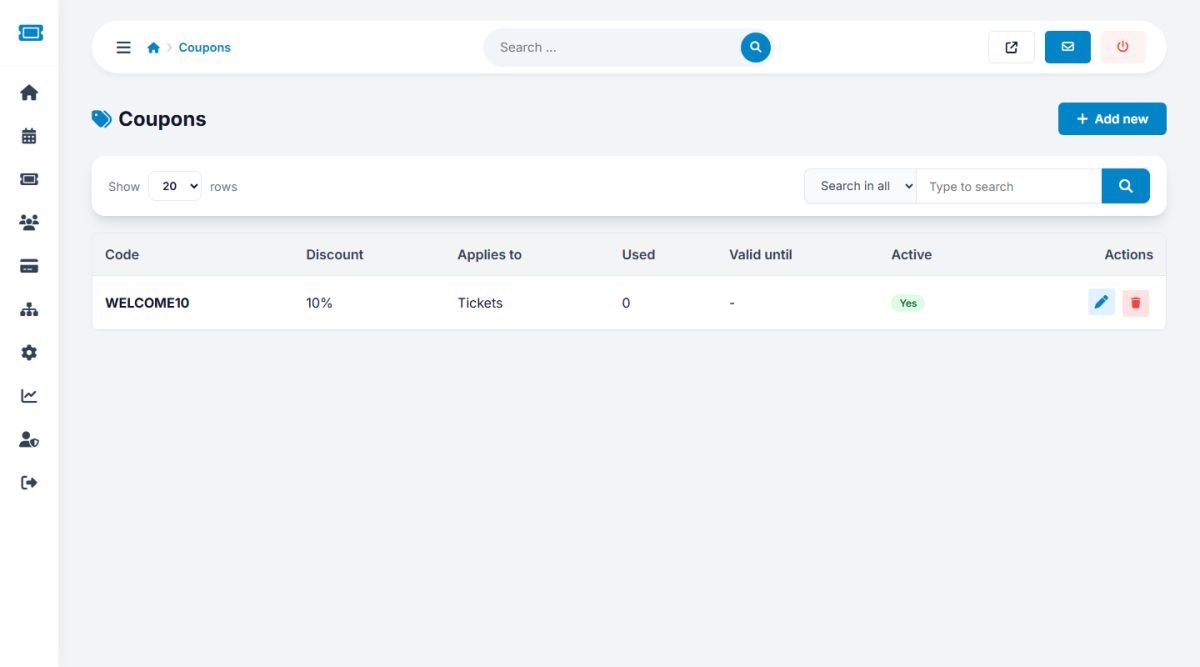
Open Payments → Coupons and press Add new.
- Code: letters and digits, stored in capitals
- Discount type: percentage or fixed amount, and the value
- Applies to: tickets, event listings or everything
- Maximum uses: 0 means unlimited. The list shows how many times a code was used
- Valid until: an optional last day
- Active: switch a code off at any time
Buyers enter the code in the checkout (see Buying tickets) and organizers in the publish step. The code is counted when the order is completed.
Last updated