Orders, Sales and CSV Export
The Tickets and sales menu shows who bought what, and lets you take the data into your own tools.
Orders
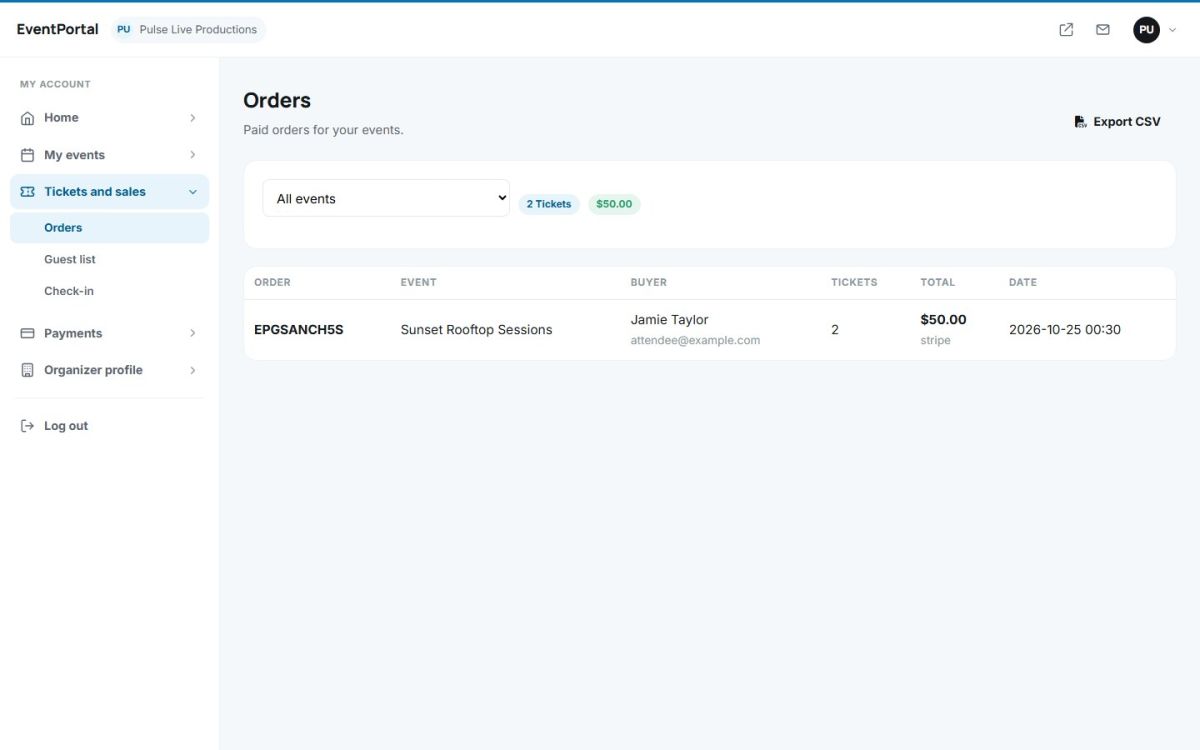
Tickets and sales → Orders lists the paid orders of all your events: order code, event, buyer name and e-mail, number of tickets, total, payment method and date. Use the drop-down to show one event only. The badges above the table show the number of tickets and the total of the current selection.
Export
Press Export CSV to download the orders as a spreadsheet file with order number, date, event, buyer, e-mail, phone, tickets, total and payment method. The export respects the selected event.
Payment history
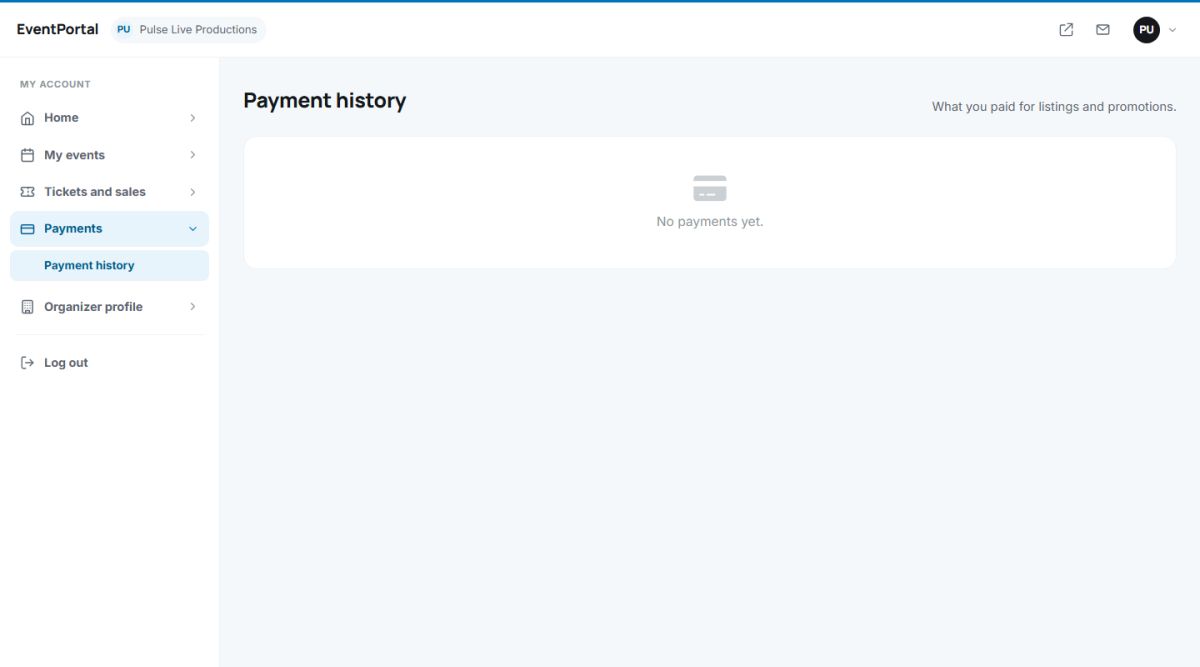
Payments → Payment history shows what you paid to the site owner: listing packages and featured upgrades, with status Pending, Completed, Failed or Refunded. Bank transfer instructions are shown here after you choose that method.
Refunds
Organizers cannot refund orders themselves. Contact the site owner, who can cancel the order and restore the stock in Orders, tickets and refunds.
Last updated