AI configuration
Jobs Portal connects to any OpenAI-compatible AI service, so you choose the provider and the cost.
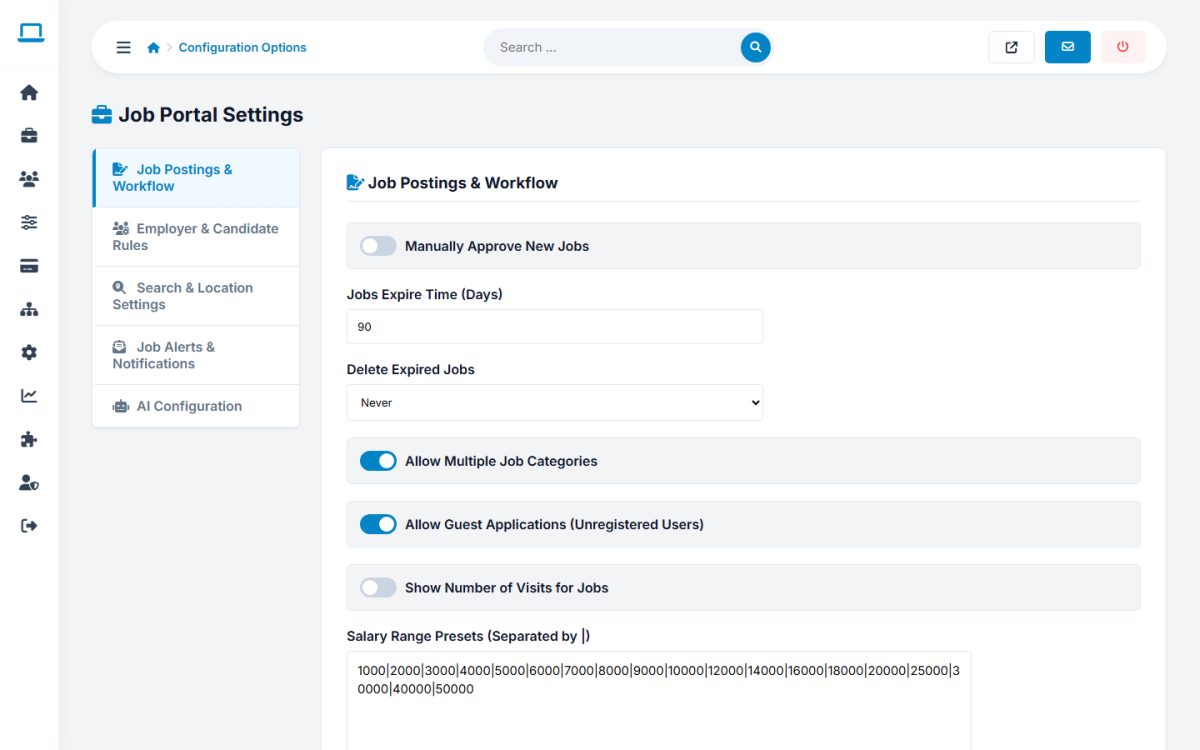
Where to configure
Open Job Settings → Configuration Options → AI Configuration.
| Setting | Description |
|---|---|
| Enable AI features on the site | Master switch. When off, the AI tabs and buttons are hidden. |
| Enable AI Job Description Generator | Shows Generate Description in the employer and admin job forms. |
| Enable AI Cover Letter Generator | Enables the AI resume summary, job duties and cover letter tools for jobseekers. |
| AI API Endpoint URL | The base URL of an OpenAI-compatible API, for example https://api.groq.com/openai/v1. |
| AI Model Name | The model to use, as named by your provider. |
| AI Provider API Key | The secret key from your provider. Never share it. |
What uses AI
- AI smart search and resume-to-job matching on the public site.
- Job description generator for employers and administrators.
- Resume summary, job duties and cover letter builder for jobseekers.
Costs and safety
- Requests are billed by your AI provider. Start with a small, inexpensive model and watch the usage.
- Only the text typed by the user (or the uploaded resume text) is sent to the provider. Mention this in your privacy policy.
Last updated