Profile, preferences and account settings
A complete profile makes it easier for employers to find and contact a candidate.
Edit Your Profile
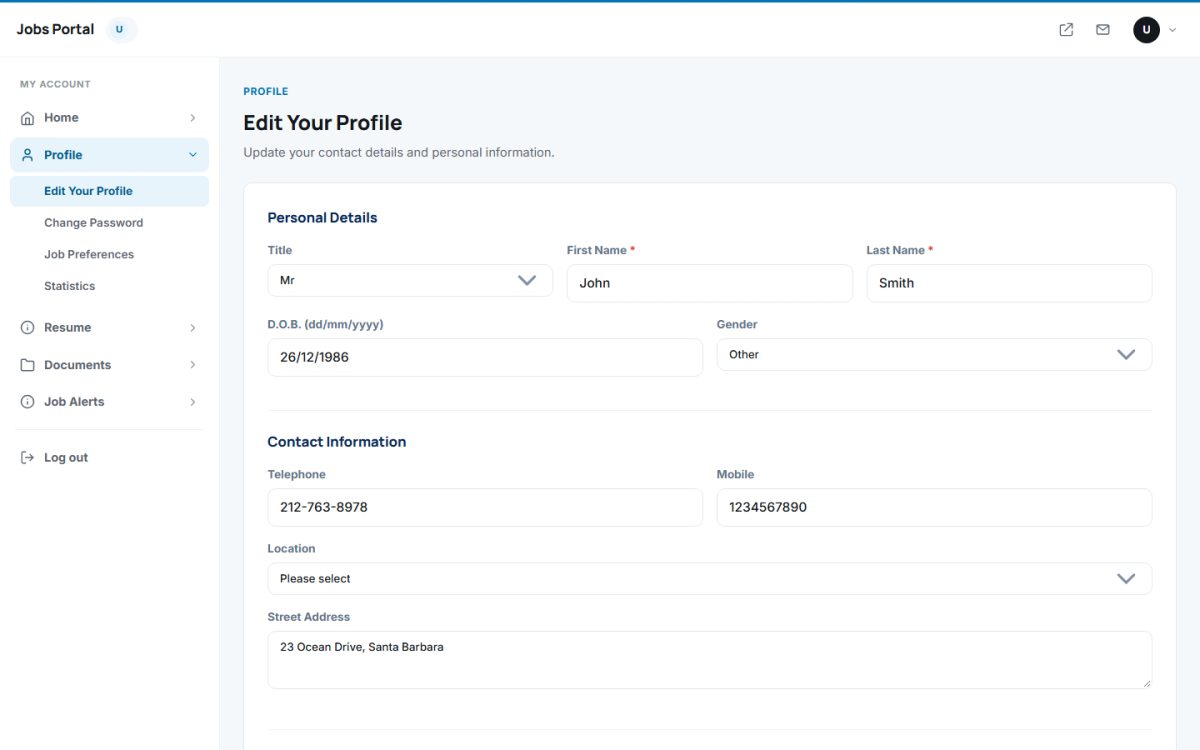
- Personal Details: title, first and last name, date of birth and gender.
- Contact Information: telephone, mobile, location and street address.
- Profile Picture: upload a photo (JPG, PNG, GIF or WEBP).
- Privacy & Preferences: Public Profile (if Yes, registered employers can search and view the profile) and Newsletter Subscription.
- Additional Information: any extra fields created by the administrator in Jobseeker Fields.
At the bottom the candidate can delete the account together with all resumes, files and applications.
Job Preferences
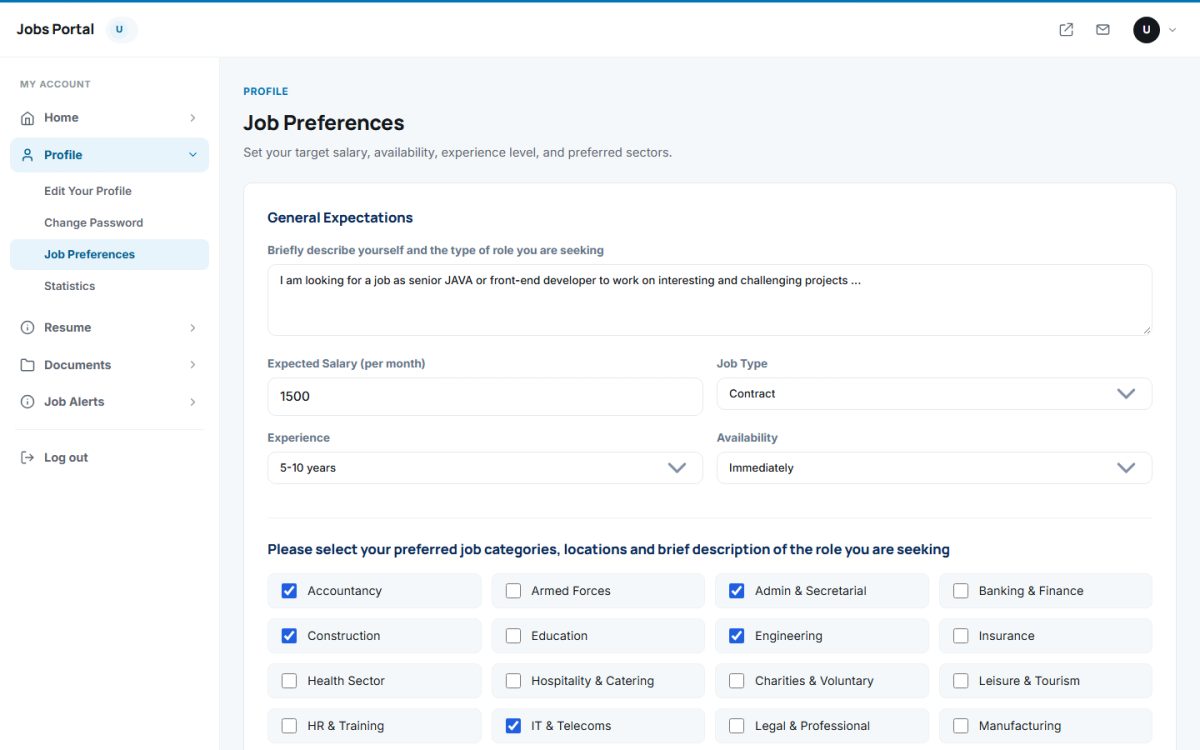
Preferences describe the ideal job: a short description, expected monthly salary, job type, experience level, availability and the preferred categories and locations. Employers see this information when they search the CV database.
Change Password
Profile → Change Password asks for the current password and the new one twice. After the change the user is signed out and logs in again.
Statistics
Profile → Statistics shows how many times employers viewed the profile in a selected period, with the date, company and a detailed report.
Last updated