Admin users, groups and permissions
Give moderators and editors only the access they need.
Admin Users
In Admin Users → Admin Users add a user with name, e-mail, username, password and a group. Deactivate a user without deleting it.
Groups
Groups are roles such as Super Admin, Moderator or Editor. The Super Admin group always has full access.
Permissions matrix
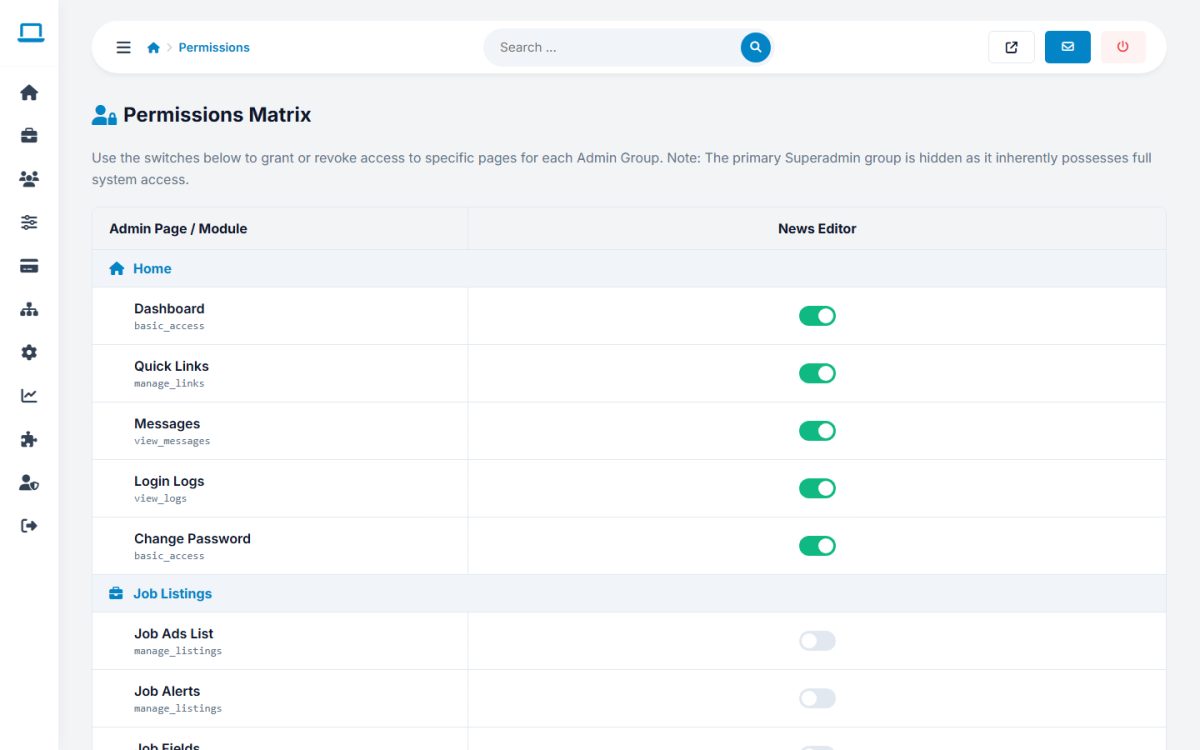
Tick the modules each group can use. Users see only permitted menu items, and direct access to other modules is refused.
Change the default administrator password immediately after installation.
Last updated