Managing employers and jobseekers
The Users menu lists every account on your job board and lets you edit, add or remove it.
Employers
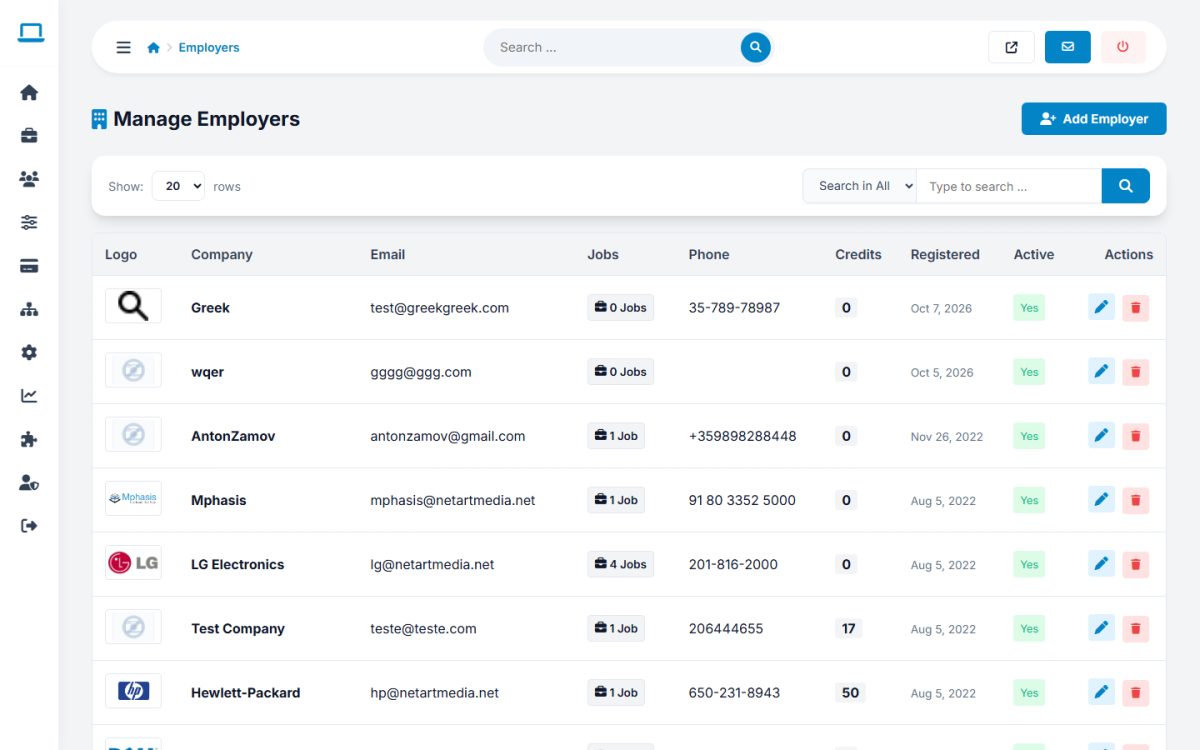
The list shows logo, company, e-mail, number of jobs, phone, credits, registration date and status. Use the toggles to activate or deactivate an employer and to give or remove the import permission.
Open an employer to edit:
- company data, contact person, address, website, description and logo;
- credits balance and free jobs;
- the purchased package or subscription, featured employer status (shown in the spotlight of the company directory) and agency flag;
- a new password (Reset the user password) and the custom fields.
Press Add Employer to create an account manually: e-mail, password, company name, contact person, phone, fax, website, initial credits, address and description.
When Manually Approve New Employers is enabled, approve a new company by setting Active to Yes.
Jobseekers
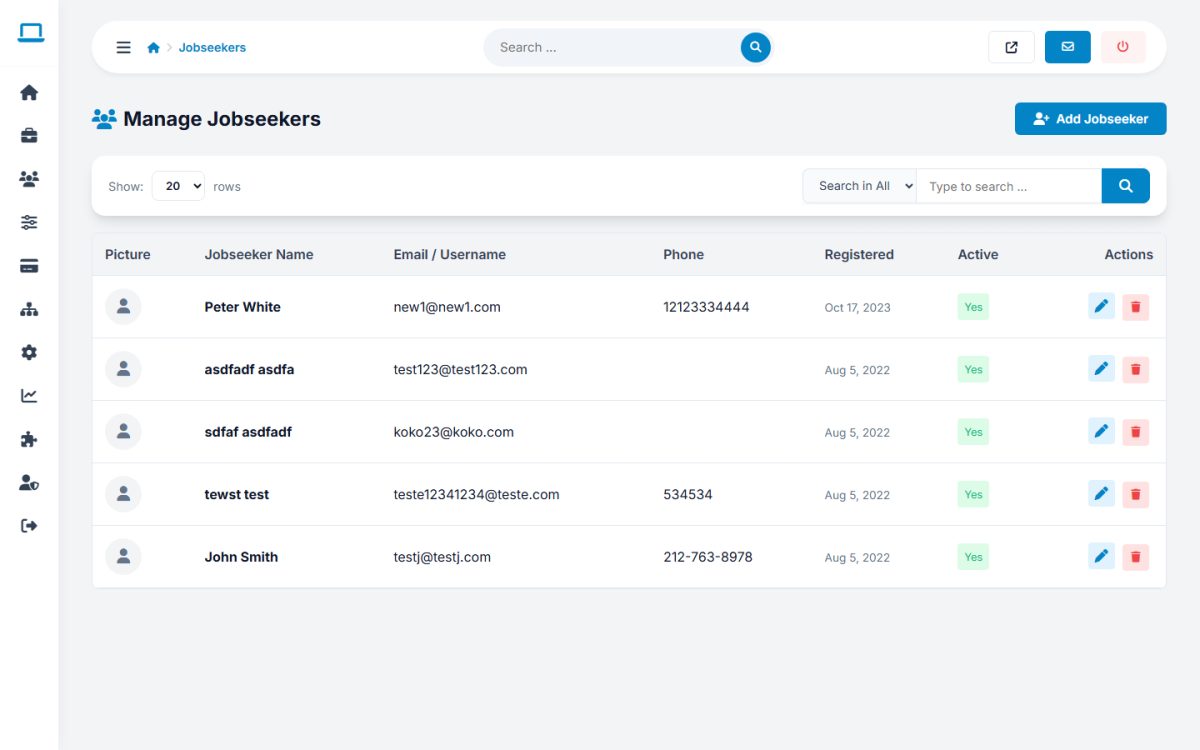
Each jobseeker can be edited: account details, status (active or not), preferred job type, resume details (work history, skills, education, languages), credits or package, uploaded files and password. Add Jobseeker creates an account manually. Deleting a jobseeker also removes their files and alerts.
Uploaded files
Users → Uploaded Files shows every document uploaded by jobseekers with owner, size, date and type (CV / Resume or Attachment). Download or delete files, and edit the Allowed Upload Extensions (for example doc, pdf, txt, rtf, docx, odt).
User messages
Users → User Messages lets you read the private messages exchanged between employers and jobseekers, for moderation.
Custom user fields
Jobseeker Fields and Employer Fields add your own fields to the profiles, see custom fields.
Last updated