News, FAQ and contact pages
Besides jobs, the public site includes content pages that build trust and attract search traffic.
News and career advice
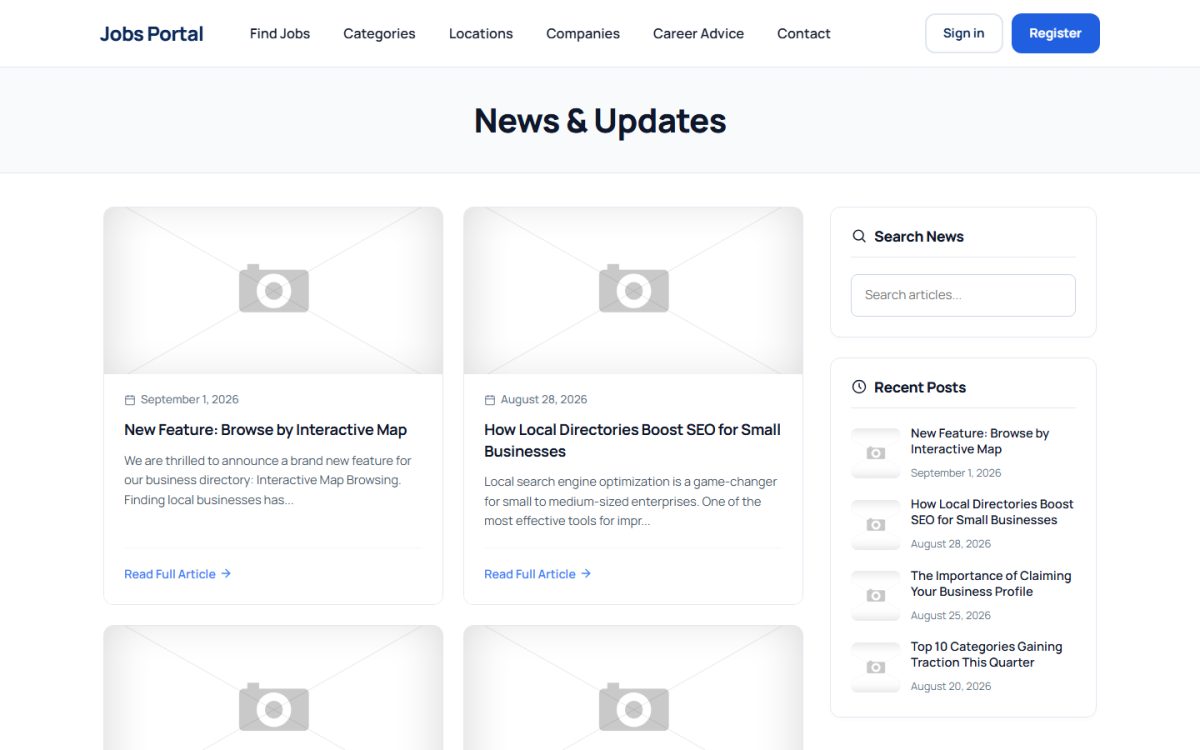
The news page lists articles with image, date and a short text, a search box and recent posts. Articles are written in Website → News in every active language. Use it for career advice, hiring tips and announcements.
FAQ
The FAQ page shows questions and answers as an accordion. Manage them in Extensions → FAQ Manager: add a question, write the answer in each language, set the order and activate or hide it.
Contact form
The contact page has a form with name, e-mail, phone, subject and message. It is protected by a hidden honeypot field, a time check, a security token and a link and keyword filter. Messages are stored in Home → Messages in the admin panel, where you can read them and reply.
Privacy Policy and Terms of Service
Both are normal pages that you edit in Website → Pages. They appear in the footer menu. Replace the sample text with your own legal texts before you go live.
Custom pages
You can create any additional page (About us, Pricing, Advertise with us) and place it in the menu or the footer.
Last updated