AI job search and AI resume matcher
Jobs Portal brings artificial intelligence to both sides of the marketplace: smarter search for jobseekers and faster content creation for employers.
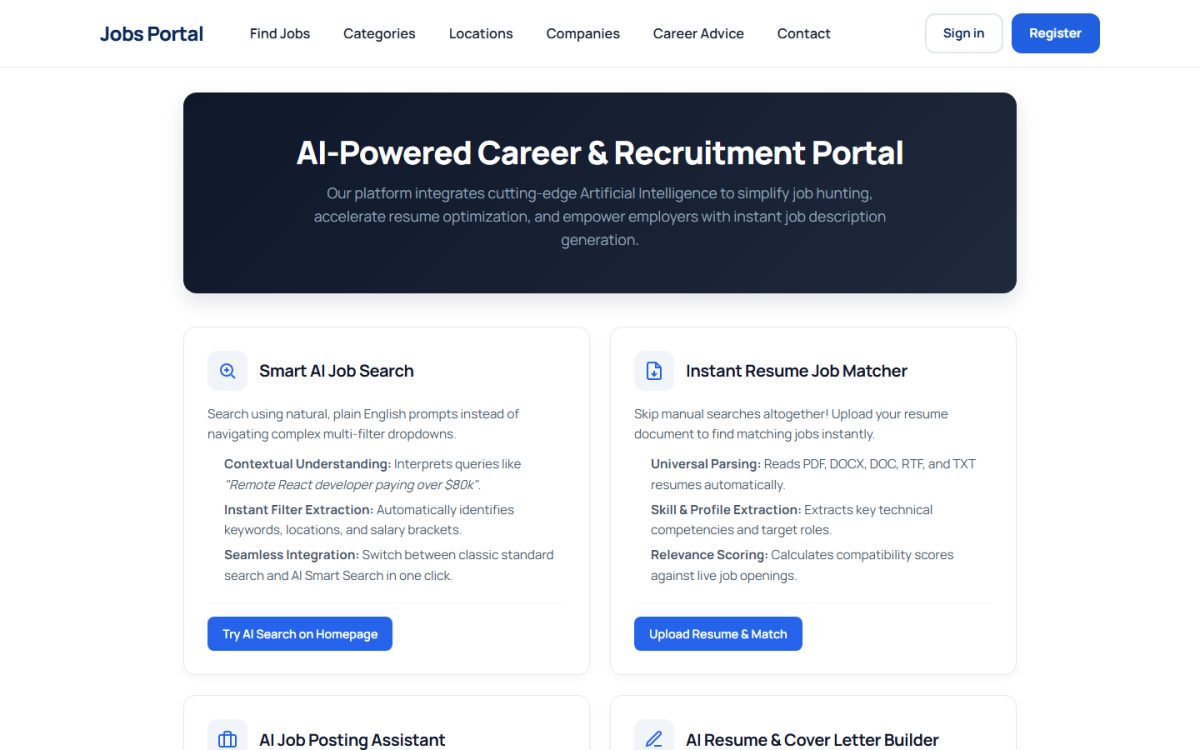
AI smart search
On the home page the visitor switches to AI Smart Search and describes the job in plain language, for example “remote React developer paying over $80k”. The AI extracts keywords, locations and salary brackets and runs the search with the right filters. Visitors can switch back to the classic search at any time.
AI resume matcher
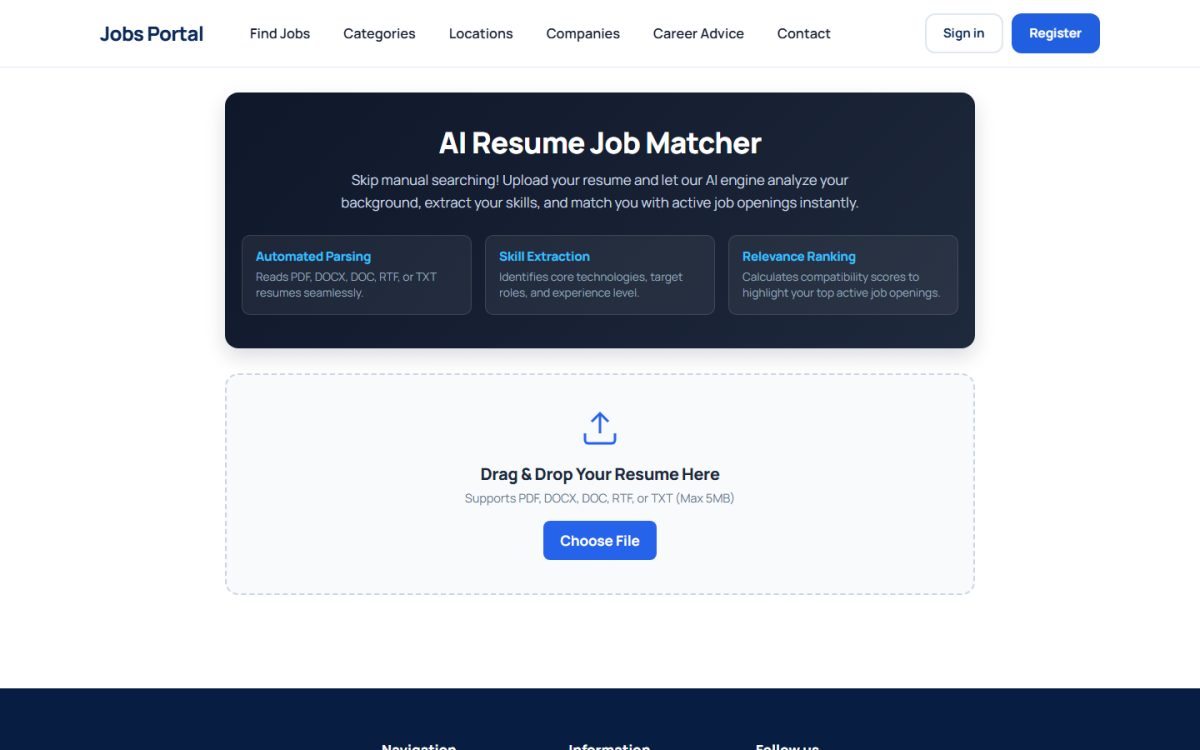
- The visitor opens Find Jobs by Resume with AI and drops a resume (PDF, DOCX, DOC, RTF or TXT).
- The system reads the document, extracts the profile, skills and target roles.
- It compares the profile with your live jobs and shows Top Job Matches with a compatibility score.
AI for employers and jobseekers
- AI job description generator for employers.
- AI resume summary, job duties and cover letter for jobseekers.
Enabling AI on your site
AI features use an OpenAI-compatible API (the default settings point to Groq). In the admin panel open Job Settings → Configuration Options → AI Configuration and:
- Switch on Enable AI features on the site.
- Choose which tools to enable: AI Job Description Generator and AI Cover Letter Generator.
- Enter the AI API Endpoint URL, the AI Model Name and your AI Provider API Key.
See AI configuration for details.
The API key belongs to you and AI usage is billed by your AI provider. Keep the key private.
Last updated