Logo, templates, interface texts and custom tags
Make the site look like your brand without touching the code.
Logo & Favicon
Upload the site logo and favicon in Website → Logo & Favicon. Without a logo the website name is shown as text.
Templates
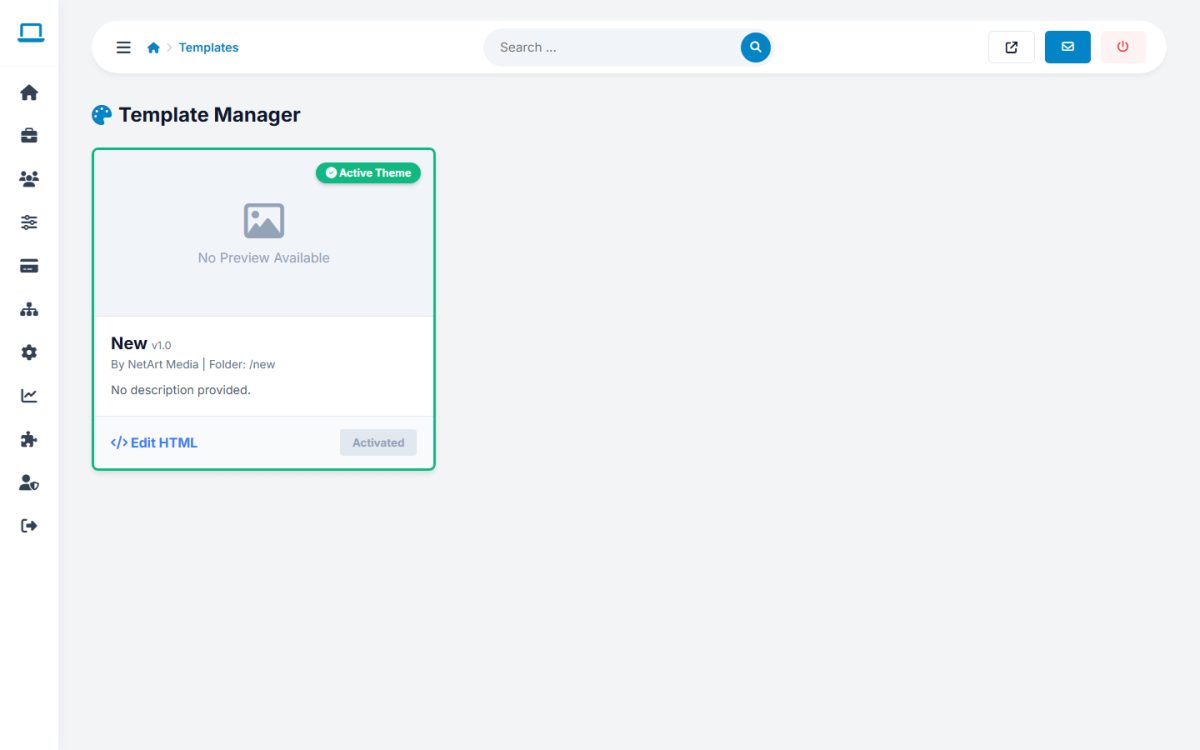
Website → Templates lists the installed themes. Activate a theme with one click, or use Edit HTML to modify the files of a template directly in the browser. Colors, fonts and button radius are changed without editing HTML in Appearance.
Interface Texts
Website → Interface Texts opens the language file of any language, so you can change labels, buttons and messages. Search for the text and edit the value; keep placeholders like %s and [NAME].
Custom Tags
Extensions → Custom Tags defines your own tags, which you can insert in page content and templates to reuse a block of HTML. Extension Files lists the available PHP modules that can be assigned to pages.
Last updated