User manual · version 1.0
Visit Analytics user manual
Everything you need to install, configure and use VisitAnalytics: step-by-step guides for every page of the admin panel, every setting and every report.
1Getting started
What is VisitAnalytics?VisitAnalytics is a self-hosted website statistics script that needs no database and sets no cookies. Learn what it does, what it records and how it works.
System requirementsVisitAnalytics runs on any web hosting with PHP 7.2 or newer. No database, no Composer and no cron jobs are required. See the full list of requirements.
How to install VisitAnalyticsInstall VisitAnalytics in two minutes: upload the folder next to your index.php, run the setup wizard and add the tracking code with one click.
The first-time setup wizardThe VisitAnalytics setup wizard creates the administrator account, sets your time zone and language. Learn every field and what to do if setup fails.
How to add the tracking code to your websiteAdd the VisitAnalytics tracking code to your website automatically with one click, or paste the PHP include line by hand. Includes removal and CMS tips.
Logging in, logging out and a forgotten passwordHow to log in to the VisitAnalytics admin panel, how the login lockout works and how to reset a forgotten administrator password safely.
Updating and uninstalling VisitAnalyticsUpgrade to a new VisitAnalytics version without losing statistics, and learn how to uninstall it completely by removing the tracking code and the folder.
2The admin panel
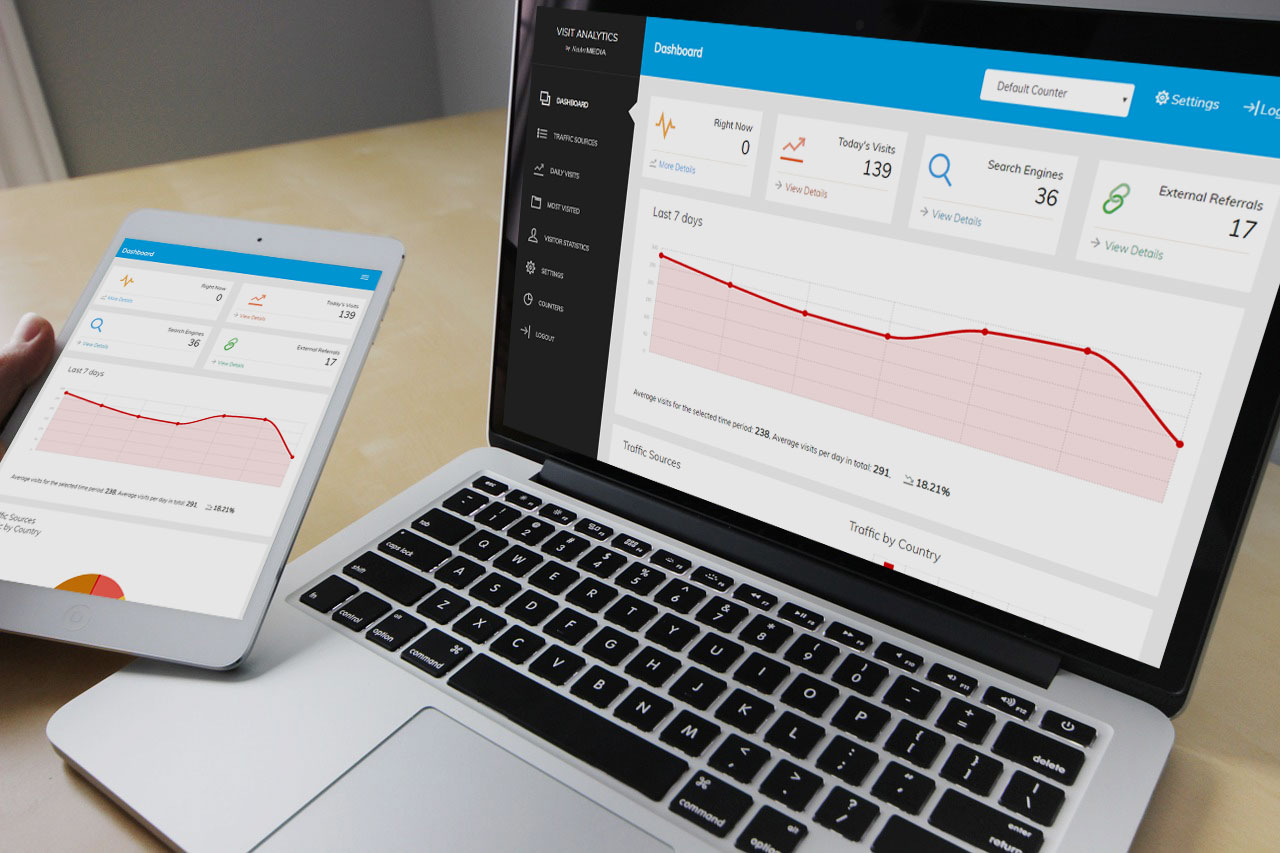
The admin panel at a glanceA tour of the VisitAnalytics admin panel: the sidebar menu, the top bar with date range and online counter, and what each report page is used for.
Choosing the date range of a reportSwitch every VisitAnalytics report between today, yesterday, last 7, 30 or 90 days, this month, this year, all time or a custom date range.
Dark mode and using the admin panel on a phoneSwitch the VisitAnalytics admin panel between light and dark mode and use the fully responsive reports on your phone or tablet.
3Reports
The Overview report: visitors, visits, page views and bounce rateRead the VisitAnalytics Overview: visitors, visits, page views, bounce rate, average visit duration, pages per visit and how they compare with the last period.
Overview charts: heat map, new vs returning visitors and moreUnderstand the lower half of the VisitAnalytics Overview: top pages, traffic sources, devices, the weekday and hour heat map and visit duration charts.
Real-time: see who is on your website right nowWatch live website visitors in VisitAnalytics: active visitors, page views per minute, pages being viewed and a live feed with country, source and device.
Pages report: most viewed pages, time on page and exit rateFind your most visited pages with VisitAnalytics: page views, unique visitors, average time on page, entries, bounce rate and exit rate for every URL.
Entry pages and exit pages: where visits start and endLearn which pages visitors land on first and which pages they leave from. Use entry and exit page reports to improve landing pages and reduce bounces.
Find broken links with the Page not found (404) reportVisitAnalytics lists every page that visitors tried to open but your website could not find. Fix broken links and add redirects for popular missing pages.
Traffic sources: search, social, email, paid, direct and referralSee where your website visitors come from: search engines, social networks, email, paid ads, AI assistants and other websites. Includes bounce rate per channel.
Campaign tracking with UTM parametersTag your links with utm_source, utm_medium and utm_campaign and see the results of every newsletter, ad and social post in the VisitAnalytics campaign report.
Track visitors from ChatGPT, Perplexity and other AI assistantsVisitAnalytics reports visitors who click links in ChatGPT, Perplexity, Claude, Gemini and Copilot as their own AI assistants channel, apart from AI crawlers.
Locations: visitor countries, languages and time zonesSee the countries your website visitors come from, with flags, bounce rate and visit duration, plus their browser languages and time zones.
Devices, browsers, operating systems and screen sizesFind out which devices, browsers, Windows, Android and iOS versions, phone models and screen resolutions your visitors use, and design for the right ones.
The Visits log: browse every single visitBrowse each website visit in VisitAnalytics with time, country, IP address, source, entry page, pages viewed, duration and device. Search, filter and export.
Visit details: the path of one visitor through your websiteOpen a single visit in VisitAnalytics to see every page the visitor viewed, the time on each page, scroll depth, source, device, language and IP address.
Goals: track conversions such as sign-ups, orders and downloadsSet up conversion goals in VisitAnalytics: mark your thank-you or download page as a goal and see conversions, conversion rate and the best traffic sources.
4Bots and data quality
The Bot filter: see which robots were kept out of your statisticsKeep bots, crawlers and referrer spam out of your website statistics. The VisitAnalytics Bot filter report shows every filtered request and the reason.
How VisitAnalytics detects bots and counts only real visitsHow VisitAnalytics tells humans from bots: robot lists, spam and scanner detection, browser header checks, rate limits and a JavaScript proof.
Human verification: count only visitors who really use the pageVisitAnalytics counts a page view only after the visitor moves the mouse, scrolls, clicks or touches the screen. Learn how it works and how to configure it.
How to exclude your own IP address and private pages from statisticsStop counting your own visits and your team in VisitAnalytics: ignore IP addresses, wildcards and ranges, and exclude admin or private pages from tracking.
5Settings and data
General settings: website name, language, time zone and date formatSet the website name, admin language, time zone, date format, 12 or 24 hour clock and the first day of the week in the VisitAnalytics general settings.
Tracking settings: bot sensitivity, ignored pages, sessions and moreEvery VisitAnalytics tracking setting explained: bot sensitivity, rate limit, ignored IPs and pages, URL parameters, visit timeout, reload filter and client hints.
Privacy settings: anonymize IP addresses, Do Not Track and data retentionVisitAnalytics uses no cookies. Anonymize IP addresses, respect Do Not Track and delete old statistics automatically to run privacy-friendly website analytics.
Your data: where statistics are stored, backup and deleting dataVisitAnalytics stores statistics in daily XML files. Learn where they are, how to back them up, move them to a new server and delete old data.
Export statistics to CSV for Excel and Google SheetsExport your VisitAnalytics data to CSV: pages, sources, countries, every visit, raw page views and daily totals, ready for Excel or Google Sheets.
Change your username and administrator passwordChange the VisitAnalytics administrator username and password from the Account settings, and learn how to choose a strong password and keep the panel safe.
Translate the admin panel into your languageAdd a new language to VisitAnalytics by copying one PHP file: lang/en.php. Translate the texts and country names and select the language in the settings.
Import statistics from VisitAnalytics 1.xMove your old VisitAnalytics version 1 statistics into version 2 with the built-in import tool: find the old data folder and import it in one click.
6Reference and help
How visitors, visits and page views are countedExactly what VisitAnalytics counts as a page view, a visit and a unique visitor, which requests are ignored and why the numbers differ from other tools.
Glossary of website analytics termsPlain-language definitions of the terms used in VisitAnalytics: visitor, visit, page view, bounce rate, referrer, channel, UTM, conversion, user agent and more.
The XML data format of the daily statistics filesTechnical reference of the VisitAnalytics XML files: every attribute of a page view record, beacon event and bot record, with examples for your own scripts.
Securing VisitAnalytics: protect the data folder and the admin panelSecurity guide for VisitAnalytics: .htaccess rules, nginx deny rules, folder permissions, HTTPS, hiding the admin folder and the built-in protections.
Cloudflare, proxies and load balancers: get the real visitor IPMake VisitAnalytics see the real visitor IP and country behind Cloudflare, a reverse proxy or a load balancer: choose the right IP header in the settings.
Customizing VisitAnalytics: edit bot lists, colors and add reportsVisitAnalytics is written in plain PHP functions. Learn where to edit bot and source lists, change colors, add a language or a new report page.
Troubleshooting: no visits recorded, wrong IP, empty reportsFix common VisitAnalytics problems: no visits recorded, tracking code not working, write permission errors, wrong country or IP, cache issues and blank pages.
Frequently asked questionsAnswers to common questions about VisitAnalytics: cookies and GDPR, WordPress, static HTML sites, ad blockers, multiple websites, accuracy and performance.