General settings: website name, language, time zone and date format
The General tab holds the settings that change how the admin panel looks and how days are calculated.
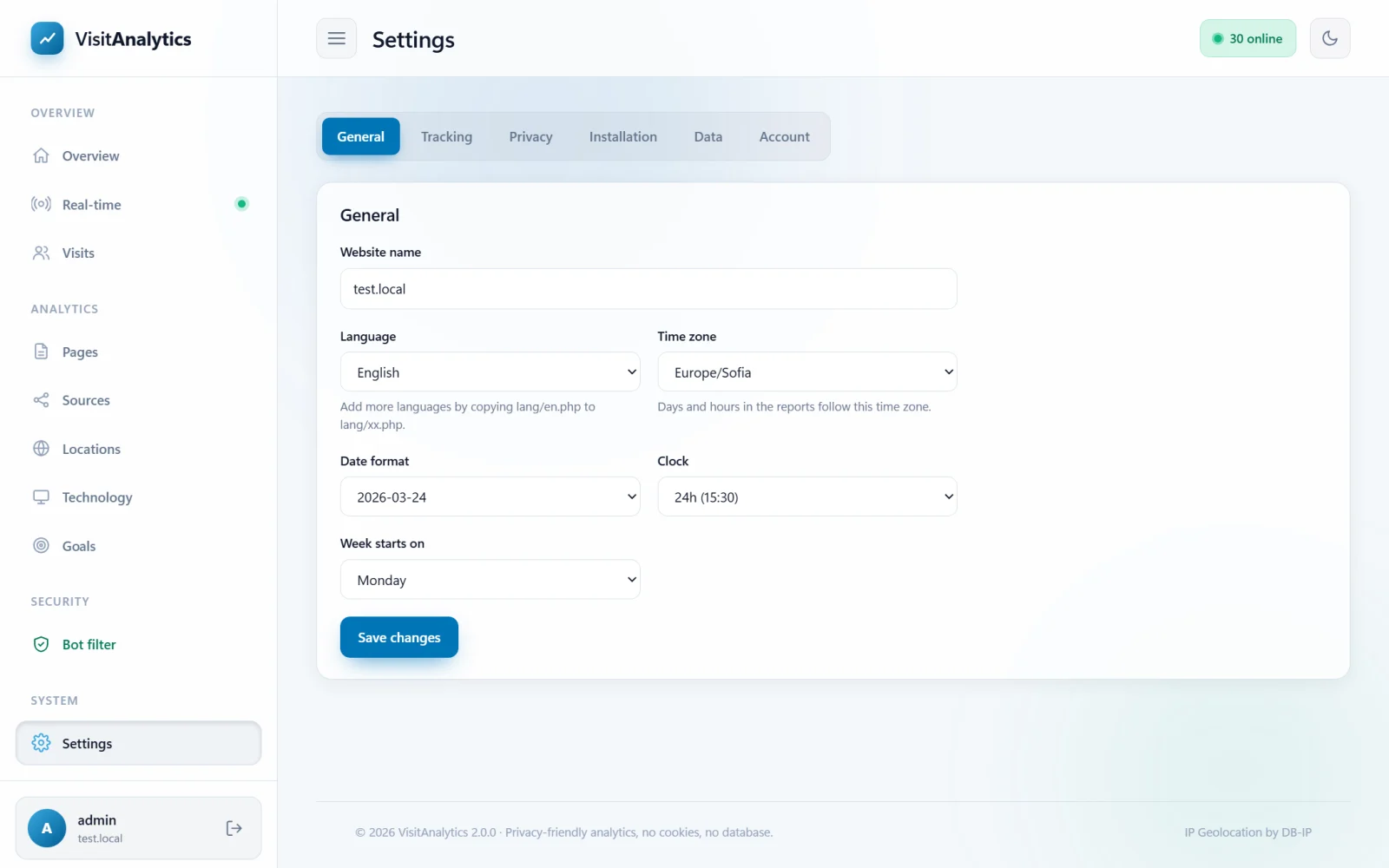
The settings
| Setting | Explanation |
|---|---|
| Website name | Shown in the sidebar and the browser title. Use your domain or brand. |
| Language | The language of the admin panel. English is included. Other languages appear here as soon as you add a language file – see Translate the admin panel into your language. |
| Time zone | The time zone of your website and audience. It decides where a day starts and ends, the hours in the charts and the heat map. Statistics already saved are not changed, but they are shown in the new zone. |
| Date format | How dates are written: 2026-10-25, 25/10/2026, 10/25/2026, 25.10.2026 or 25 Oct 2026. |
| Clock | 24 hour (15:30) or 12 hour (3:30 pm) times. |
| Week starts on | Monday or Sunday. Affects the order of days in the heat map. |
Press Save changes to apply. The message "Settings saved." confirms it.
Choose the time zone of the place where most of your visitors live. The "busiest times" heat map is then in the local time of your customers.
Last updated