Change your username and administrator password
The Account tab changes the single administrator login.
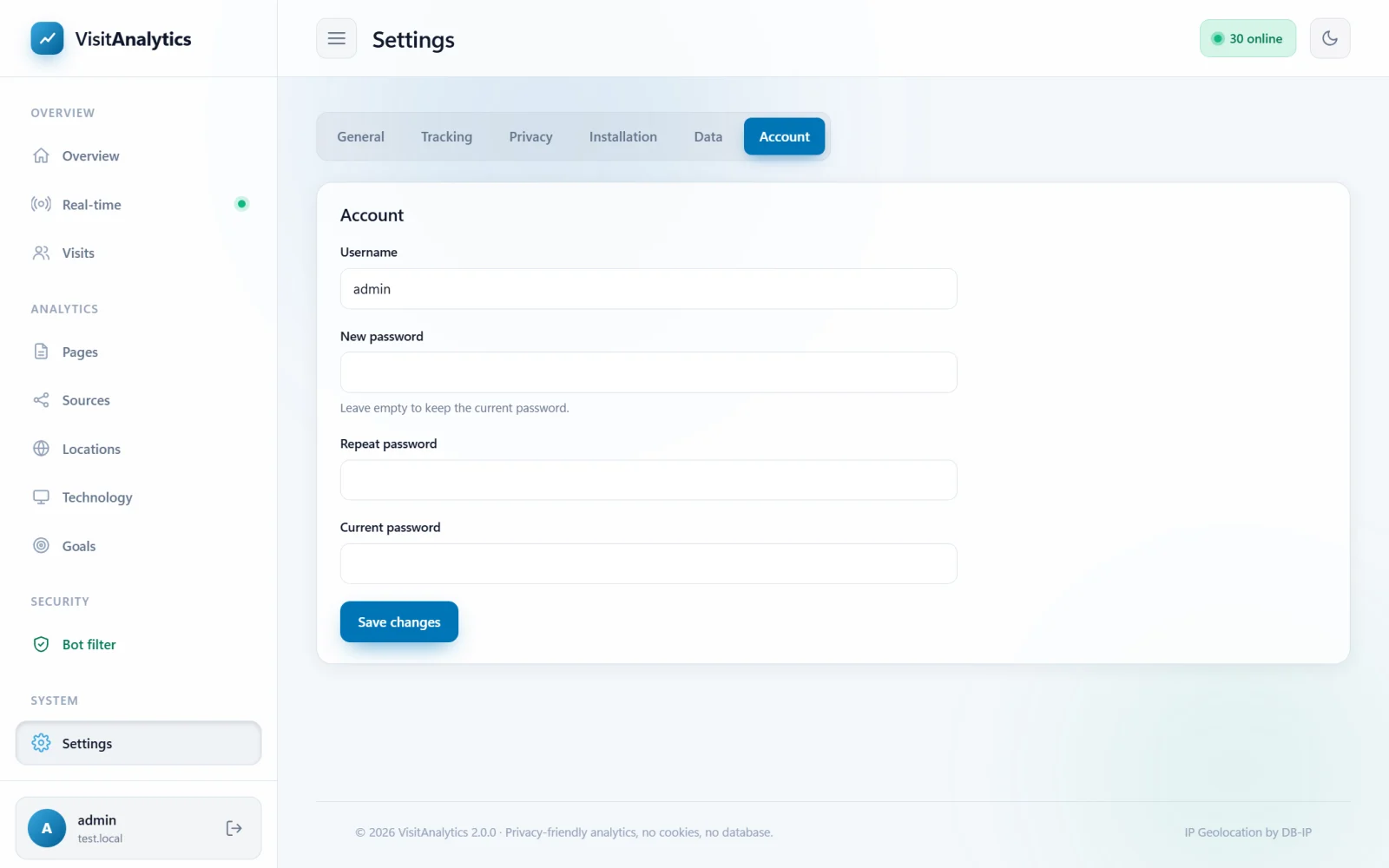
How to change it
- Open Settings → Account.
- Change the Username (3–40 characters: letters, numbers and
. _ - @), the password, or both. Leave New password empty to keep the current one. - Enter your Current password to confirm. This is always required.
- Press Save changes. You stay logged in.
Choosing a password
- At least 8 characters; 14 or more is better. A passphrase of several words works well.
- Do not reuse a password from another service.
- Passwords are stored only as a salted hash (bcrypt/Argon). Nobody, including you, can read them from
config.php.
More protection
The login is protected by a lockout after repeated errors (Logging in, logging out and a forgotten password). On top of that you can rename the admin folder or protect it with HTTP authentication on your server. See Securing VisitAnalytics: protect the data folder and the admin panel.
If you forget the password, see Logging in, logging out and a forgotten password for the reset procedure.
Last updated