Dark mode and using the admin panel on a phone
The admin panel follows your system theme and can be switched with one click. It is fully responsive, so you can check your statistics from your phone.
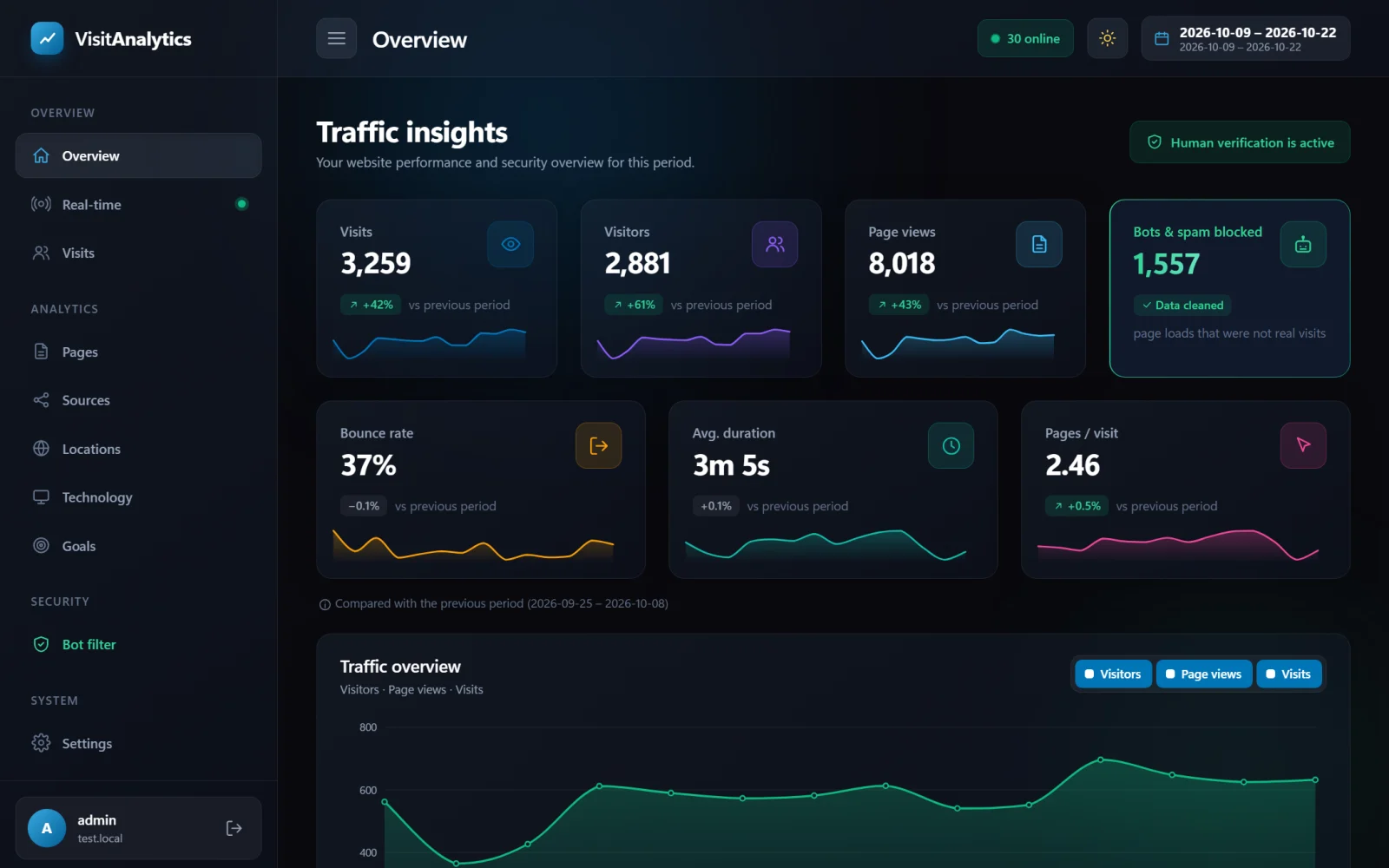
Switching the theme
Click the moon or sun button at the top right. By default the panel follows the theme of your operating system or browser. When you choose a theme manually it is remembered in your browser (in local storage, not in a cookie), so each device and browser can have its own.
Using it on a phone or tablet
- On narrow screens the sidebar becomes a menu: press the menu button (three lines) at the top left to open it.
- The key numbers rearrange into two columns, charts shrink to the screen width and wide tables scroll sideways.
- All features work on touch screens, including chart tooltips (touch and drag across a chart).
Printing
The reports have a print stylesheet: menus and buttons are hidden when you print or save a page as PDF, which is handy for monthly reports.
Last updated