Find broken links with the Page not found (404) report
When a visitor opens an address that does not exist, your website answers with a 404 error. The 404 tab lists these addresses so you can fix them.
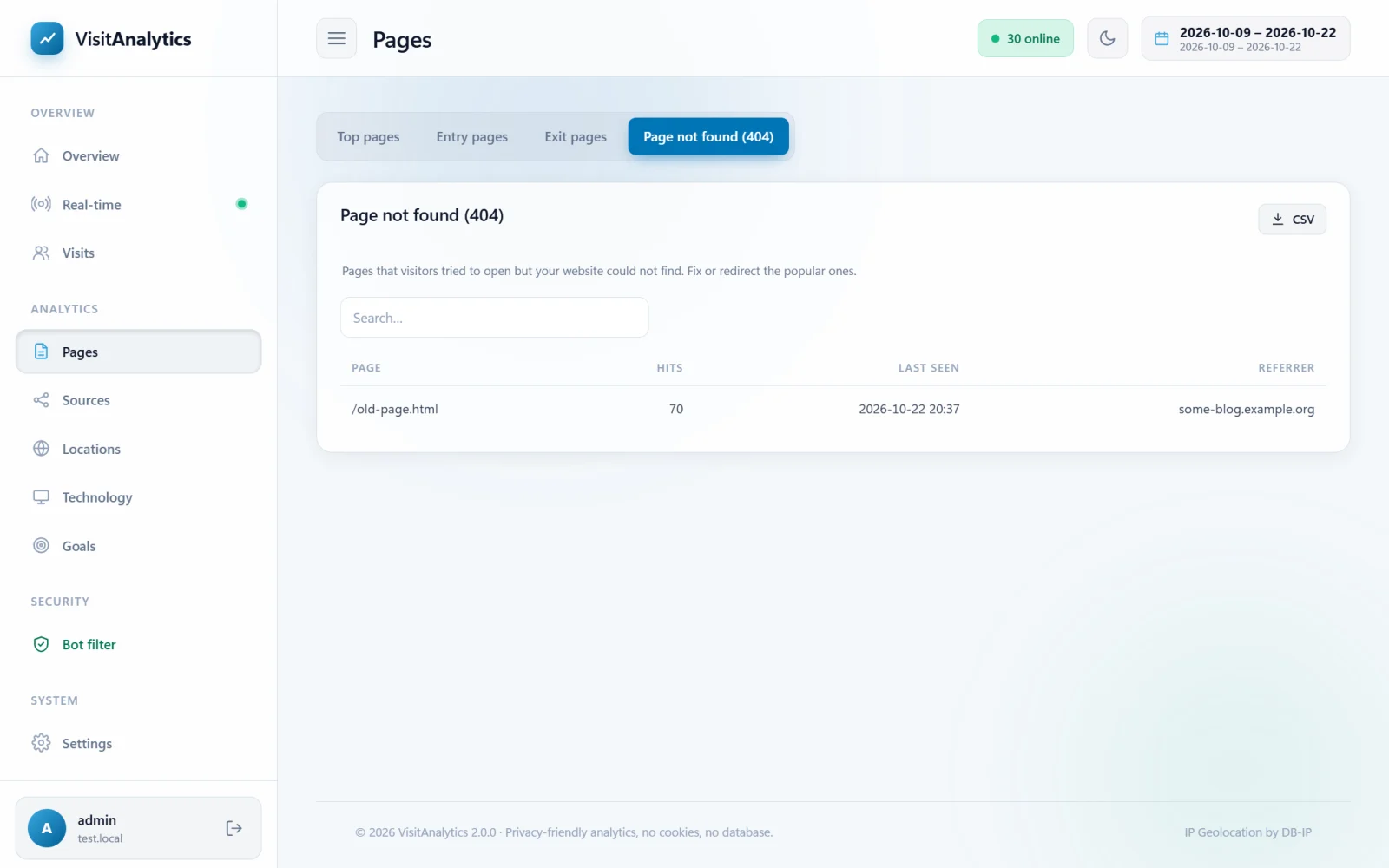
What the report shows
| Column | Meaning |
|---|---|
| Page | The address that was requested but not found. |
| Hits | How many times real visitors requested it. |
| Last seen | The date and time of the latest request. |
| Referrer | The website that linked to the missing page. An empty value means a typed address or a bookmark. |
Only real visitors are listed. Scanners probing for /wp-login.php, /.env and similar addresses are classified as attacks and appear in the The Bot filter: see which robots were kept out of your statistics instead.
What to do with it
- Sort by Hits. The top entries cost you the most visitors.
- Check the Referrer. If another website links to a wrong address, ask them to correct it, or create a redirect on your site.
- For old pages that moved, add a 301 redirect to the new address in your website or
.htaccess. - For typos in your own links, fix the link.
How it works and how to turn it off
The tracking code reads the final status of the page. If your website returns status 404 (a correctly configured website does), the visit is stored as a 404 entry and not counted as a normal page view. If your CMS shows an error page but sends status 200 ("soft 404"), those visits are counted as normal pages.
The tab can be hidden with List "page not found" visits in Tracking settings: bot sensitivity, ignored pages, sessions and more.
Last updated