The first-time setup wizard
The first time you open the admin panel, VisitAnalytics shows a one-page setup wizard instead of the login form. It creates the settings file and your administrator account.
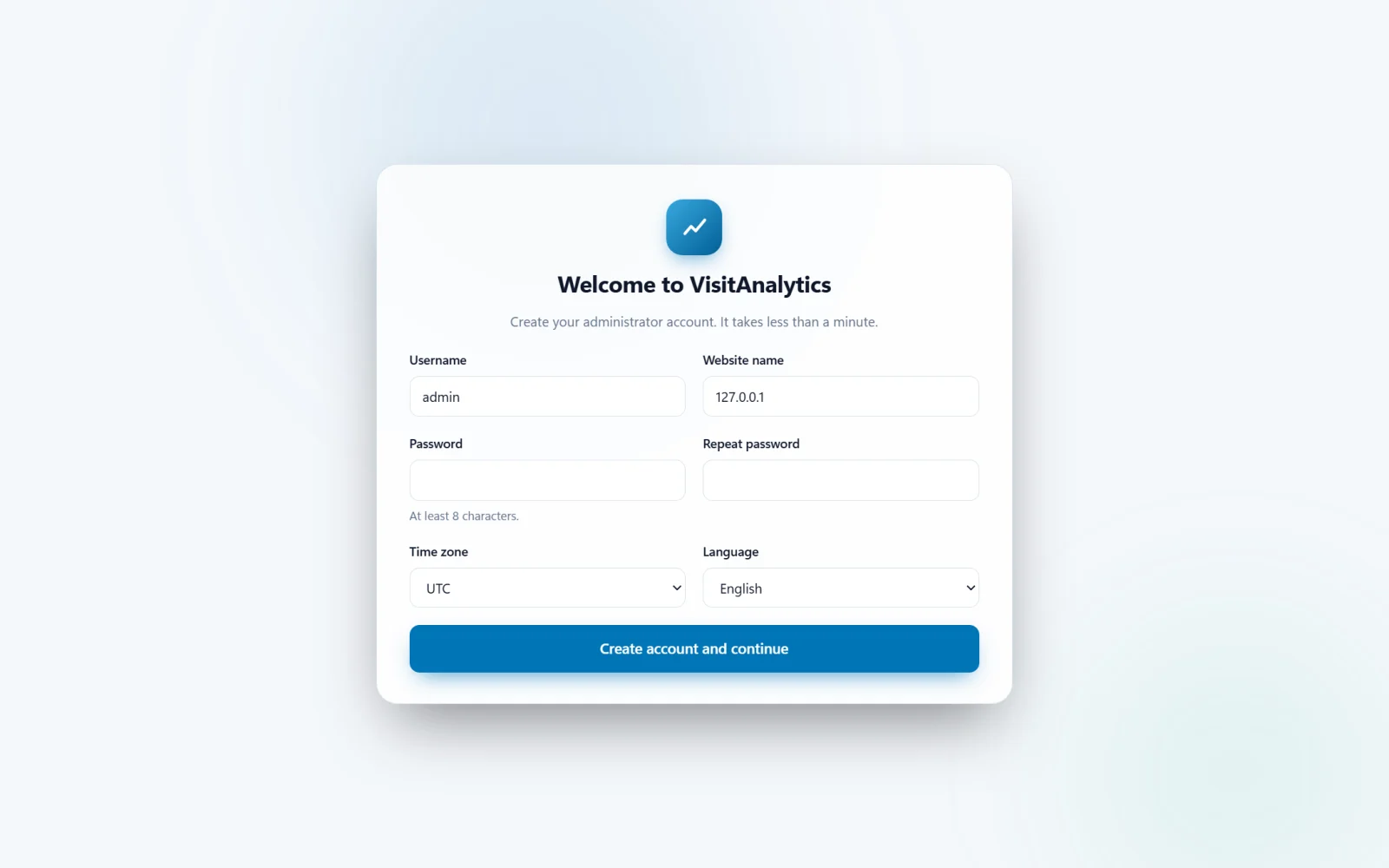
The fields
| Field | What to enter |
|---|---|
| Username | 3–40 characters: letters, numbers and . _ - @. Avoid obvious names like "admin" on a public site. |
| Website name | Shown in the sidebar and the browser title. It is filled in with your domain name; you can change it later in General settings: website name, language, time zone and date format. |
| Password | At least 8 characters. Use a long, unique password. It is stored only as a secure hash. |
| Time zone | The time zone of your website. Days, hours and the heat map in all reports follow it. |
| Language | Language of the admin panel. English is included; see Translate the admin panel into your language to add more. |
What the wizard creates
- The file
config.phpin the VisitAnalytics folder, with your settings and the password hash. - A secret key used to make visitor hashes. It is generated randomly and never leaves your server.
- A
datasub-folder with a random 16-character name (for exampledata/e8729ba48023ab16/) for the XML files. If a data folder from an earlier installation exists, it is reused and your old statistics are kept.
If the wizard shows an error
- "The folder ... is not writable" – give the VisitAnalytics folder write permission (chmod 755 or 775) and press the button again.
- "The settings file could not be saved" – the same cause; check disk quota and permissions.
- The wizard appears again after you finished it –
config.phpwas not saved or was deleted. Check permissions and repeat the setup.
After the wizard you are logged in automatically and taken to the installation page, where you add the tracking code.
Last updated