User manual · version 5.0
Car Portal user manual
Clear, illustrated guides for the website, the seller & dealer panel, the admin panel and every setting of Car Portal 6.0.
1Getting started
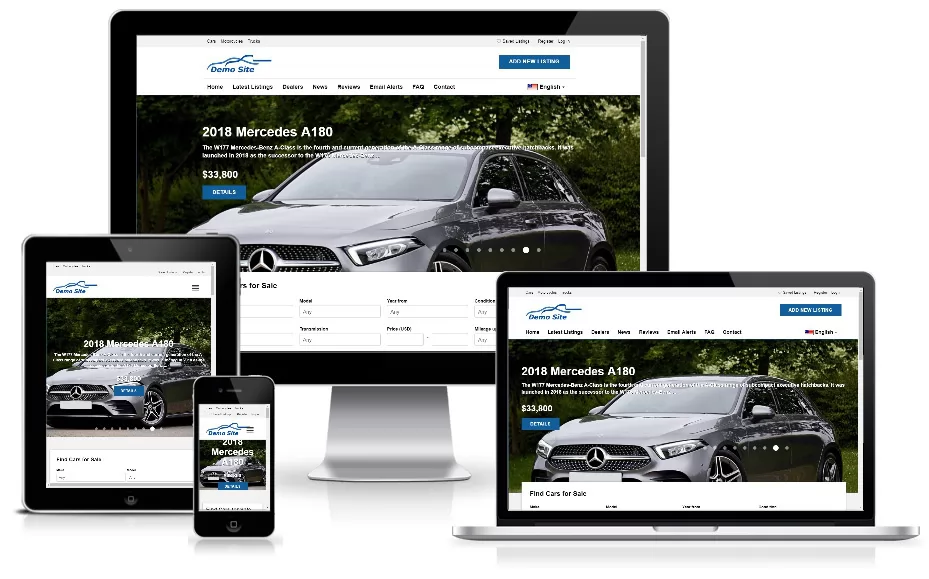
Car Portal 6.0 overviewWhat Car Portal 6.0 is and how it works: the public car website, the seller and dealer panel, the admin panel, payments, AI and themes explained.
System requirementsCheck that your hosting meets the Car Portal requirements: PHP 8.0+, MySQL or MariaDB, required PHP extensions, Apache mod_rewrite and writable folders.
How to install Car PortalInstall Car Portal in minutes with the web installer: upload the files, enter database details, create the admin account, choose demo content, finish.
Quick start checklistA practical checklist for the first hour with Car Portal: log in, set your website details, choose a theme, add payments, test a listing and go live.
2Website (front end)
The home pageTour of the Car Portal home page: hero search with dependent make and model lists, featured cars, latest listings, dealers, news and how to control them.
Search and filtersUse Car Portal search: filter cars by make, model, body type, price, year, mileage, fuel, transmission, drive, colour, condition, city, equipment and keyword.
Search results, sorting and saved search alertsHow the results page works: grid and list view, sorting, pagination and saved searches that e-mail buyers when new matching cars are listed.
The car details pageEverything on a Car Portal car page: photo gallery with lightbox, specifications, equipment list, video, finance calculator, seller box, share and print.
Contacting the sellerHow buyers contact sellers in Car Portal: message form, phone reveal, WhatsApp, test drive requests and price offers, with built-in spam protection.
Compare cars side by sideThe Car Portal compare tool lets buyers add up to four cars and compare price, year, mileage, power, fuel and equipment in one clear table.
Favourite carsVisitors can save cars to a favourites list with the heart button, with or without an account, and manage them later from the member panel.
Dealers, dealer profiles and reviewsCar Portal has a dealer directory with logo, location and rating, a profile page with all dealer cars and customer reviews moderated by the admin.
The Sell and pricing pageThe public Sell page explains how to list a car and shows your packages with prices, listing credits, duration and photo limits to turn visitors into sellers.
Registration, login and password resetHow accounts work in Car Portal: register as a private seller or dealer, log in, reset a forgotten password and control whether registration is open.
News, FAQ, contact form and extra pagesThe content pages of your car website: news articles, FAQ accordion, contact form with spam protection, newsletter box and custom CMS pages.
Multi-language websiteCar Portal speaks English, Spanish and German out of the box and lets visitors switch language; add more languages from the admin panel at any time.
3Seller & dealer panel
Seller and dealer panel: dashboardA tour of the Car Portal seller and dealer panel at /USERS: dashboard statistics, listing credits, messages, saved searches and the main menu.
How to post a car listingStep-by-step guide to posting a car for sale in Car Portal: vehicle data, price, drag-and-drop photos, equipment, description, location and publishing.
AI listing description generatorSellers write a professional car ad in one click with the built-in AI writer: pick tone and language, edit, publish. Works with Groq, DeepSeek and OpenAI.
Managing your listingsUse the My listings page to edit cars, renew expiring ads, mark cars as sold, pause or delete them and find expired listings in the seller panel.
Messages and enquiries inboxThe Car Portal seller inbox collects messages, test drive requests and price offers from buyers so sellers can read, reply and never miss a lead.
Buying packages and featuring listingsHow sellers buy listing credits and featured placements in Car Portal, apply a coupon and pay with Stripe, PayPal or bank transfer.
Payment history and invoicesSellers see every order with status, amount, tax and coupon in the panel, and print or save invoices with numbering, company and VAT details.
Profile, logo and passwordEdit contact details and company profile, upload a dealer logo or profile photo and change the password in the Car Portal seller panel.
4Admin panel
Admin panel: login and dashboardSign in to the Car Portal admin panel at /ADMIN, understand the dashboard statistics and charts, use the global search and find your way around the menu.
Managing all car listingsThe admin listings table: filter by status, seller or make, run bulk actions (approve, feature, renew, expire, mark sold, delete) and edit any car.
Moderating listings and reportsKeep your marketplace clean: approve or reject new car listings with a reason, e-mail sellers automatically and review reported listings.
Adding and editing listings as adminAdministrators can post cars for any seller, edit every field, upload photos, use the AI description writer and set featured and expiry dates.
Import and export listings (CSV)Export all cars to CSV for Excel, or import many listings at once from a CSV file. Format, column names and tips for a clean bulk import.
Vehicle catalog: makes, models, body types and equipmentMaintain the lists that power search and the seller form: car makes, models, body types and equipment features, with translations and sorting.
Managing sellers and dealersFind, edit, verify, block or delete seller and dealer accounts, add listing credits manually and see each user’s cars and orders in the admin panel.
Moderating dealer reviewsApprove, hide or delete customer reviews of dealers, and decide whether reviews are published immediately or only after your approval.
Enquiries and contact messagesRead messages sent through the website contact form and monitor enquiries buyers send to sellers, to spot problems and support your users.
Orders and invoicesSee every payment made on your site, filter by status or provider, approve bank transfers, mark refunds and open printable invoices.
Packages and pricingCreate the packages sellers can buy: price, listing credits, featured credits, listing duration, photo limit and target group (private or dealer).
Discount couponsCreate promo codes for sellers: percentage or fixed discounts, a usage limit and an expiry date. Perfect for launches, partners and campaigns.
Pages, news and FAQ managementCreate and translate custom pages, publish news articles and manage FAQ entries with the visual editor, SEO titles and meta descriptions.
Advertisements and bannersEarn extra income with banners and Google AdSense style code. Place an image banner or HTML/JavaScript ad code in different zones of the website.
Languages and translationsAdd a new language version, edit every interface text in the translation editor, and fall back to English automatically when a text is missing.
Statistics and reportsBuilt-in analytics for your marketplace: traffic over time, referral sources, devices and browsers, countries and who is online right now.
Admin users, groups and permissionsGive staff exactly the access they need: create admin users, put them in groups and tick the permissions for each part of the admin panel.
Login logs and changing your passwordReview who logged into the admin panel and from which IP address, and change your own admin password from the Home menu.
Database backupsCreate, download and delete database backups with one click from the admin panel, and learn a safe backup routine for your car marketplace.
Extensions and custom tagsSee the extension files that build each website page and create custom tags to insert your own HTML blocks into templates anywhere.
5Configuration
General settingsReference for the General tab of Car Portal settings: company details, contact data, time zone, default language, SEO URLs, maintenance mode, cookie banner.
Listing settingsConfigure how listings behave: currency and distance unit, results per page, auto-approval, default duration and photo limit, reviews, compare and registration.
Themes, colours, logo and templatesSwitch between the Default, Executive and Corporate themes, set brand colours and corner radius, upload your logo and favicon and edit template files.
E-mail and SMTP settingsMake sure Car Portal e-mails reach inboxes: sender name and address, SMTP server, port, encryption, username and password, with tips for Gmail and others.
AI assistant settingsConfigure the AI listing writer: endpoint URL, model, API key and daily limit for Groq, DeepSeek, OpenAI or any OpenAI-compatible provider.
Payment settingsDecide how you earn: charge for listings or not, free listings per user, featured price, currency, tax rate and invoice details for Car Portal.
Set up Stripe paymentsConnect Stripe in 5 steps: get your publishable and secret keys, add the webhook endpoint for checkout.session.completed and test with Stripe test cards.
Set up PayPal paymentsConnect PayPal: create a REST app, copy the client ID and secret, choose sandbox or live mode, and add the optional webhook for payment capture.
Bank transfer paymentsOffer bank transfer as a payment option: enter your bank details, let sellers place orders and approve them in the admin panel once the money arrives.
SEO, social media and trackingImprove Google visibility: enable SEO-friendly URLs, use the XML sitemap, set meta tags, add Google Analytics and Facebook Pixel and link social profiles.
Set up the daily cron jobSchedule the daily cron job that expires old listings, sends renewal reminders and saved-search alerts. Command line and web-cron URL examples.
6Help & reference
TroubleshootingSolutions for common problems: blank page, 404 errors with SEO URLs, images not uploading, e-mails not arriving, payments not confirmed and AI errors.
Security best practicesA practical security checklist for your Car Portal site: HTTPS, strong passwords, deleting the installer, permissions, backups, updates and payment safety.
Developer guideFor developers: folder structure, front controller, template tags, extension modules, adding a theme or language and sharing core classes with Jobs Portal.
Frequently asked questionsQuick answers about Car Portal: hosting needs, languages, payments, free or paid listings, AI costs, themes, mobile, SEO and customisation.