Multi-language website
Reach buyers in their own language. Everything visitors see can be translated.
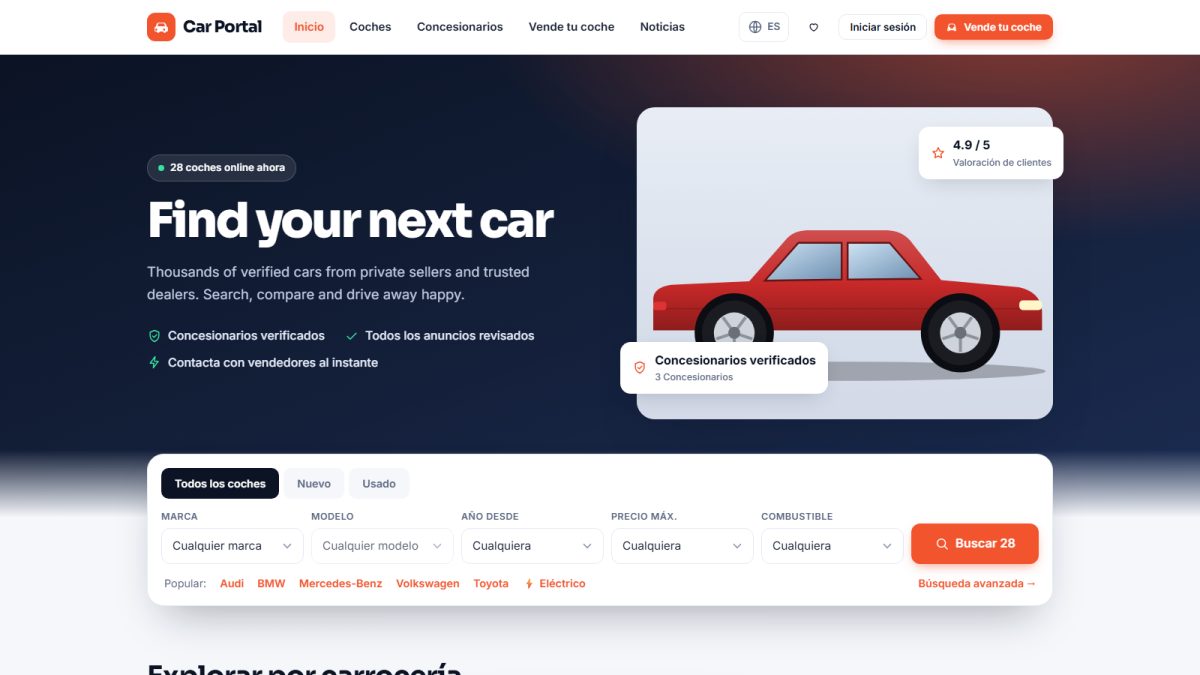
Language switcher
When more than one language is active, a switcher appears in the header. The visitor’s choice is remembered. The default language is set in General settings.
What is translated
- All interface texts, buttons, labels and e-mails.
- Page titles, page content and addresses (slugs).
- News articles and FAQ entries.
- Catalog items such as body types and equipment names.
User-written content, like a seller’s description, stays in the language the seller used.
Adding a language
Admins add a language in Settings › Language versions and translate texts in Website › Interface texts. If a translation is missing, the English text is shown, so nothing is ever blank. Full guide: Languages and translations.
Last updated