Managing your listings
All your cars in one table, with the status of each ad and the actions you need next to it.
Seller panel › My cars › My listings
The listing table
Each row shows the photo, title, price, status, views, messages, favourites and expiry date.
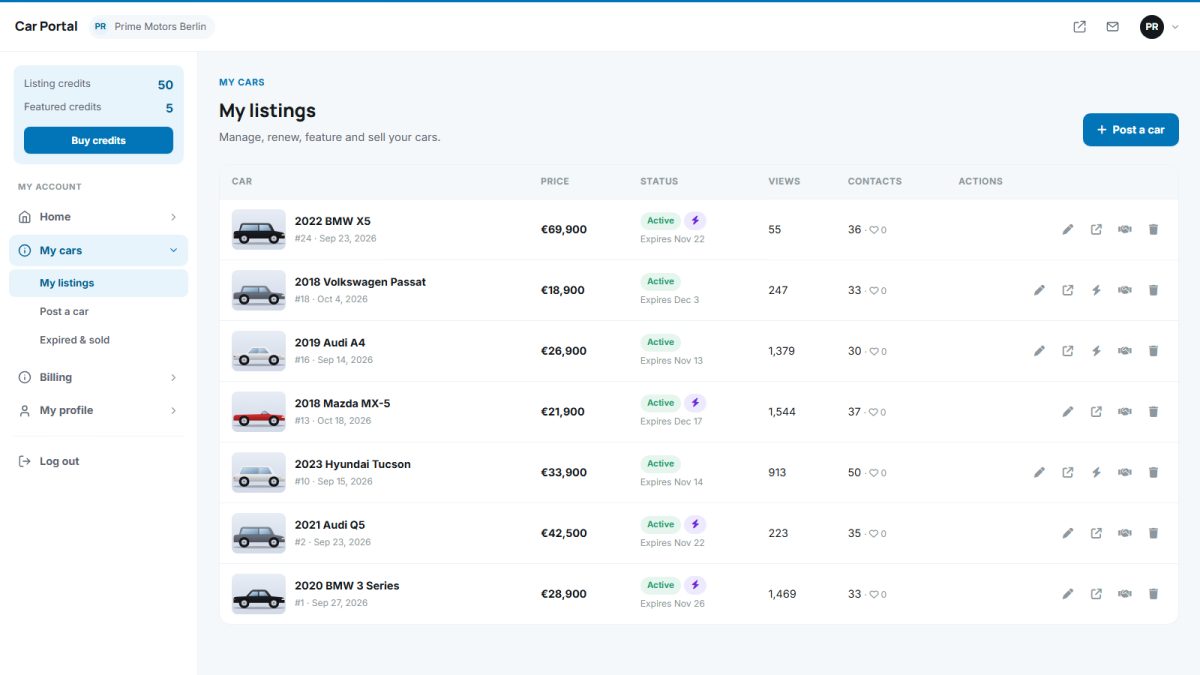
Statuses
| Status | Meaning |
|---|---|
| Draft | Saved but not published; does not use a credit |
| Pending | Waiting for admin approval |
| Active | Live on the website |
| Rejected | The admin rejected it; the reason is shown, edit and resubmit |
| Expired | The duration ended; renew to publish again |
| Sold | Marked by the seller; removed from search |
Actions
- Edit – change any field, photos or text. Changes to active ads may need approval again depending on your settings.
- Renew – extend an ad for another period (uses a credit if you charge).
- Feature – place the car at the top (see feature a listing).
- Mark as sold – the car disappears from search and the seller gets a final summary.
- Delete – permanently remove the ad.
Expired and sold
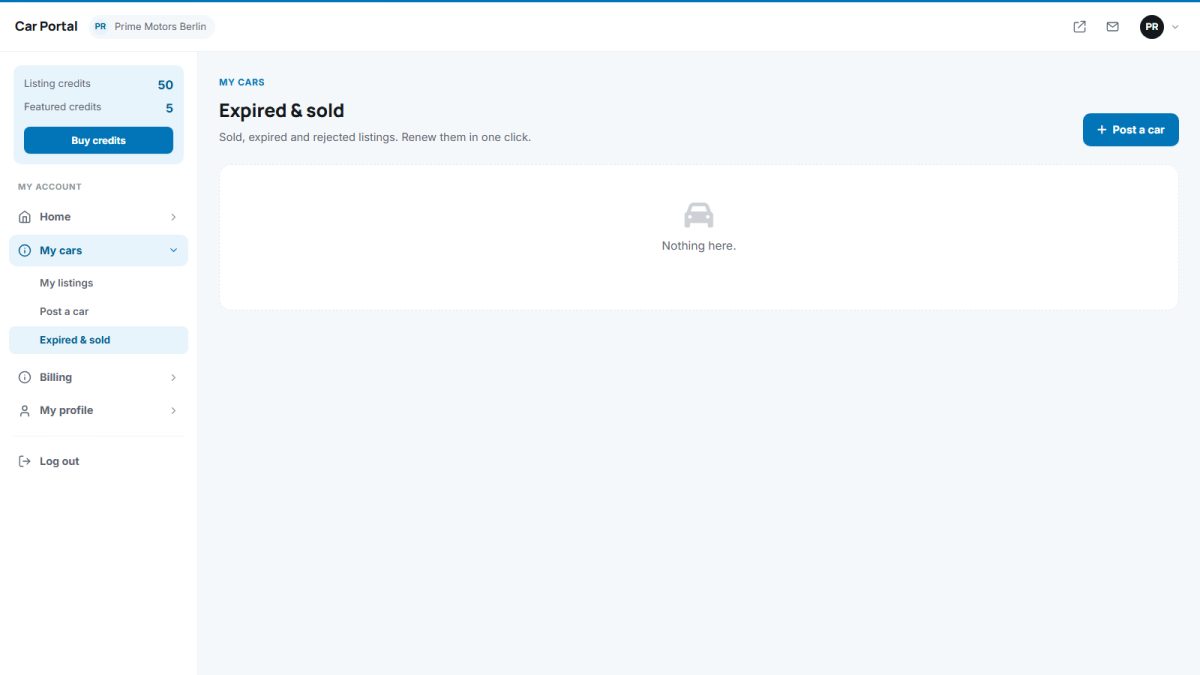
The Expired & sold page lists finished ads so they can be renewed or republished with a click.
Sellers receive a reminder e-mail three days before an ad expires. This is sent by the daily cron job.
Last updated