Enquiries and contact messages
Two lists keep you in touch with visitors: contact form messages to you, and enquiries between buyers and sellers.
Contact form messages
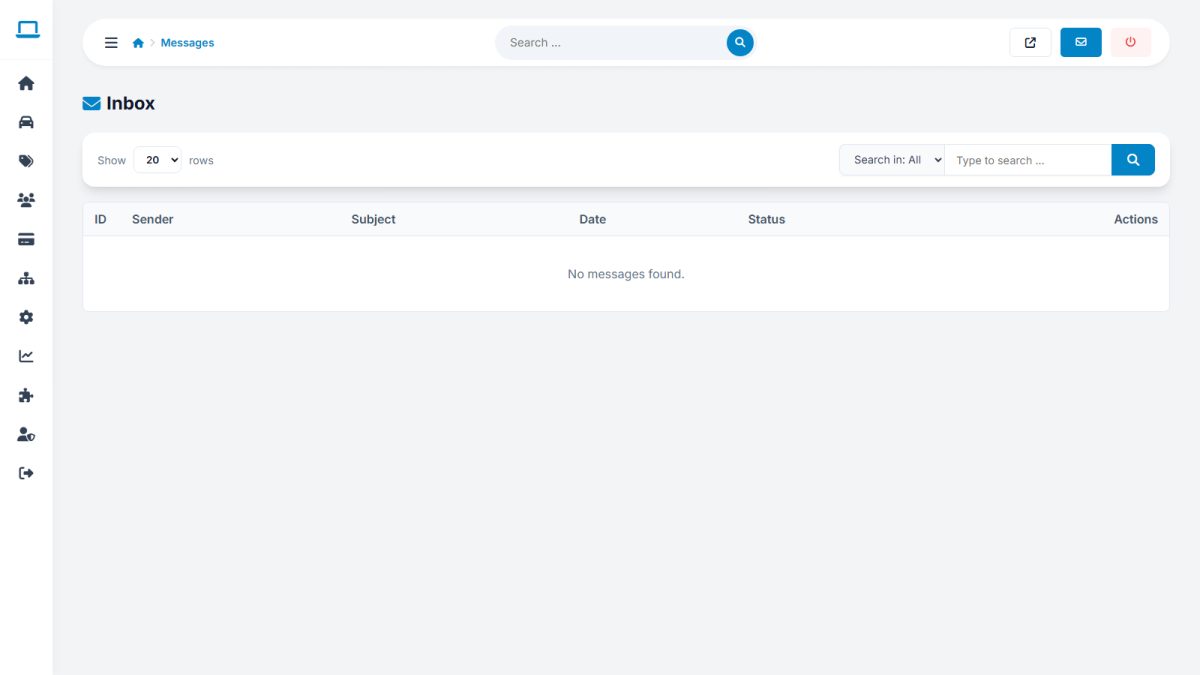
Home › Messages lists everything visitors wrote on the website contact page. New messages are counted on the dashboard. Open a message to read it, then reply from your own e-mail client using the sender’s address; delete messages you no longer need.
Buyer to seller enquiries
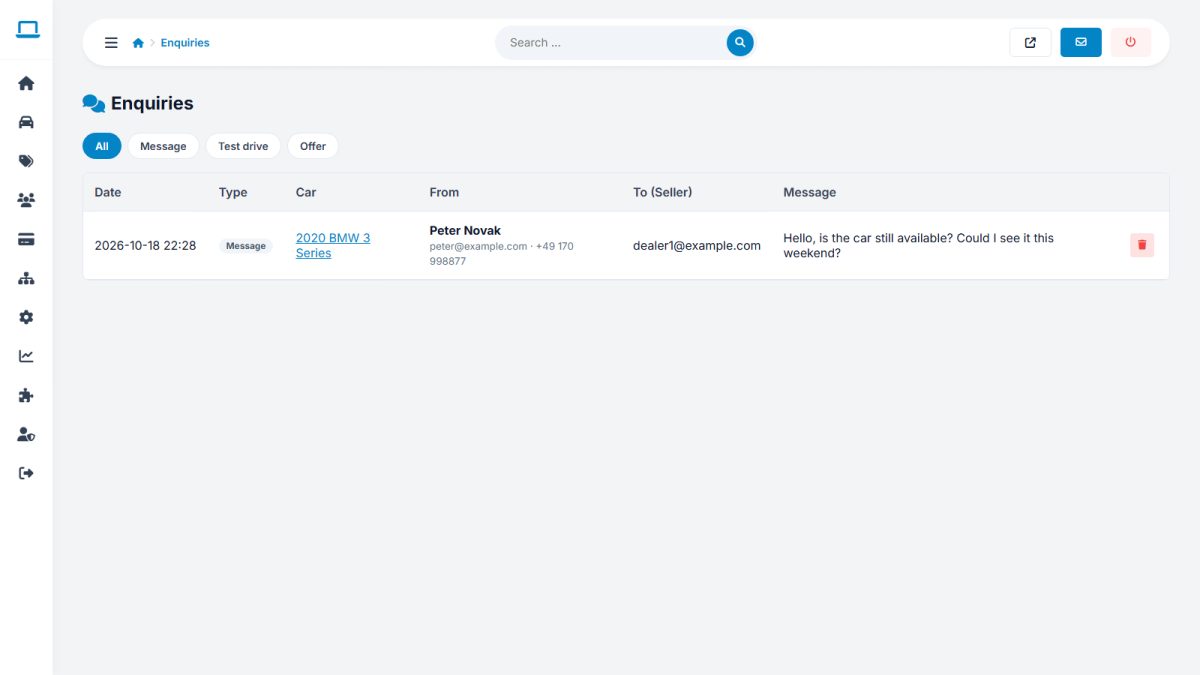
Users › User messages shows the enquiries buyers sent to sellers (messages, test drives, price offers). Use it to check that dealers respond, find abuse or help a user who says they received nothing.
Administrator notifications for new contact messages go to the Admin e-mail set in General settings.
Last updated