The car details page
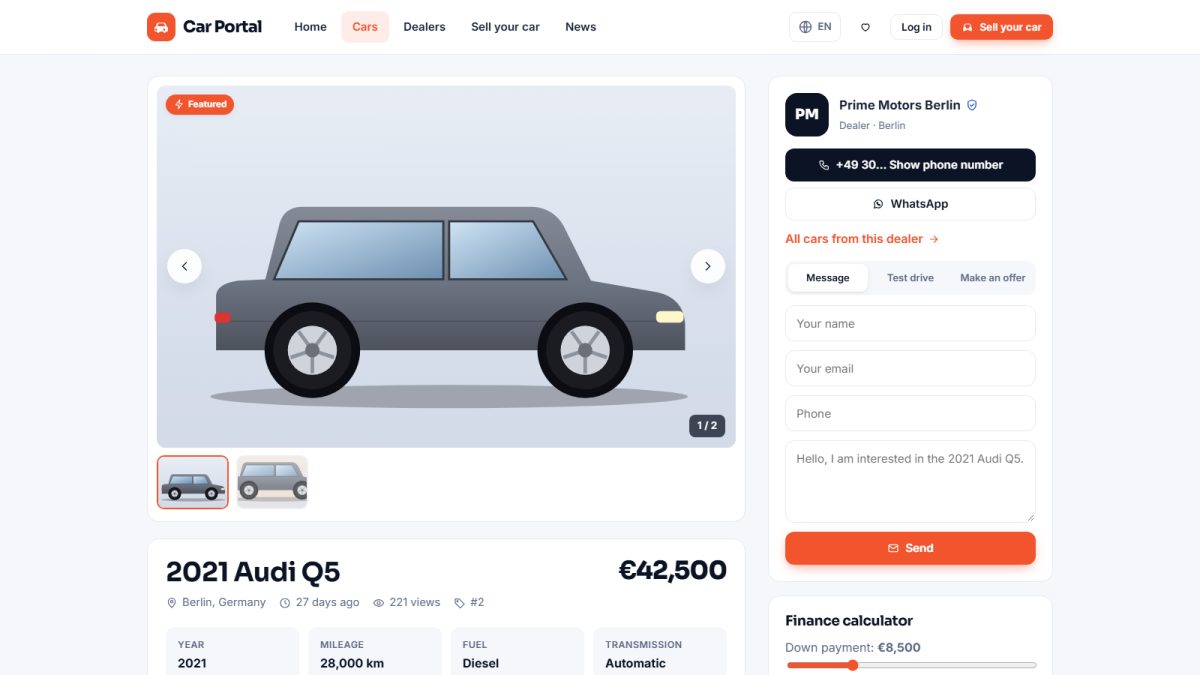
The car page is where buyers decide. It is designed to answer every question and make contacting the seller easy.
Photo gallery
A large main photo with thumbnails below. Clicking opens a full-screen lightbox with arrows and keyboard navigation.
Specifications and equipment
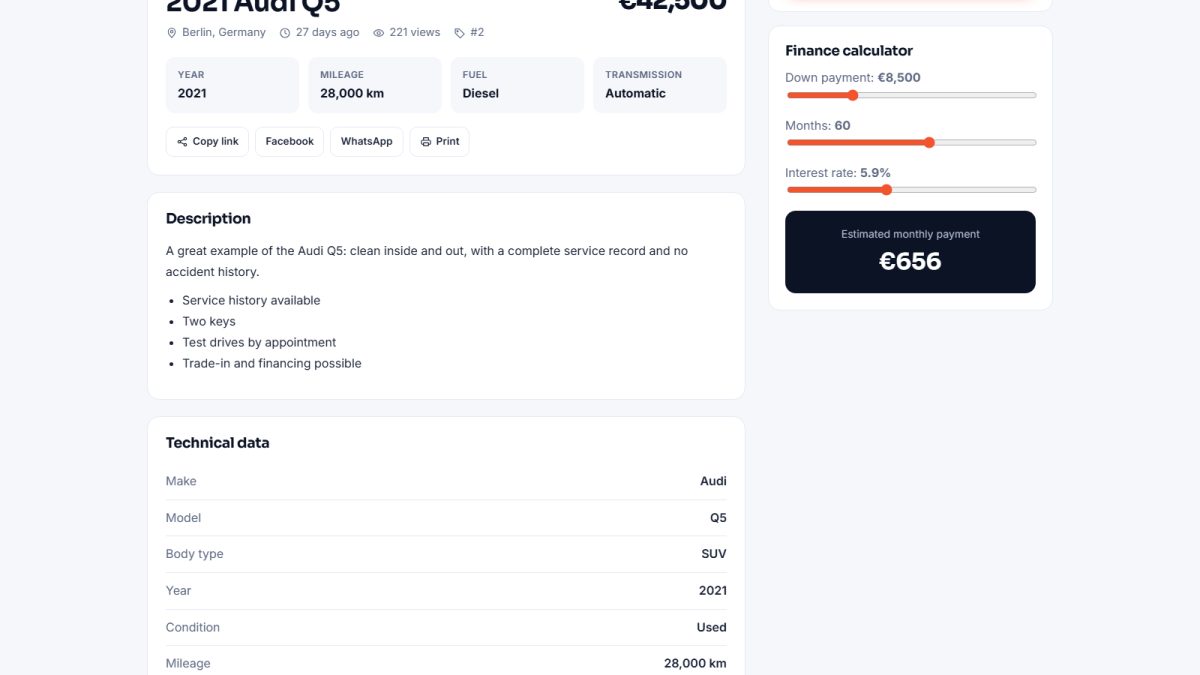
Key facts (year, mileage, fuel, gearbox, power, drive, colour, doors, seats, condition) are shown in a clean table, followed by the equipment the seller ticked, and the full description.
Finance calculator
An interactive calculator estimates the monthly payment from the price, down payment, interest rate and number of months. It helps buyers decide and keeps them on the page.
Video
If the seller pasted a YouTube link in the listing, the video is embedded on the page.
Seller box and contact options
The box shows the seller or dealer (with logo and rating for dealers) and the ways to get in touch: message form, phone reveal, WhatsApp, test-drive request and price offer. See Contacting the seller.
Share, print, report
- Share – Facebook, X, WhatsApp, e-mail or copy link.
- Print – a clean print layout of the car page.
- Report – visitors can report a suspicious listing; admins review it (moderation).
Similar cars and SEO data
Similar cars are suggested at the bottom. Each car page also outputs schema.org structured data (Vehicle / Offer), which helps Google show rich results.
Last updated