Favourite cars
A heart button on every car lets buyers build a shortlist and come back later.
How it works
- Guests – favourites are saved in a browser cookie and appear on the Favourites page.
- Logged-in users – favourites are stored in the database, so they follow the user to any device.
- When a guest logs in, the cookie favourites are merged into the account.
The header shows a heart icon with the number of saved cars.
Managing favourites
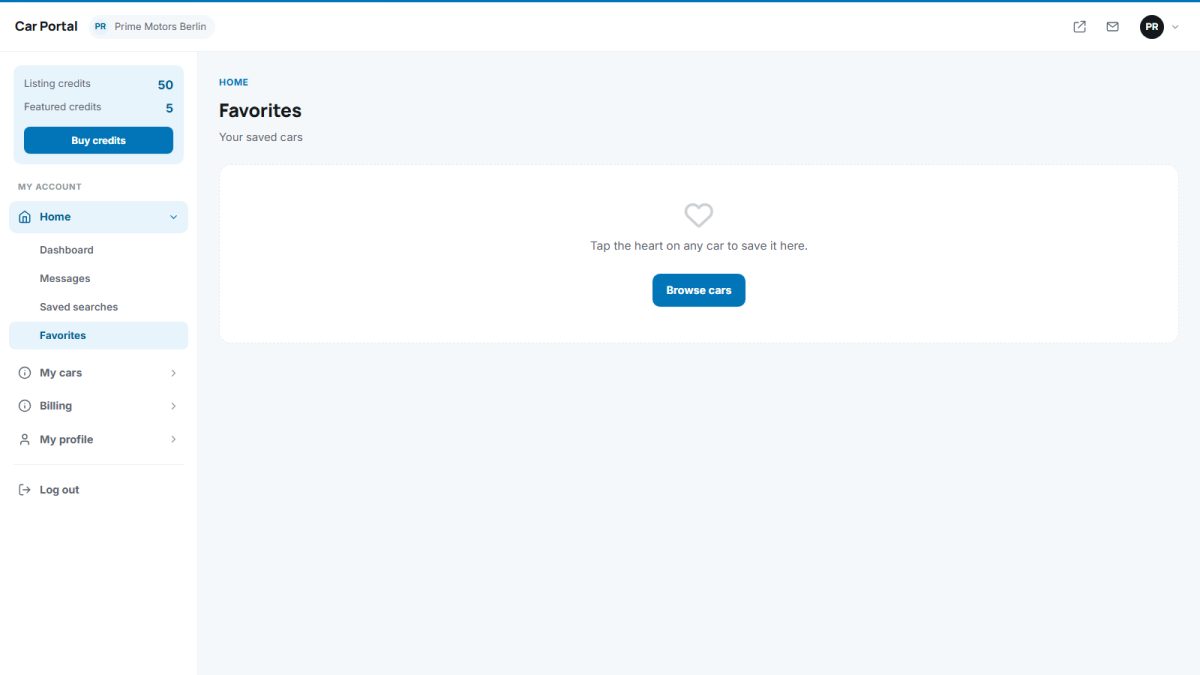
Members see their list in the panel under Dashboard › Favourites and can remove cars or open them again.
Favourites also give you data: the car statistics in the admin panel count how often each car is saved.
Last updated