Database backups
A backup takes seconds and can save your business.
Admin › Settings › Backups
Create a backup
Click Create backup. Car Portal exports the complete database to a .sql file in the protected backups/ folder and lists it with date and size.
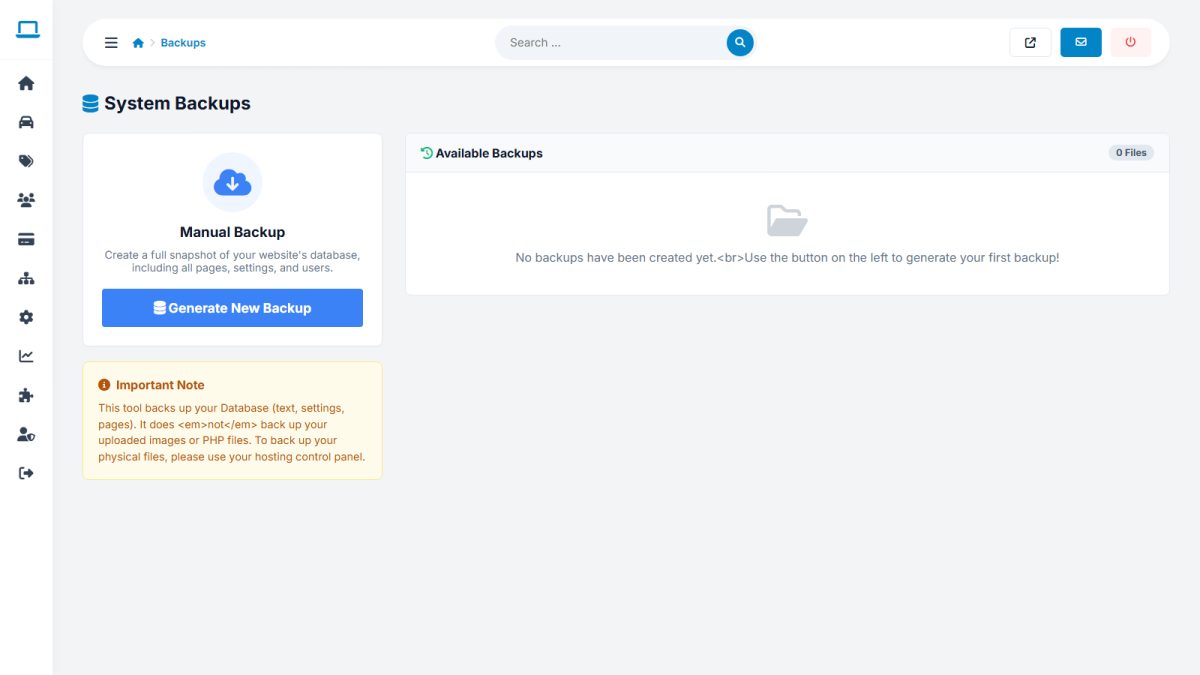
Download and delete
Download a copy to your computer, then delete old backups to save space. The folder is protected against direct web access.
Restoring
Import the .sql file with phpMyAdmin or the mysql command line into an empty database.
What is not included
The backup contains the database only. Copy the uploaded_images/ folder and config.php with FTP or your hosting backup tool.
Routine: a backup before every update or bulk import, and a weekly download to a safe place away from the server.
Last updated