Pages, news and FAQ management
The content tools let you maintain the whole site without touching code.
Pages
Website › Pages lists all pages (about, terms, privacy, cookies, how it works...). Click a page to edit it with the visual editor, set its address (slug), choose whether it appears in the menu or footer, and enter a meta title and meta description for search engines.
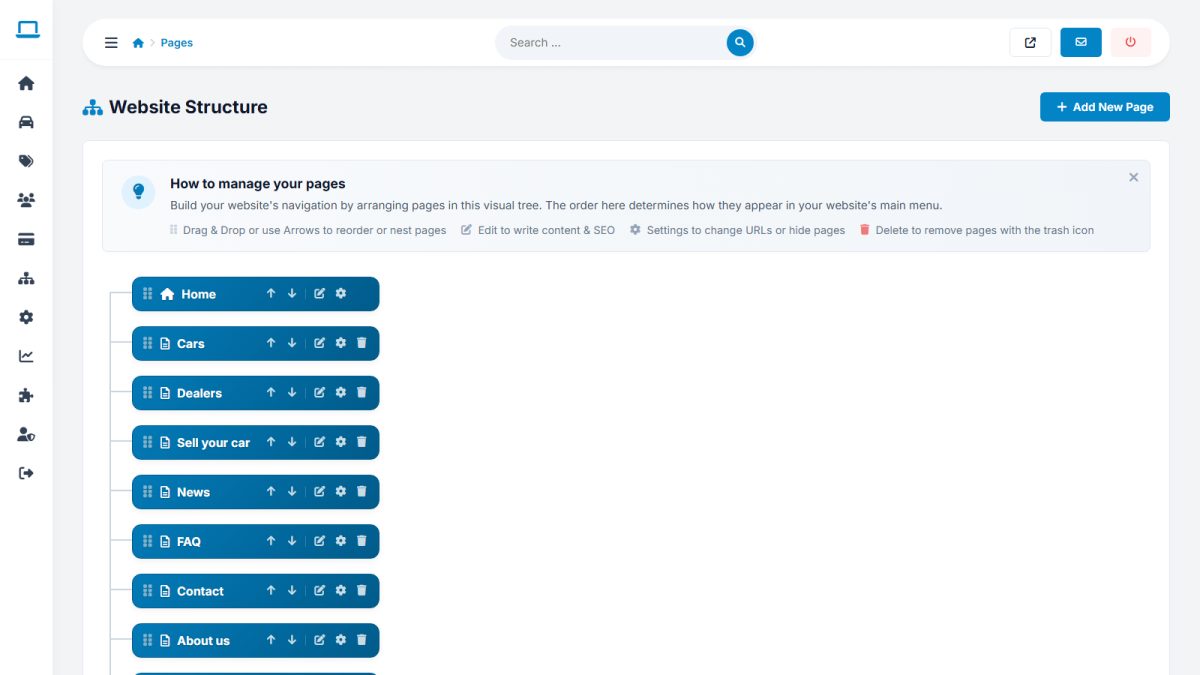
Each page can be translated separately for every active language.
News
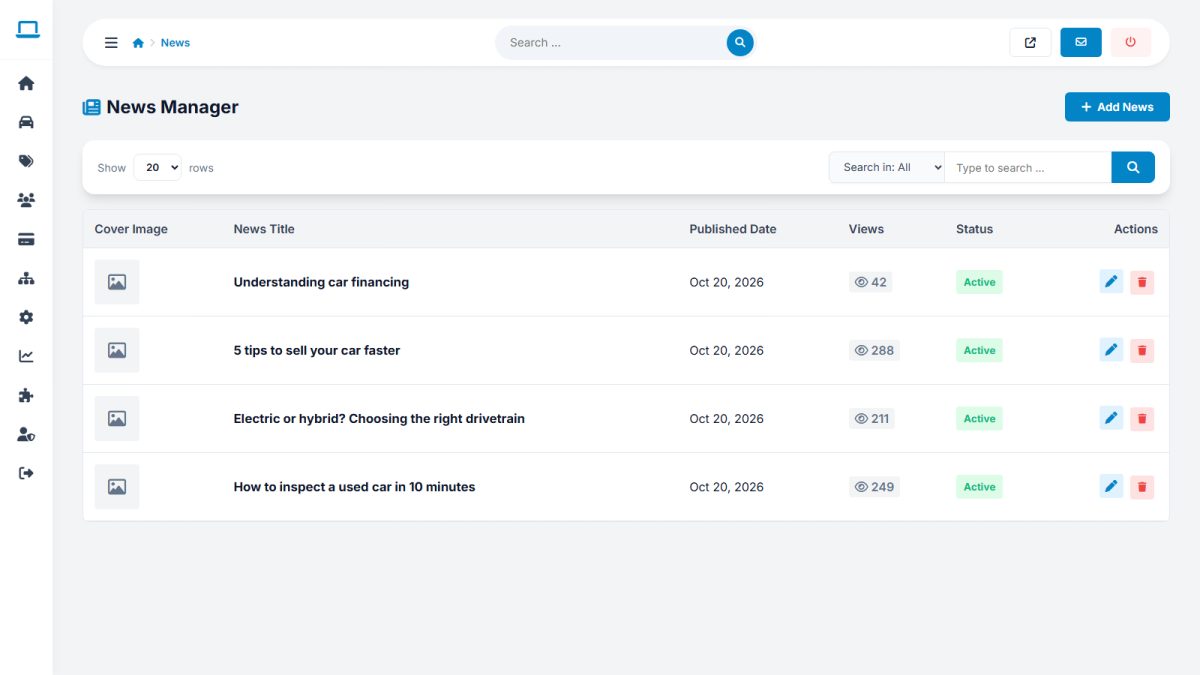
Add articles with title, image, summary, text and publication date. Articles are translatable and have their own SEO fields.
FAQ
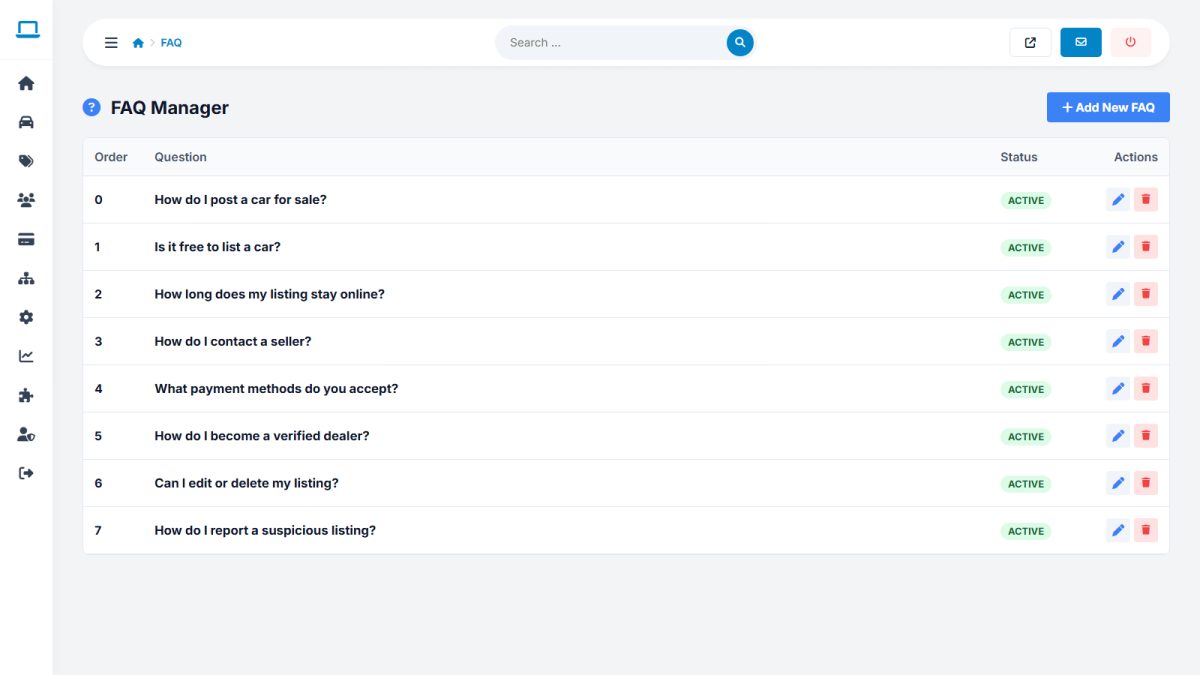
Extensions › FAQ manages questions and answers with sorting and translations.
Logo and favicon
Upload your logo and favicon under Website › Logo & favicon, see Themes, branding and templates.
Write unique meta titles and descriptions for your main pages. They are what people see in Google results. See SEO settings.
Last updated