Car Portal 6.0 overview
Car Portal is a ready-to-launch car classifieds and dealer marketplace written in PHP and MySQL. This page explains the big picture before you dive into the details.
The three parts of Car Portal
Everything in Car Portal belongs to one of three areas. Each has its own login, menu and guide in this manual.
| Area | Who uses it | Address |
|---|---|---|
| Website (front end) | Visitors, buyers, everybody | https://your-site/ |
| Seller & dealer panel | Private sellers and car dealers | https://your-site/USERS/ |
| Admin panel | You and your team | https://your-site/ADMIN/ |
What visitors can do
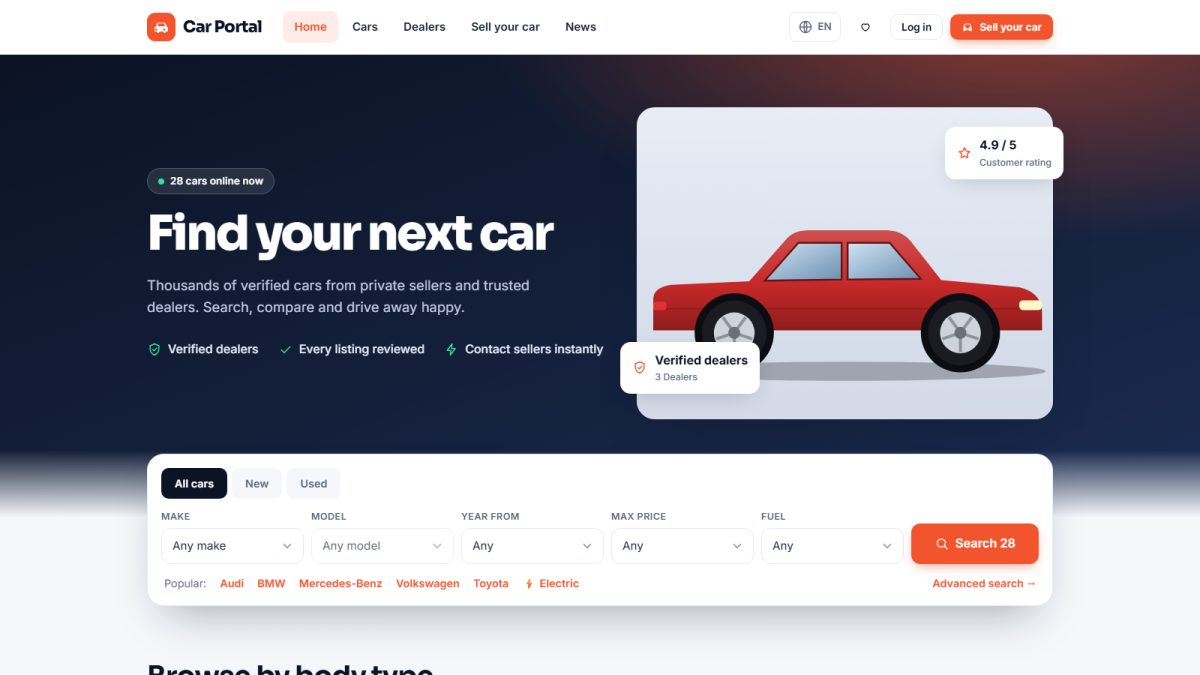
- Search by make, model, body type, price, year, mileage, fuel, gearbox, colour, city and equipment (search and filters).
- Open a rich car page with a photo gallery, specifications, equipment, video and a finance calculator (car page).
- Save favourite cars, compare up to four cars side by side and receive alerts for saved searches.
- Contact sellers by message, phone, WhatsApp, test-drive request or price offer.
- Browse dealers, read dealer reviews, news and FAQ, in English, Spanish or German.
What sellers and dealers can do
- Post and manage listings with drag-and-drop photos, equipment and a rich text description.
- Let the built-in AI writer create the description in one click.
- Answer enquiries in an inbox, renew listings, mark cars as sold and feature the best ones.
- Buy listing packages with Stripe, PayPal or bank transfer and download invoices.
What administrators can do
- Moderate listings, reports and reviews; manage sellers and dealers.
- Maintain the vehicle catalog (makes, models, body types, equipment).
- Define packages, coupons, tax and invoices; confirm bank transfers.
- Edit pages, news, FAQ, advertisements, logo, themes and every interface text.
- Watch traffic statistics, create admin roles and download database backups.
Responsive on every device
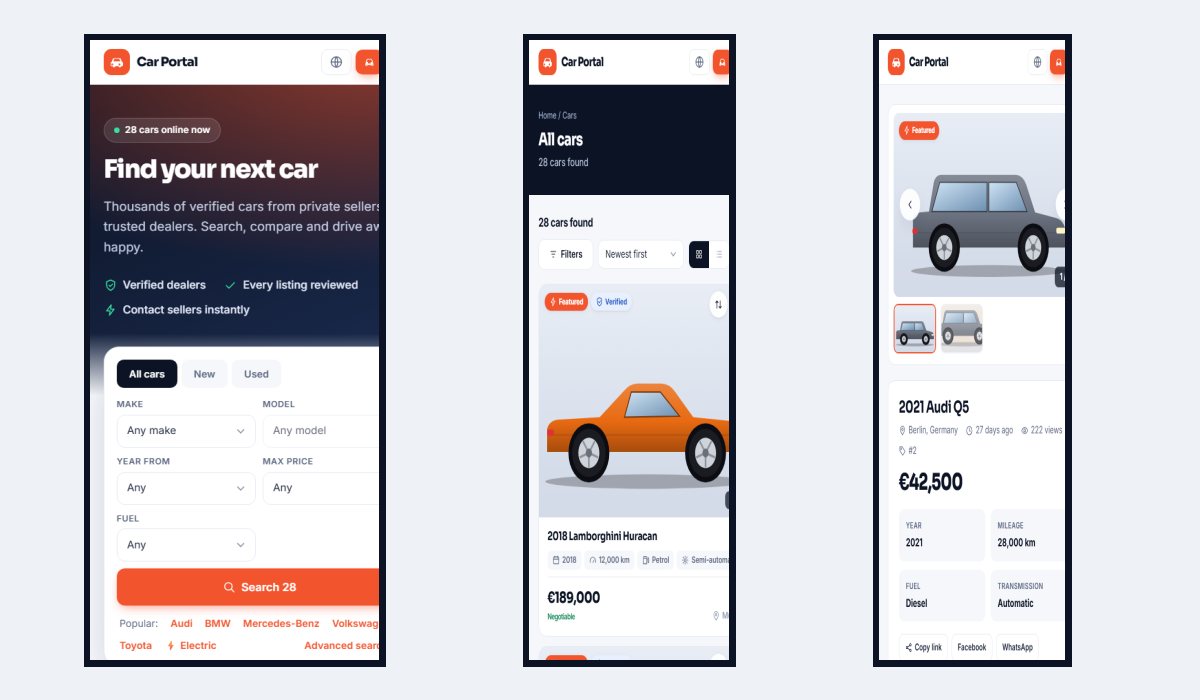
All three areas adapt to phones and tablets, so buyers can browse and sellers can manage listings from anywhere.
New here? Follow Installation and then the Quick start checklist. You can have a working marketplace in about ten minutes.
Last updated