Moderating listings and reports
Moderation protects the quality of your site. Car Portal gives you a simple approval queue and a list of reported ads.
Admin › Car listings › Pending approval
Approval queue
When Publish new listings without approval is off (Listing settings), every new or edited car waits in Pending approval. The queue shows the oldest first, with photo, price and seller.
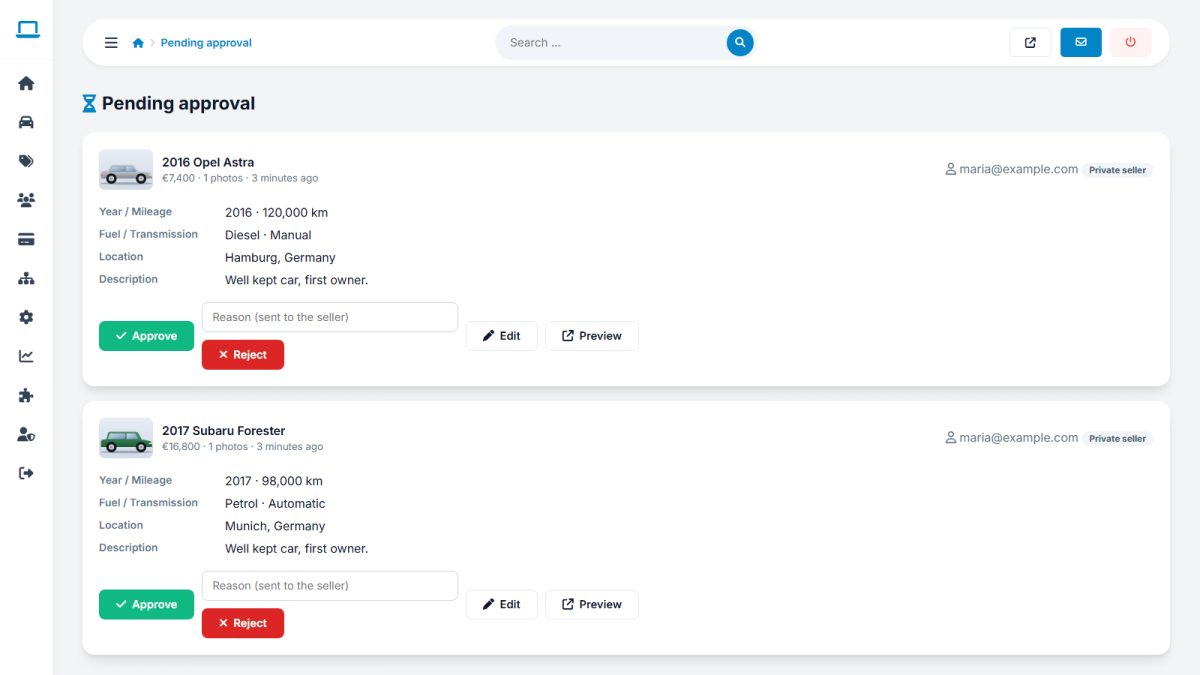
- Open the car to check photos, price and text.
- Click Approve – the car goes live, the duration starts and the seller is e-mailed.
- Or click Reject and type a reason – the seller sees it and can correct the ad.
Reported listings
When visitors use Report on a car, it appears in Car listings › Reported listings with the reason and the reporter’s message.
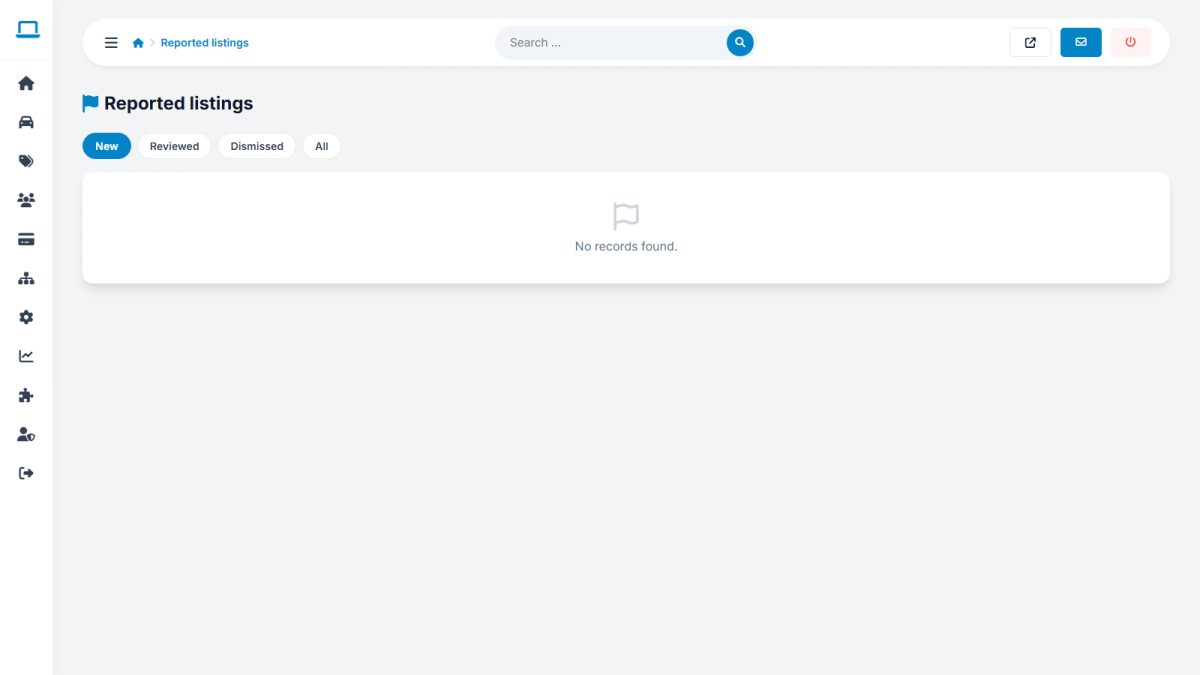
- Open the car to inspect it.
- Remove the listing if it is a scam or duplicate.
- Dismiss the report if it is unjustified.
Use auto-approval for trusted dealers only by leaving approval on globally and approving their cars with one click; or turn auto-approve on once your community is established.
Last updated