Languages and translations
The website and the owner panel are fully translatable. All texts live in language files, and you can edit them from the admin panel without opening a file.
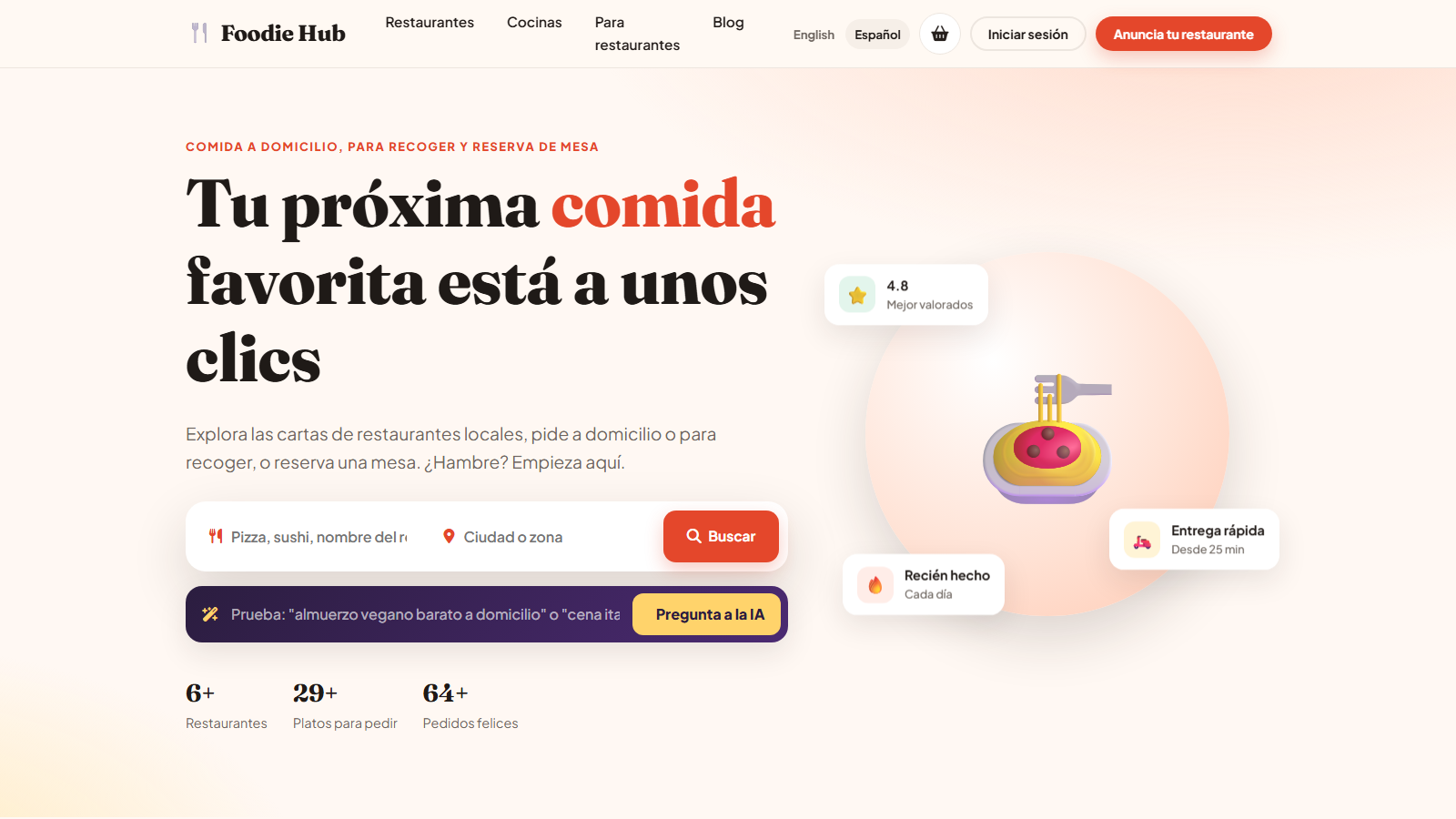
Included languages
English and Spanish are ready. The files are languages/en.php and languages/es.php (plus the owner panel texts en_panel.php / es_panel.php); the admin panel has its own English texts in ADMIN/en.php.
Turn on the language switcher
Tick Multi language in configuration options and choose the default language. A switcher appears in the header of the website. The choice of a visitor is remembered for the session.
Add a new language
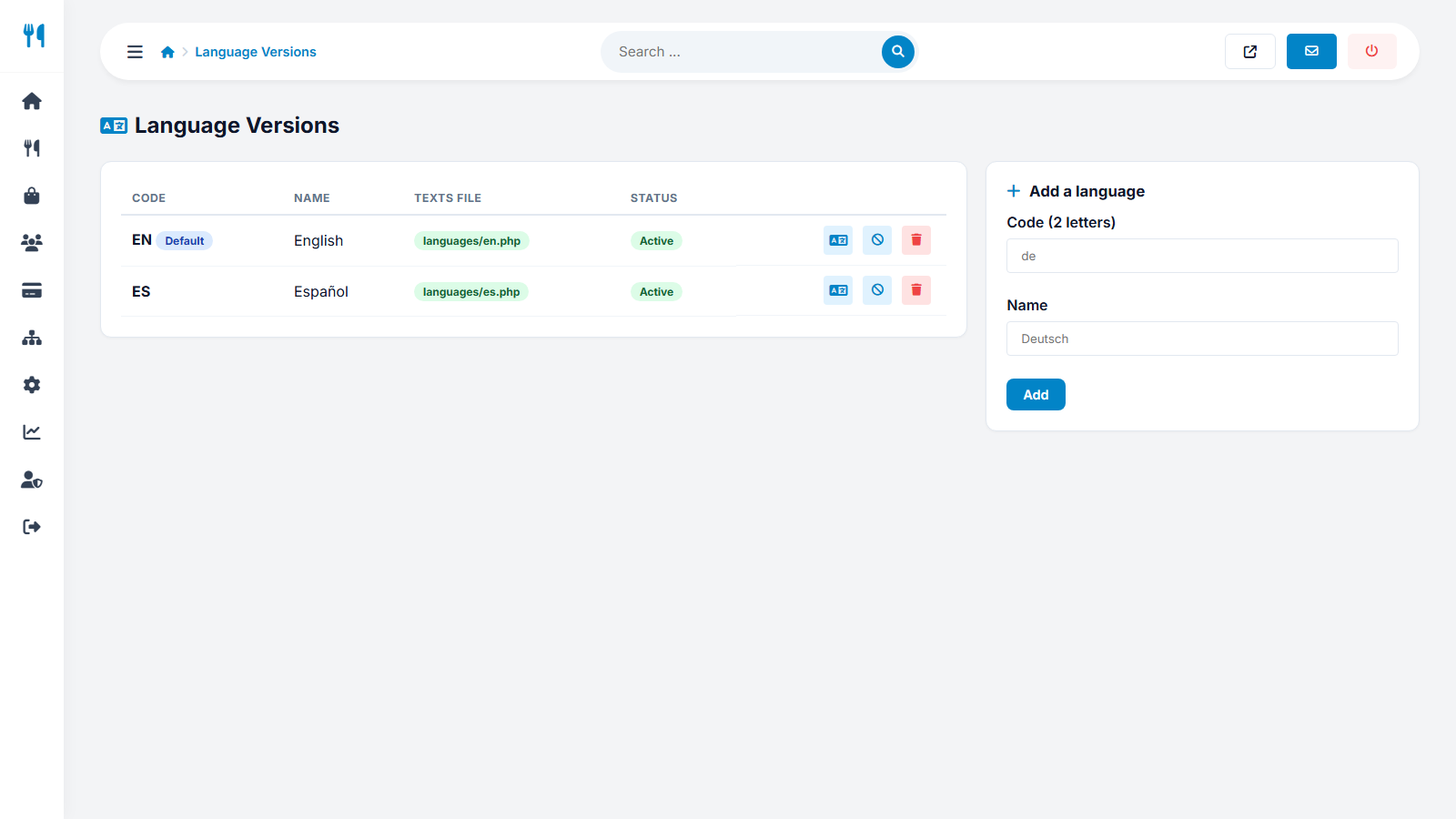
- Open Settings → Languages.
- Enter a language code (two to five letters, for example
de) and the name as it should appear (for exampleDeutsch). - Press Add. The script creates
languages/de.phpas a copy of the English texts and copies the English pages and blog articles to the new language so that the site works immediately. - Translate the texts (next section) and the pages.
Translate the texts
Press the Interface texts icon next to a language, or open Website → Interface texts. Every label of the website is listed; edit the text of the chosen language and save. Texts you did not translate fall back to the English text, so the site never shows empty buttons.
Pages and blog articles are translated in Website → Pages and News, where each item has one tab per language.
Activate, deactivate, delete
Use the buttons in the language list to switch a language off (hidden from visitors) or delete it. The default language cannot be switched off or deleted.
Want to translate quickly? Paste the English text of a page into an AI assistant, review the result and save it.
Last updated