Restaurant registration and approval
Restaurants register themselves. You decide whether they go live at once or only after your approval, and whether they get a free trial.
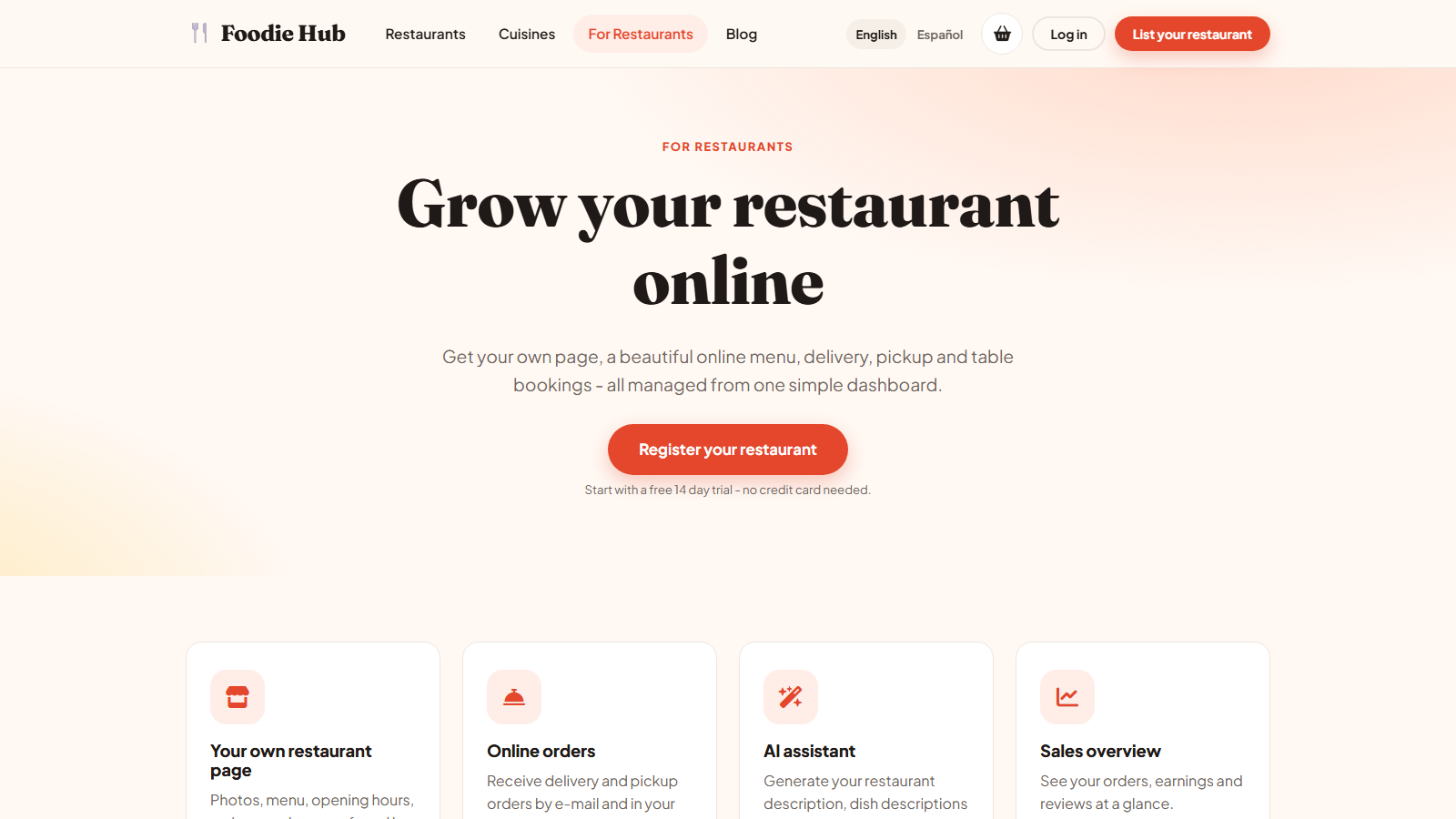
The registration steps
- The owner opens List your restaurant (or Register your restaurant) on the website.
- Enters the restaurant name, their own name, e-mail, phone and a password, and accepts the Terms.
- The account and the first restaurant are created. If you use subscriptions and a free trial, the trial starts immediately - the form says "Start with a free 14 day trial - no credit card needed" (the number of days is yours to set).
- A welcome e-mail with a link to the owner panel is sent, and you receive a notification e-mail.
Approval
In configuration options the switch Automatically approve restaurants decides what happens next:
| Setting | Result |
|---|---|
| On | The restaurant is Active and visible on the website straight away. |
| Off (default) | The restaurant is Pending. The owner sees a notice in the dashboard. You approve it in Restaurants → All restaurants and the owner gets an e-mail "Your restaurant was approved". |
Closing registration
Switch off Allow restaurants to register in the same settings page if you prefer to add restaurants yourself. The form then shows that registration is closed. You can create owners and restaurants from the admin panel.
Logging in
Owners log in at /user_admin/ or from the website's login page by choosing I own a restaurant. The same login works on both.
Last updated