Reviews, ratings and favourites
Reviews build trust and drive orders. The script calculates the average rating of every restaurant and uses it for the stars, the filters and the sorting.
Writing a review
- The customer opens the Reviews tab of a restaurant and chooses a star rating from 1 to 5.
- Optionally adds a title and a comment and presses Submit review.
- A customer can review each restaurant once.
If Automatically approve reviews is on in configuration options the review appears at once; otherwise it waits in Restaurants → Reviews until you approve it.
Replies from the restaurant
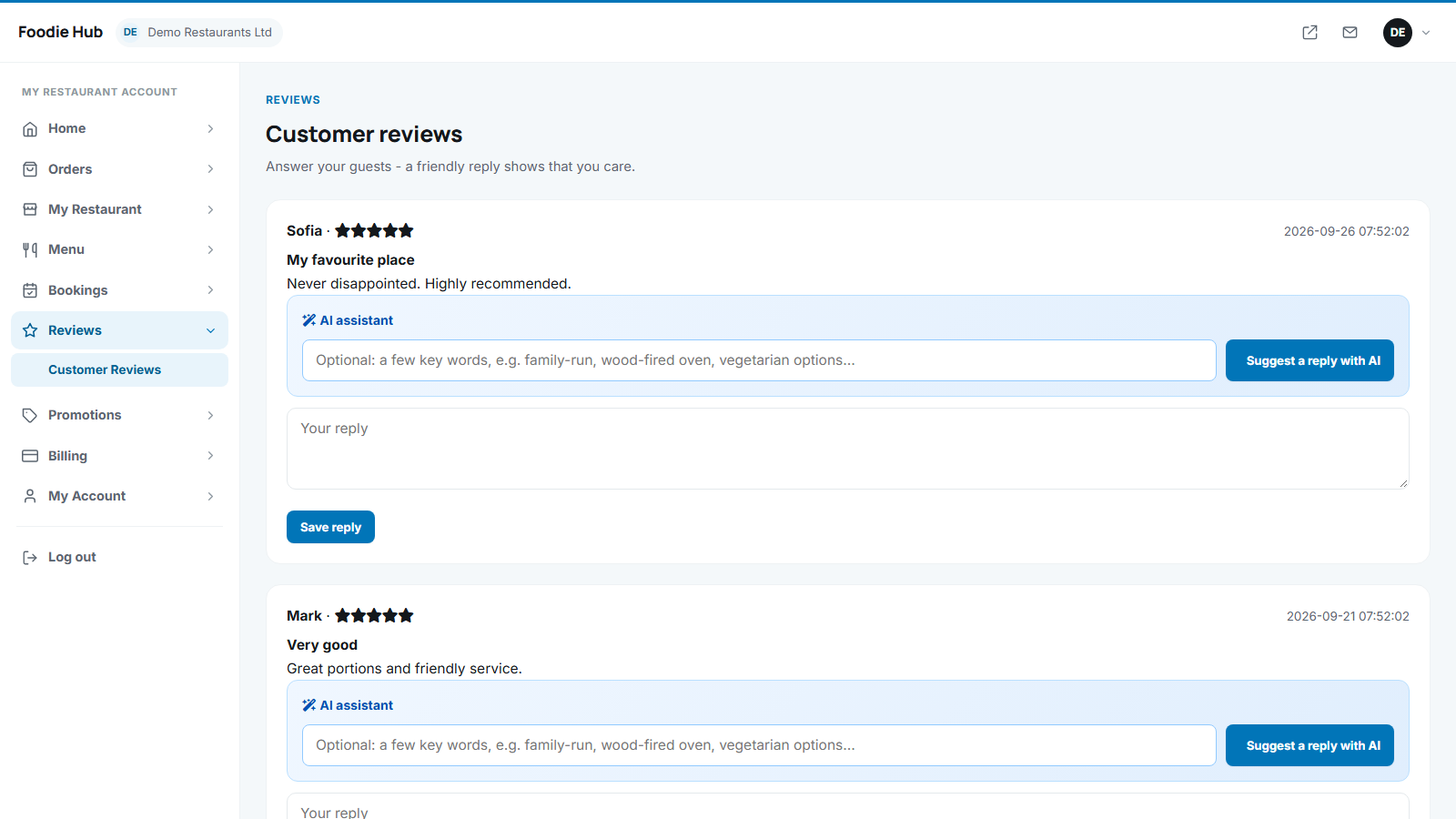
The restaurant owner answers each review in the owner panel; the reply is shown under the review as Reply from the restaurant. An AI button suggests a friendly reply.
Favourites
The heart button on a restaurant page saves it to the customer's Favourites in the account area. Visitors who are not logged in are asked to log in first.
Last updated