Customer account
A free account makes ordering faster and lets customers come back to their history. Accounts are optional unless you switch off guest checkout.
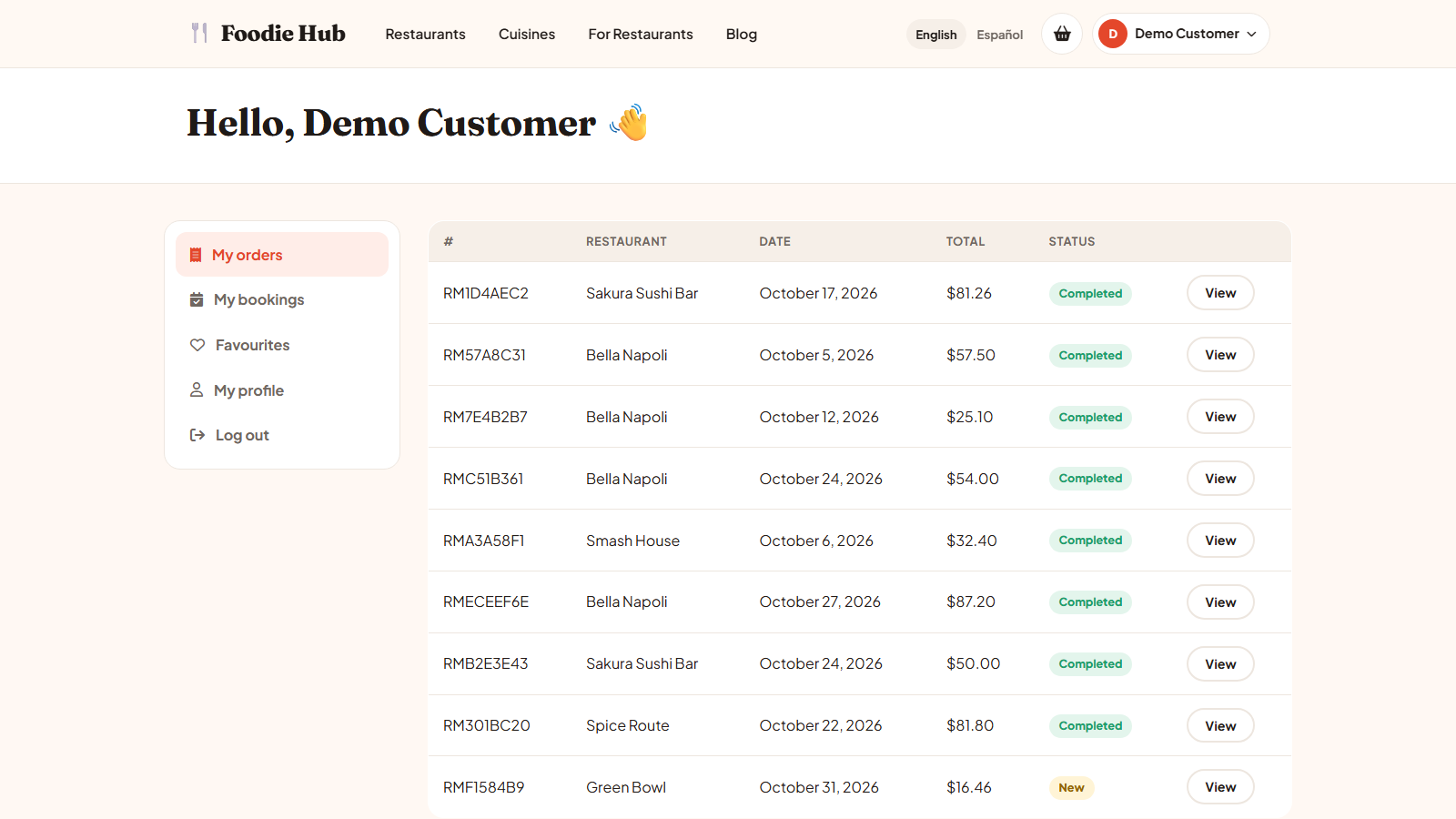
Register and log in
- On the login page choose I am hungry (customer) and press Sign up.
- Enter name, e-mail and a password of at least 6 characters, then confirm the password.
- A welcome e-mail is sent and the customer can log in.
After eight wrong attempts the login is blocked for 10 minutes to stop password guessing.
Forgotten password
The Forgotten password? link sends an e-mail with a reset link. For privacy the page always says that a link was sent if the address is registered.
Inside the account
| Section | Content |
|---|---|
| My orders | All orders with status and a link to the tracking page. |
| My bookings | Table booking requests and their status. |
| Favourites | Restaurants saved with the heart button. |
| My profile | Name, phone and default delivery address; change password. |
Customers are listed in the admin panel under Users → Customers.
Last updated