Plans, billing and subscription
When your marketplace charges a monthly fee, restaurants manage their subscription in Billing → Plans and subscription.
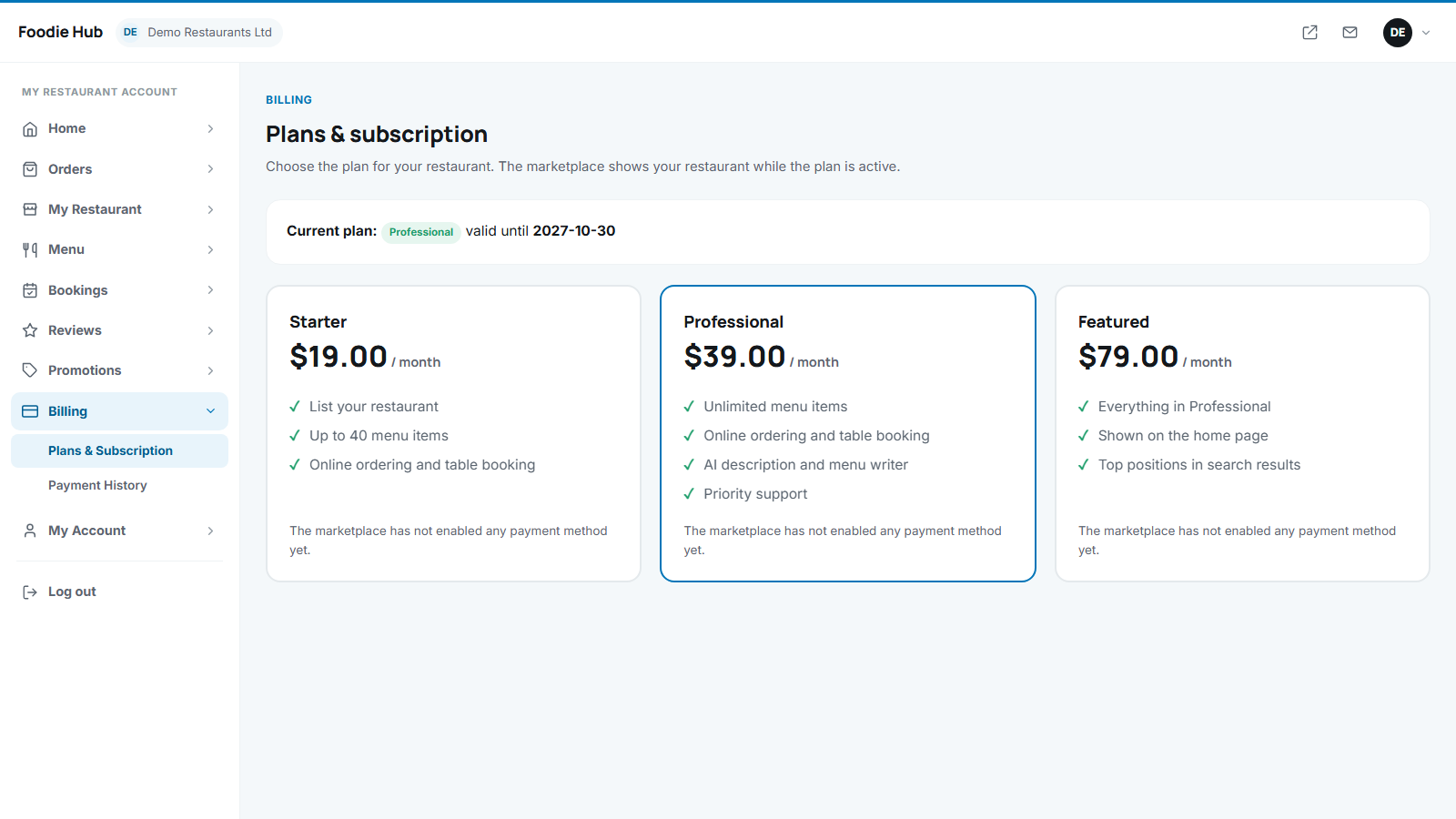
Choose and pay
- Compare the plans: price, duration, number of dishes and whether the plan is featured.
- Press Choose this plan (or Renew).
- Pay with card (Stripe), PayPal or bank transfer, depending on what you enabled.
- Card and PayPal payments activate the plan at once. For a bank transfer the owner sees your bank details and the message "Please make the bank transfer" - the plan starts when you approve the payment.
Free trial and expiry
New restaurants may get a free trial period. When a plan or trial ends, the restaurant disappears from the website and cannot receive orders until it renews. The dashboard shows a notice.
Payment history
Billing → Payment history lists every subscription payment with date, amount, method and reference.
If you earn only through commission and do not require a subscription, this page is not needed - owners just keep selling. See charging modes.
Last updated