Online payments: how the restaurant gets paid
Open My restaurant → Online payments. The page adapts to the charging mode that the marketplace uses and explains it in plain words.
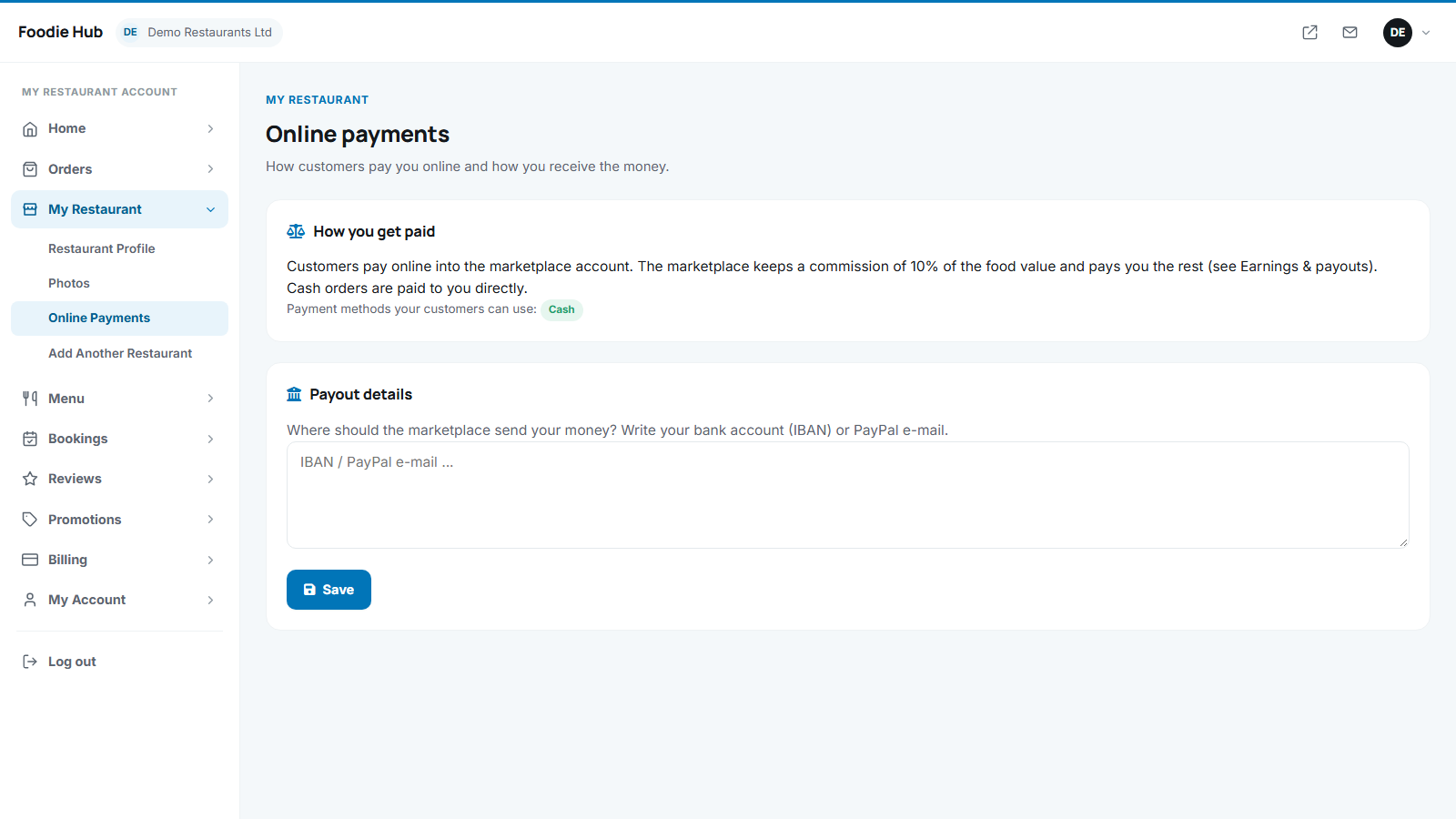
What the owner sees in each charging mode
| Mode | What it means for the restaurant | What to set up |
|---|---|---|
| 1 - Monthly fee | Customers pay the restaurant directly. The marketplace takes no commission. | The restaurant's own Stripe and/or PayPal API keys (optional - cash always works). |
| 2 - Commission, paid later | Customers pay into the marketplace account. The marketplace pays the restaurant later, minus its commission. | Payout details: bank account (IBAN) or PayPal e-mail. |
| 3 - Split payment | The payment is divided automatically at the moment of purchase. | Connect with Stripe (and PayPal Merchant ID) so the money reaches the restaurant directly. |
Connect with Stripe (mode 3)
- Press Connect with Stripe. The owner is redirected to Stripe to create or connect an account.
- After finishing, the page shows Stripe account connected. If the registration was not completed, a Continue Stripe registration button appears.
Payment methods customers can use
The owner chooses Accept cash and Accept online payments. If both are off the restaurant cannot take orders. A method that the marketplace did not enable shows "This payment method is not enabled by the marketplace".
The dashboard checklist item Set up how you get paid is complete when at least one method is working.
Last updated