Restaurant Marketplace script: features overview
Restaurant Marketplace is a ready-to-run PHP script for building your own food ordering and restaurant discovery website - a marketplace where many restaurants list themselves, publish menus, take delivery and pickup orders and receive table bookings, while you earn money from them.
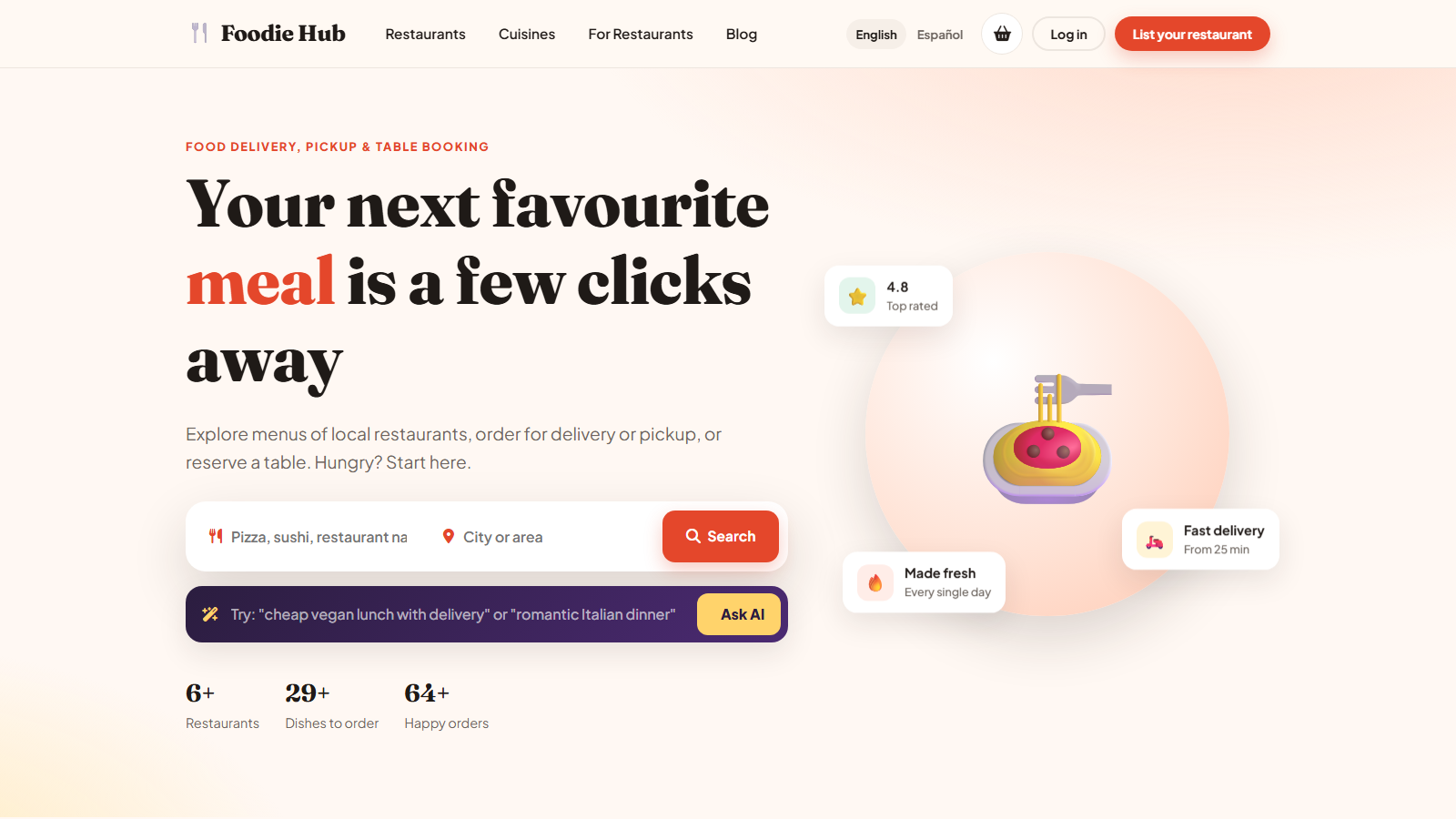
The three parts of the script
| Part | Address | Who uses it |
|---|---|---|
| Website (front end) | / | Visitors and customers: search restaurants, read menus, order, book a table, leave reviews. |
| Restaurant owner panel | /user_admin/ | Restaurant owners: profile, menu, orders, bookings, reviews, promo codes, earnings, plan. |
| Main admin panel | /ADMIN/ | You, the marketplace owner: restaurants, users, payments, pages, settings, languages, statistics. |
Main features
- Restaurant directory with search, cuisine, location, price and rating filters.
- AI search that turns a sentence such as "cheap vegan lunch with delivery" into search filters (read more).
- Online ordering for delivery and pickup, with a live basket, options and extras, tips and promo codes.
- Table booking requests that the restaurant confirms or declines by e-mail.
- Reviews with replies from the restaurant, and customer favourites.
- Stripe and PayPal payments, cash on delivery, and bank transfer for subscription plans.
- Three charging modes - monthly fee, commission paid later, or split payment at the moment of purchase (read more).
- AI assistant for restaurant descriptions, dish descriptions, replies to reviews and importing a whole menu from pasted text.
- Multi-language website and owner panel; English and Spanish are included.
- SEO friendly pages, page titles, meta descriptions, clean URLs, blog and FAQ.
- Mobile first responsive design for every screen.
How the money flows
You decide how the marketplace earns. You can charge restaurants a monthly plan, take a commission on every order, or both. Customers can pay online with a card or PayPal, or in cash to the restaurant. The charging modes page explains each option in detail.
Where to start
- Follow Installation to put the script online.
- Go through the first steps checklist to configure the basics.
- Choose your charging mode and connect Stripe or PayPal.
- Invite your first restaurants - they use the owner panel.
Last updated